
The KingSpec MicroSD TF Card 256GB is our first pick for a larger original Nintendo Switch library, with 128GB and 64GB options for lighter collections. Nintendo supports microSD, microSDHC, and microSDXC cards on the original Switch family, with a system update required for microSDXC. The first KingSpec pick is the live selectable 256GB capacity; Switch 2 game storage requires microSD Express instead.
Best MicroSD Card for Nintendo Switch at a Glance
| Best pick | Live selectable capacity | Published interface | Best for |
|---|---|---|---|
| KingSpec MicroSD TF Card | 256GB | UHS-I | Best overall for a larger original Switch library |
| KingSpec MicroSD TF Card | 128GB | UHS-I | Best balance for mixed physical and digital games |
| KingSpec MicroSD TF Card | 64GB | UHS-I | Best modest upgrade for a light library |
The KingSpec MicroSD TF Card 256GB is our first pick for an original Nintendo Switch owner who keeps a larger digital library. The live product selector verifies 32GB, 64GB, 128GB, and 256GB; this roundup compares three useful selectable capacities. Each item uses a capacity-matched official product image and links to the corresponding selectable variant. The specification table also mentions 512GB, but that capacity was not selectable in the live purchase interface during verification and is not recommended here as currently purchasable. These UHS-I cards are not microSD Express for Switch 2 game storage.
The Best Micro SD Card for Nintendo Switch
1. KingSpec MicroSD TF Card 256GB - Best Overall
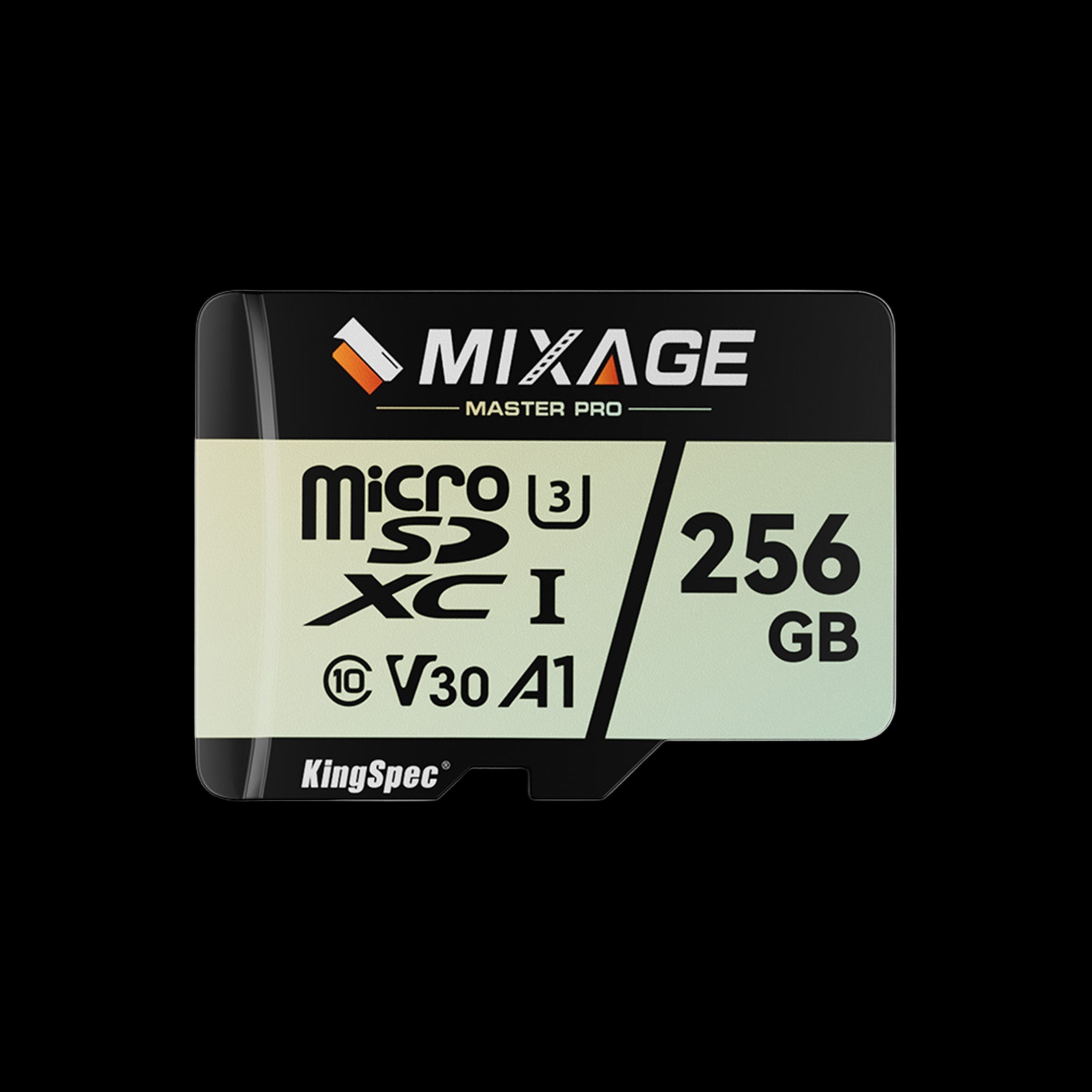
Featured KingSpec Product
KingSpec MicroSD TF Card - 256GB
The KingSpec MicroSD TF Card 256GB is a selectable variant on the official product page. The product family is UHS-I, with published read speed up to 175MB/s, write speed up to 110MB/s, and a three-year warranty under the stated conditions. For an original Switch owner with a meaningful digital library, 256GB reduces routine archiving while remaining a verified selectable capacity. The official image shows the matching 256GB card.
Why it is the best: It is the roomiest capacity in the live selector during verification, giving larger original Switch libraries the most headroom among the three picks.
| Pros | Cons |
|---|---|
|
|
2. KingSpec MicroSD TF Card 128GB - Best Balanced Capacity
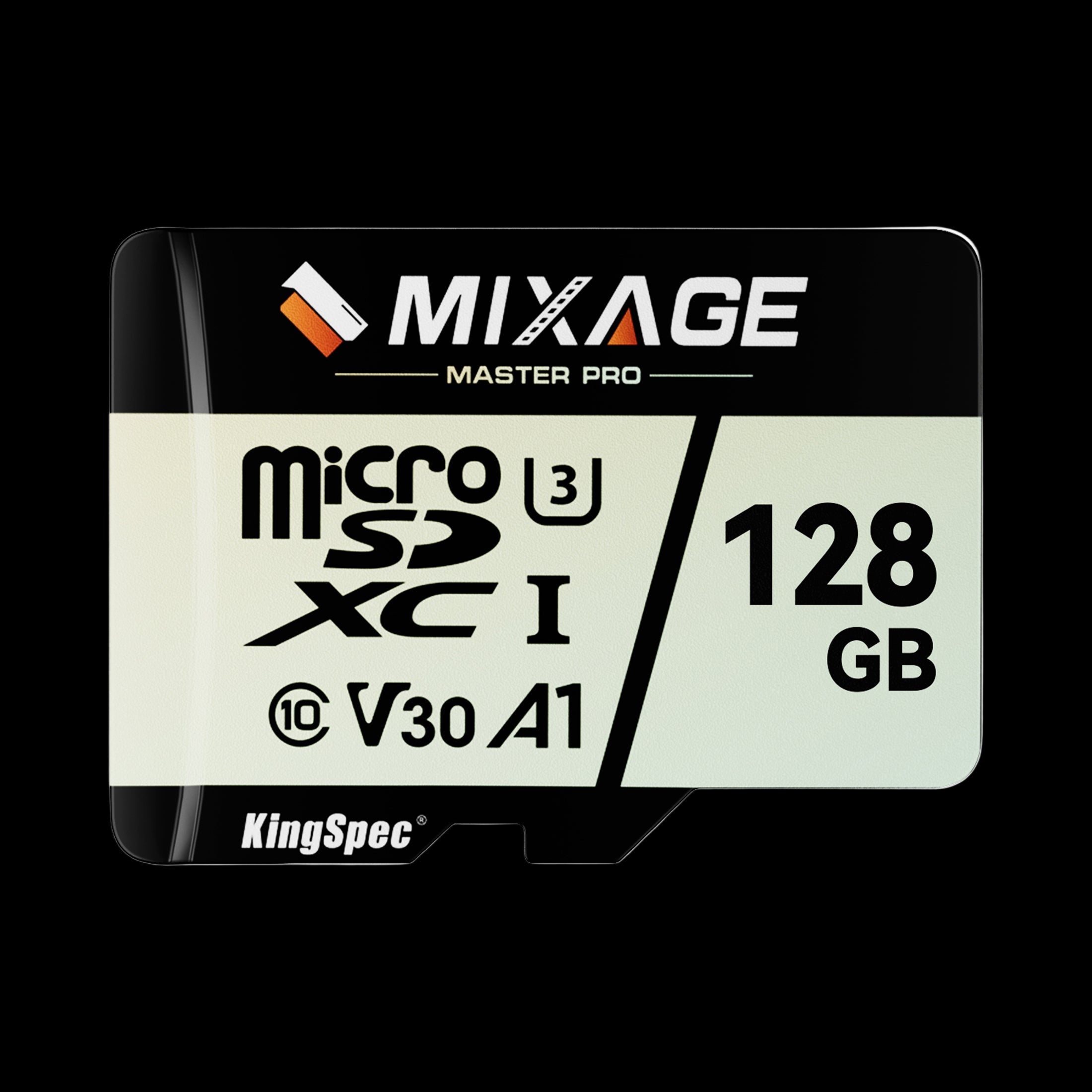
Featured KingSpec Product
KingSpec MicroSD TF Card - 128GB
The KingSpec MicroSD TF Card 128GB is a selectable variant on the official product page. This capacity is a comfortable middle choice for an original Switch owner who buys some games digitally and some physically. It shares the UHS-I interface and published product-family specifications shown on the official page. The official image shows the matching 128GB card.
Why it is the best: It offers a sensible balance of room and commitment for players who want a practical upgrade without sizing for an unusually large library.
| Pros | Cons |
|---|---|
|
|
3. KingSpec MicroSD TF Card 64GB - Best for a Light Library
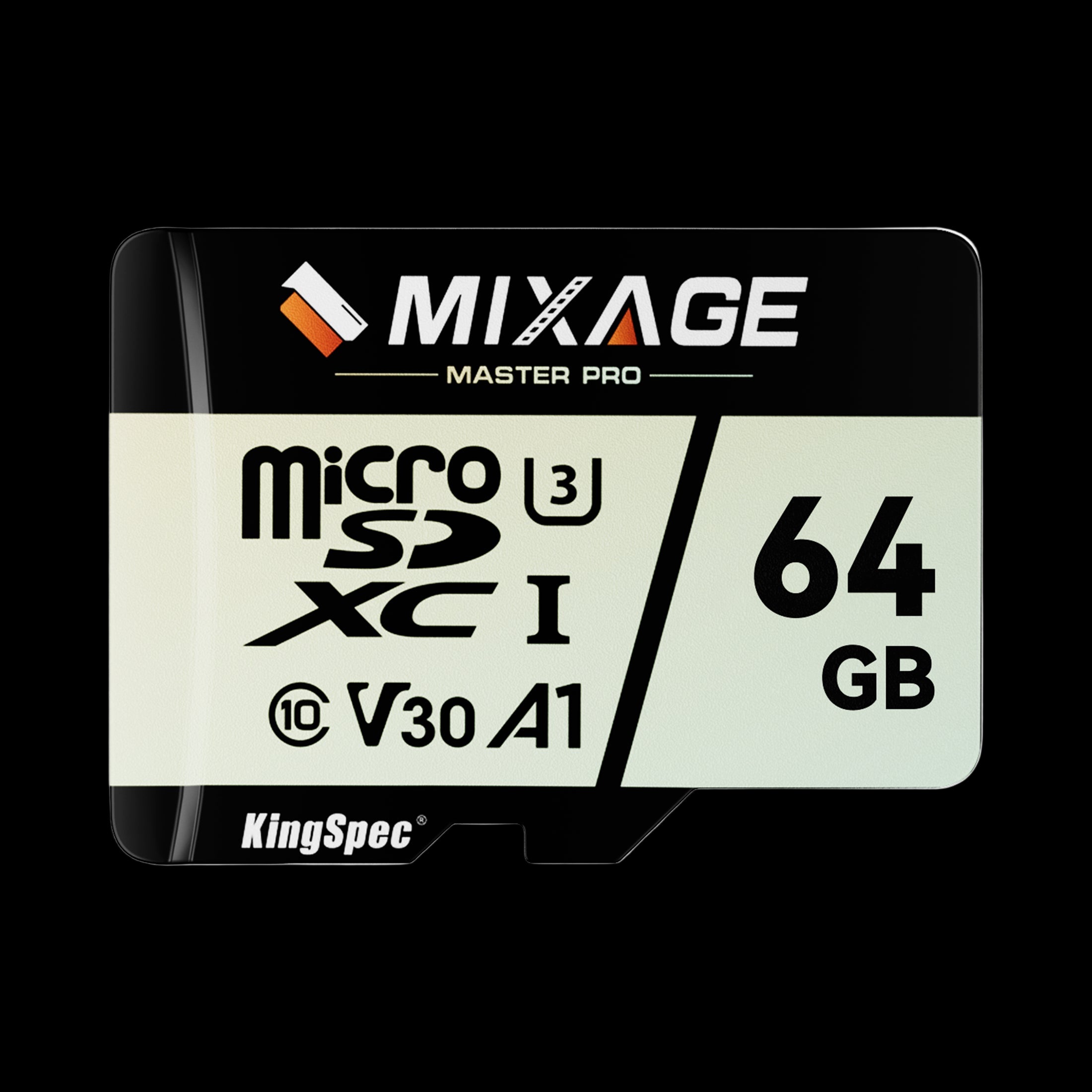
Featured KingSpec Product
KingSpec MicroSD TF Card - 64GB
The KingSpec MicroSD TF Card 64GB is a selectable variant on the official product page. It suits a player who mainly buys physical games and wants additional room for smaller downloads, updates, screenshots, and videos. Capacity will feel limited for several modern digital releases, so check planned downloads before choosing it. The official image shows the matching 64GB card.
Why it is the best: It is the smallest capacity in this shortlist that still offers a useful step beyond system storage for a light, mostly physical-game collection.
| Pros | Cons |
|---|---|
|
|
Factors to Consider When Choosing a Nintendo Switch MicroSD Card
Confirm the Console Generation
This is the first and most important fork in the road. Nintendo’s original Switch, Switch Lite, and Switch OLED support microSD, microSDHC, and microSDXC families, with a system update required for microSDXC. Switch 2 uses a different rule for downloadable games: Nintendo requires microSD Express. A standard UHS-I card can fit physically yet remain unsuitable for Switch 2 game storage.
Use Nintendo’s official card compatibility guidance for the exact console. If the front of the device or packaging does not make the generation clear, open System Settings and identify the model before buying a card.
Choose Capacity From the Library
Open Data Management and review how much space current software, update data, DLC, screenshots, and videos use. Add the download sizes of games you plan to keep installed and leave room for patches. A 64GB card can suit a player who buys mostly physical games and keeps a small digital rotation. The selectable 128GB and 256GB capacities are more comfortable for broader downloadable libraries.
Nintendo lists support for microSDXC cards up to 2TB on the original Switch family, but buying the largest theoretical capacity is not automatically sensible. Choose the size that reduces routine archiving without paying for years of empty space. The KingSpec Nintendo Switch card collection can help you see the current category, while the product page remains the source for live variants.
Understand the Speed Labels
Read speed helps when loading and copying data, while sustained write behavior matters during transfers and recording. Speed-class symbols are useful, but they do not override the console’s interface or card-standard rules. The original Switch cannot turn a higher headline number into unlimited throughput, and Switch 2 still requires Express for games.
KingSpec’s SD card speed-class guide explains the common marks. Use it to read the label, then return to Nintendo’s compatibility page. That two-step check is much safer than shopping by the largest number printed on a listing.
Buy a Genuine Card From a Traceable Seller
Counterfeit flash media can report a capacity it does not physically contain. Problems may appear only after enough data is written, by which time games or media can be corrupted. Avoid implausibly cheap listings, check the seller identity, preserve proof of purchase, and compare the packaging and label with the live manufacturer page.
Test a new card promptly. Let the console recognize it, move or download a manageable amount of data, restart, and verify that the content remains available. The KingSpec microSD buying guide offers broader selection context, but the console remains the final compatibility authority.
Plan Formatting and Migration
Follow Nintendo’s on-console process and back up supported screenshots or videos before formatting. Game save data remains in the console’s system memory rather than on the microSD card. Replacing a card therefore involves software and media management, not a simple copy of every kind of data.
If you need preparation help, review KingSpec’s SD card formatting guide and then use Nintendo’s current instructions for the console. Do not format a card that contains the only copy of needed files.
Capacity Recommendations by Player Type
A mostly physical-game player who saves screenshots occasionally can begin with 64GB and still gain useful breathing room. A mixed physical and digital library is often more comfortable at 128GB. Players who prefer downloads and keep several large titles installed should consider the live selectable 256GB capacity. These are planning profiles, not platform requirements; use the console’s Data Management screen to replace estimates with the actual library.
Leave free space rather than filling the card to its last gigabyte. Updates may need temporary room, and a little headroom makes library management less frustrating. If you are unsure between two capacities, compare the delivered price per gigabyte and the number of times you expect to archive software. There is no benefit in buying capacity the household will never use, and an unusually low listing price should prompt a seller and authenticity check rather than an unsupported pricing claim.
How to Check the Card After Installation
Download or move a modest amount of supported data, restart the Switch, and verify that the card and content remain visible. Watch for repeated read errors, disappearing software, or capacity that does not match the selected variant. If something looks wrong, stop adding data, preserve the purchase record, and follow Nintendo and KingSpec support steps. Early testing is far kinder than discovering a questionable card after a large library has been moved.
Keep the card packaging until this check is complete. It preserves the model and capacity information and makes a legitimate support request easier to document.
Why Choose KingSpec?
KingSpec provides a live product page with the interface, capacity range, published speed ratings, operating details, and warranty period in one place. That makes it easier to compare 64GB, 128GB, and 256GB choices with the original Switch requirements without relying on a marketplace title. The broader KingSpec memory card collection also keeps the card category visible as the catalog changes.
The limitation is equally clear: the current MicroSD TF Card is UHS-I, not microSD Express. A trustworthy recommendation should say so plainly. For an original Switch, Lite, or OLED, it is a relevant KingSpec option after the normal compatibility checks. For Switch 2 games, choose a verified microSD Express product instead.
Conclusion
The KingSpec MicroSD TF Card 256GB is the strongest overall pick here for a larger original Switch library, while 128GB offers a balanced middle ground and 64GB suits lighter use. All three capacities were selectable on the live product page during verification, and each recommendation shows the corresponding capacity in an official product image. Choose from the library you actually maintain, buy from a traceable source, and test the card while the return window is open.
Do not carry this recommendation over to Switch 2 game storage. That console requires microSD Express. A careful match to the exact Nintendo model is more valuable than any peak-speed claim, and it keeps a simple storage upgrade genuinely simple.
Browse Related Collections
Frequently Asked Questions
What microSD card works with the original Nintendo Switch?
Nintendo lists microSD, microSDHC, and microSDXC support. A system update is required to use microSDXC cards.
What is the largest microSD card Nintendo Switch supports?
Nintendo lists support for microSDXC cards up to 2TB on the original Switch family.
Can a normal microSD card store Switch 2 games?
No. Nintendo requires microSD Express for Switch 2 downloadable game storage.
Are game saves stored on the Switch microSD card?
No. Nintendo stores save data in system memory. The card is used for supported software data and media.
Does a faster microSD card always improve Switch loading?
No. Console and software limits matter. First prioritize the correct standard, genuine capacity, stable operation, and a reliable seller.
Should I format a new card in the Switch?
Follow Nintendo’s current on-console instructions. Back up any needed files first because formatting erases existing content.

