
If your computer feels slow, you do not always need a new PC. The best PC upgrades can dramatically improve speed, gaming performance, and multitasking without spending thousands on a new system.
In 2026, software is heavier, games are more demanding, and multitasking is normal. The good news is that smart upgrades can extend your PC's lifespan by 3 to 5 years.
In this guide, you will learn:
- The best PC upgrades ranked by performance impact
- Which upgrade should you do first
- How much upgrades cost in 2026
- Which upgrades give the best value for gaming and productivity
Best PC Upgrades Ranked by Real Performance Impact
|
Upgrade |
Avg Speed Gain |
Cost Range |
Difficulty |
Best For |
|
NVMe SSD |
300–600% |
Low |
Easy |
Everyone |
|
RAM Upgrade |
30–120% |
Low |
Easy |
Multitasking |
|
GPU Upgrade |
50–200% |
High |
Medium |
Gaming / Creators |
|
CPU Upgrade |
10–60% |
High |
Hard |
Power Users |
1. Best PC Upgrade for Instant Speed: NVMe SSD

If your PC still uses a hard drive or an older SATA SSD, this is the single most important upgrade you can make.
Why NVMe SSD Is the #1 Best PC Upgrade
NVMe drives connect directly to the motherboard using PCIe lanes. This removes the speed limits of SATA connections.
Real Performance Difference
| Storage Type | Average Read Speed | Real-World Impact |
|---|---|---|
| Traditional HDD | 80-160 MB/s | Slow boot, long load times, heavy stuttering. |
| SATA SSD | 500-600 MB/s | Good performance for basic office tasks. |
| NVMe Gen 4 SSD | 7,000+ MB/s | Near-instant file access, lightning-fast boot times, zero game lag. |
What You Will Notice After Upgrading
- Windows boots in seconds
- Apps open instantly
- Games load faster
- Large file transfers become much faster
Recommended Storage Upgrade Path
For most users, upgrading storage:
- Entry Upgrade: 1TB NVMe SSD (great for OS + games)
- Performance Upgrade: 2TB NVMe Gen4 SSD
- Creator Upgrade: 4TB NVMe SSD for video and large projects
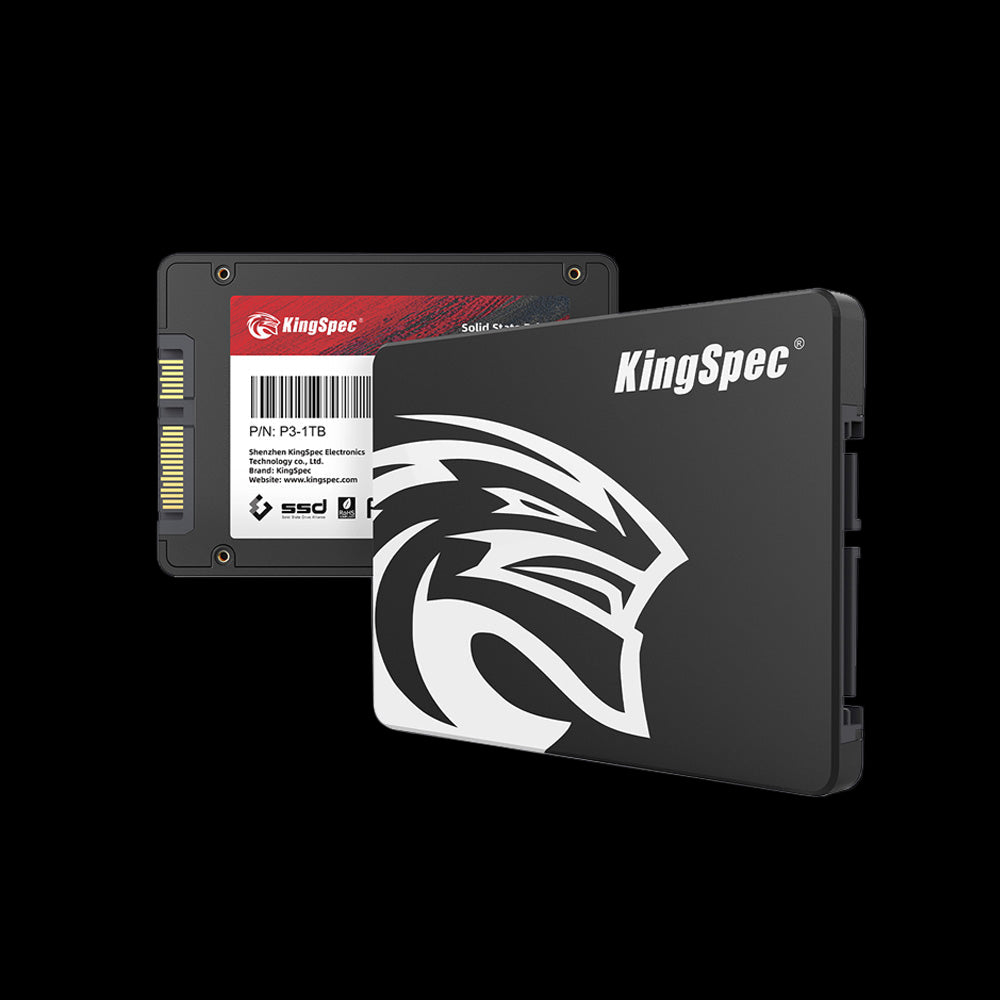
KingSpec NVMe drives are popular for their balance of performance, reliability, and warranty coverage, making them a strong choice for daily use and gaming systems.
2. Best PC Upgrade for Multitasking: RAM Upgrade
RAM acts like your PC's working memory. If you do not have enough, your system will slow down, even if your CPU and GPU are good.
How Much RAM Do You Need in 2026?
When RAM Upgrade Is Worth It
Upgrade RAM if:
- Browser tabs reload constantly
- Apps freeze when multitasking
- Games stutter while streaming or running Discord
DDR4 vs DDR5 in 2026
|
Feature |
DDR4 |
DDR5 |
|
Cost |
Lower |
Higher |
|
Speed |
Good |
Faster |
|
Value |
Excellent |
Future-focused |
For most users, high-quality DDR4 is still a great value unless you are building a new platform.
3. Best PC Upgrade for Gaming & Creative Work: GPU Upgrade
Your graphics card controls gaming performance and many creative workloads.
Upgrade GPU If
- You want higher FPS
- You game at 1440p or 4K
- You edit video or do 3D work
Modern GPUs also accelerate AI workloads and editing software.
Before upgrading, check:
- Power supply wattage
- Case clearance
- Cooling airflow
4. When CPU Is the Best PC Upgrade
CPU upgrades are not always necessary. Many modern CPUs are already strong enough for gaming and daily tasks.
Upgrade CPU If
- CPU stays at 100% usage often
- You run heavy rendering or compiling workloads
- Your processor is older than 5 years
Hidden Costs of CPU Upgrades
- New motherboard
- New RAM is sometimes required
- New cooling solution
As a result, CPU upgrades should typically come last.
5. Best Budget Strategy: Upgrade Order That Saves Money
If you want maximum performance per dollar:
- Upgrade to NVMe SSD
- Upgrade RAM to 16GB or 32GB
- Upgrade GPU if needed
- Upgrade CPU only if necessary
This order gives the best balance of cost and performance.
Final Verdict: The Smartest PC Upgrade Strategy in 2026

The best PC upgrades are not about replacing everything. They are about fixing the parts that slow your system down the most.
For most users:
- Start with NVMe storage
- Add RAM next
- Upgrade GPU if gaming or creating content
- Upgrade CPU only when necessary
Choosing upgrades this way gives the highest performance boost for the lowest cost.
Discover High-Performance Storage & Memory by Kingspec
Explore Kingspec

FAQ: Common PC Upgrade Questions
What is the best thing to upgrade in a PC?
The best PC upgrade for most people is switching to a faster SSD or upgrading the graphics card, depending on your use. An SSD makes your PC start faster and loads apps and games quicker. A graphics card upgrade is best if you play games or do video editing. Choose based on what feels slow on your PC right now.
What to add to the PC to make it better?
Adding more RAM and upgrading to an SSD can quickly improve PC performance. More RAM helps with multitasking and running many apps at once. An SSD improves boot time and file loading speed. Good cooling and a clean system also help keep performance stable.
What PC upgrades improve FPS?
Upgrading the graphics card gives the biggest FPS boost in most games. Faster RAM and a better CPU can also help, especially in CPU-heavy games. Installing games on an SSD can reduce loading stutter. A balanced system usually gives the best gaming performance.
What upgrades will make my PC faster?
Upgrading to an SSD and adding more RAM are the fastest ways to speed up most PCs. A newer CPU can improve overall system speed and multitasking. Cleaning old files and updating drivers can also help performance. Focus on the slowest part of your system for the best results.
Conclusion
The best PC upgrades in 2026 focus on speed, efficiency, and real-world performance improvements. By upgrading storage, memory, and graphics strategically, you can transform your current PC into a system that feels brand new.
Smart upgrades save money, extend hardware lifespan, and deliver noticeable improvements in daily use.
If your PC feels slow today, the right upgrade can change that immediately.

