
Videos are part of daily life, from social media clips to online classes and gaming streams. When exporting or uploading a video, you often see a setting called bitrate. It may look technical, but it plays a huge role in how your video looks and how large the file becomes.
Understanding what is video bitrate helps you make smarter choices for recording, editing, and streaming. Read on to learn how bitrate works and how to choose the right setting for your needs.
Key Takeaways
- Video bitrate is the amount of data used per second of video
- Higher bitrate often improves clarity, but only up to a limit
- Bitrate affects video sharpness, motion quality, and file size
- Resolution and bitrate are different but must work together
- Choosing the right bitrate helps protect storage space, and reliable solutions like KingSpec memory cards and SSDs can support high bitrate video recording
Understanding What Is Video Bitrate

Video bitrate refers to the amount of data processed every second while a video plays. It determines how much visual information is stored and displayed.
In simple terms, bitrate controls how detailed your video can be. More data per second allows for clearer images and smoother motion. Less data per second reduces file size but may lower quality.
Bitrate is usually measured in bits per second. Most modern videos use megabits per second or Mbps.
Industry organizations such as the Federal Communications Commission and professional video standards bodies define bitrate as the amount of digital data transmitted per second. This standard definition is used across streaming platforms, video editors, and camera manufacturers.
Discover High-Performance Storage & Memory by Kingspec
Explore Kingspec


How Video Bitrate Is Measured
Video bitrate uses standard digital data units. The larger the unit, the more data your video uses.
Here is a quick breakdown:
| Unit | Meaning | Example Use |
|---|---|---|
| Kbps | Kilobits per second | Low quality video |
| Mbps | Megabits per second | HD and 4K video |
| Gbps | Gigabits per second | Professional production |
1 Mbps equals 1,000 Kbps. Most HD videos range from 5 Mbps to 20 Mbps, while 4K videos often exceed 35 Mbps.
How What Is Video Bitrate Affects Video Quality
Bitrate directly impacts how clear and smooth a video looks. It controls how much detail is preserved during compression.
When bitrate is high enough:
- Edges look sharper
- Colors appear smoother
- Fast action looks cleaner
- There are fewer compression artifacts
When bitrate is too low:
- The image becomes blurry
- Blocky pixels appear
- Fast movement looks smeared
- Fine details disappear
Compression artifacts are well documented in video encoding standards such as H264 and H265. These artifacts appear when there is not enough data available to accurately represent complex motion or fine detail.
Does Higher Bitrate Always Mean Better Quality?
Higher bitrate generally improves video clarity because more data is used per second. However, once the bitrate reaches a certain level, the improvement becomes hard to notice.
A very high bitrate can increase file size without visible benefits. The best approach is balancing bitrate with resolution and frame rate.
Recommended Video Bitrate by Resolution
Different resolutions require different bitrate ranges. More pixels require more data to maintain clarity.
Below is a general reference table for common resolutions and frame rates. These ranges align with recommendations commonly published by major video platforms such as YouTube for high definition and 4K uploads.
| Resolution | Frame Rate | Recommended Bitrate |
|---|---|---|
| 720p | 30fps | 3 to 5 Mbps |
| 720p | 60fps | 5 to 7.5 Mbps |
| 1080p | 30fps | 8 to 12 Mbps |
| 1080p | 60fps | 12 to 20 Mbps |
| 4K | 30fps | 35 to 45 Mbps |
| 4K | 60fps | 53 to 68 Mbps |
These values are general guidelines. Streaming platforms may limit bitrate to ensure stable playback.
Higher resolution means:
- More pixels
- More visual detail
- Higher bitrate needed
What Is Video Bitrate vs Resolution
Resolution and bitrate are often confused, but they serve different purposes.
Resolution refers to the number of pixels in each frame. For example:
- 720p contains fewer pixels
- 1080p contains more pixels
- 4K contains significantly more pixels
Bitrate refers to how much data supports those pixels every second.
Here is a simple comparison:
| Feature | Resolution | Bitrate |
|---|---|---|
| Controls image size | Yes | No |
| Controls data per second | No | Yes |
| Affects file size | Indirectly | Directly |
| Impacts detail quality | Partially | Strongly |
A 1080p video with very low bitrate can look worse than a 720p video with a healthy bitrate. Both settings must work together for good results.
Professional video production guidelines consistently separate resolution and bitrate as independent but related technical factors that together determine perceived image quality.
Discover High-Performance Storage & Memory by Kingspec
Explore Kingspec

What Is Video Bitrate and File Size

Video bitrate directly affects how large your video file becomes. The higher the bitrate, the larger the file size.
You can estimate file size using this formula:
File Size = Bitrate × Duration
More precisely, bitrate is measured in bits per second, and storage space is measured in bytes. Since 8 bits equal 1 byte, exact file size calculations divide the final value by 8. For everyday use, the simplified formula gives a close estimate.
Here is a simple example:
| Bitrate | Length | Estimated File Size |
|---|---|---|
| 5 Mbps | 10 minutes | Smaller file |
| 20 Mbps | 10 minutes | Much larger file |
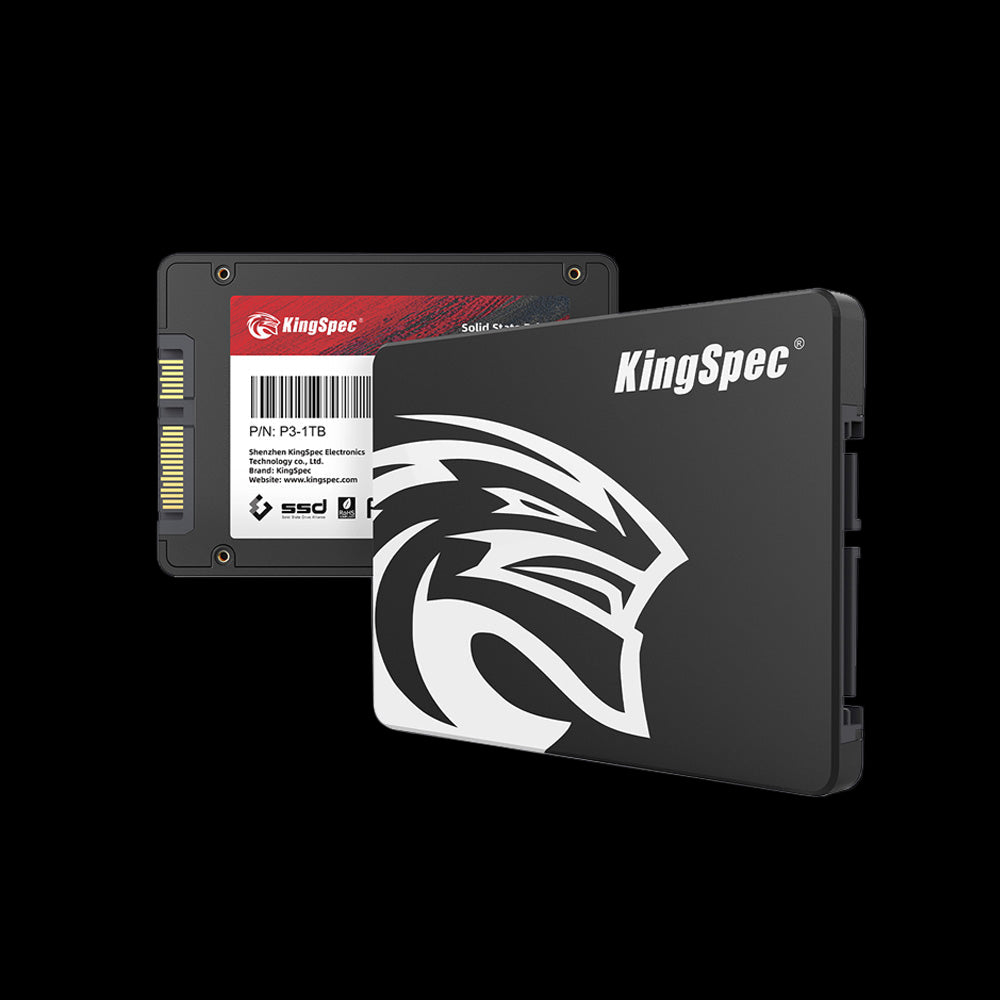
High bitrate videos quickly take up storage space, especially if you record long gaming sessions or 4K content. Reliable storage solutions like KingSpec memory cards, SSDs, or external storage drives help handle large video files efficiently without slowing down performance.
What Is Video Bitrate in Streaming
Streaming requires a stable internet connection that can support your chosen bitrate. If your upload speed is too low, your stream may lag or drop quality.
Here is a basic guideline:
| Streaming Bitrate | Suggested Minimum Upload Speed |
|---|---|
| 4 Mbps | 8 Mbps |
| 6 Mbps | 12 Mbps |
| 10 Mbps | 20 Mbps |
A good rule is to have at least double your bitrate as upload speed. This allows smoother streaming and fewer interruptions.
Major streaming platforms publish bitrate recommendations to balance video quality with stable viewer playback across different internet speeds.
Streaming platforms often set maximum bitrate limits to ensure consistent viewer experience.
Common Misunderstandings About What Is Video Bitrate
Many people misunderstand how bitrate works. Clearing up these myths can help you choose better settings.
- Higher bitrate does not fix low resolution video
- Bitrate alone does not determine video sharpness
- Extremely high bitrate increases file size significantly
- Low bitrate causes compression artifacts
Understanding these points makes it easier to export videos correctly for different platforms.
Conclusion
Understanding what is video bitrate gives you more control over video quality, file size, and streaming performance. Bitrate determines how much data your video uses each second, which directly affects clarity and smoothness. Choosing the right setting helps you balance visual quality with storage space and internet speed.
For more helpful guides and tips about video quality, storage solutions, and other recreational activities, explore KingSpec resources.
KingSpec also offers reliable products such as memory cards, gaming storage, internal storage, external storage, SSDs, and DDR RAM to help you store and manage high quality video content efficiently.
Frequently Asked Questions About Video Bitrate
Does higher bitrate mean better quality?
Higher bitrate generally improves video clarity because more data is used per second. However, once the bitrate reaches a certain level, the improvement becomes hard to notice. Very high bitrate can increase file size without visible benefits. The best approach is balancing bitrate with resolution and frame rate.
What is a good bitrate for 1080p video?
For 1080p at 30 frames per second, 8 to 12 Mbps works well. For 60 frames per second, 12 to 20 Mbps is commonly recommended. Fast motion content may need the higher end of that range. Streaming platforms may also limit the maximum bitrate allowed.
Which bitrate is best for 4K?
For 4K at 30 frames per second, 35 to 45 Mbps is typical. For 4K at 60 frames per second, 53 to 68 Mbps is common. Higher bitrate helps preserve fine details and reduce compression artifacts. Internet speed and storage capacity should be considered when choosing 4K settings.
Is 6000 bitrate too high for 720p?
For 720p at 30 frames per second, 6000 Kbps can be slightly higher than necessary. It may improve quality in fast action scenes. However, many platforms recommend lower ranges for stable streaming. The right choice depends on your upload speed and platform limits.
Is 100 bitrate good for video?
A bitrate of 100 Kbps is extremely low for modern video. It may work for very low resolution previews or basic video calls. Most HD videos require several Mbps to look clear. At 100 Kbps, the video will likely appear blurry and heavily compressed.

