
Choosing the best DDR4 RAM can make your computer run faster and smoother, whether you’re gaming, streaming, or editing videos.
The best DDR4 RAM gives you reliable speed, enough capacity, and solid performance without overspending. You get quicker load times and fewer slowdowns, especially when you multitask or use demanding software.
DDR4 remains a smart choice even with DDR5 on the market because it offers great value and compatibility with many current systems. This guide breaks down what matters most when you choose a DDR4 kit.
⚡ Key Takeaways
- •DDR4 is still a strong value choice in 2026 for gaming, work, and general computing.
- •For most builds, 16GB is a good baseline and 32GB is the safer long-term target.
- •3200 MHz to 3600 MHz is a strong range for modern DDR4 systems.
- •Dual-channel memory usually gives better performance than a single stick.
- •Compatibility with your motherboard matters just as much as raw speed.
Understanding DDR4 RAM

DDR4 memory helps your computer run faster and more smoothly by storing data that your processor needs right away. Choosing the right speed, capacity, and number of sticks can noticeably improve responsiveness.
What Is DDR4 RAM?
DDR4 RAM, or Double Data Rate Fourth Generation memory, is the main type of system memory used in many desktops and laptops today. It temporarily holds data for quick access so your computer can open apps, edit files, and run games faster.
Compared with older memory types like DDR3, DDR4 runs at higher speeds, uses less power, and supports larger memory sizes per stick.
DDR4 vs DDR5: Key Differences
| Feature | DDR4 | DDR5 |
|---|---|---|
| Release Year | 2014 | 2020 |
| Typical Speed | 2133–4000 MHz | 4800–8400 MHz |
| Max Capacity per DIMM | 32GB | 128GB |
| Voltage | 1.2V | 1.1V |
DDR5 can handle more data at once, but it also costs more and is not supported by every motherboard. If your system only supports DDR4, upgrading within DDR4 is still a very practical choice.
DDR4 RAM Architecture and DIMMs
A DIMM is the physical memory stick you plug into your motherboard. DDR4 desktop DIMMs use 288 pins, while laptop DDR4 modules use a smaller SO-DIMM format. Matching memory kits in the correct slots helps your system run more smoothly and makes dual-channel performance easier to achieve.
Top Picks for the Best DDR4 RAM in 2026
Good DDR4 RAM helps your computer run smoother for gaming, work, and general use. What matters most is the balance between speed, reliability, thermals, and compatibility.
Discover High-Performance DDR4 by KingSpec
Explore KingSpec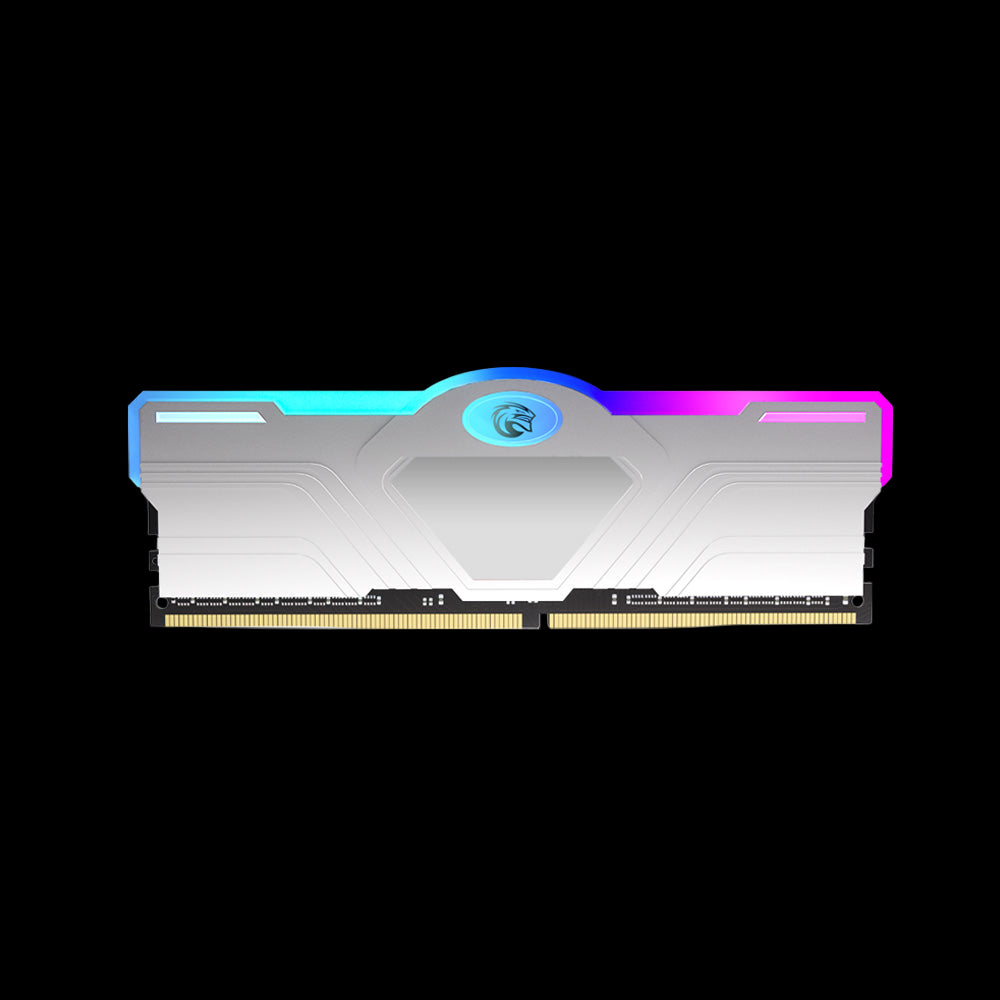
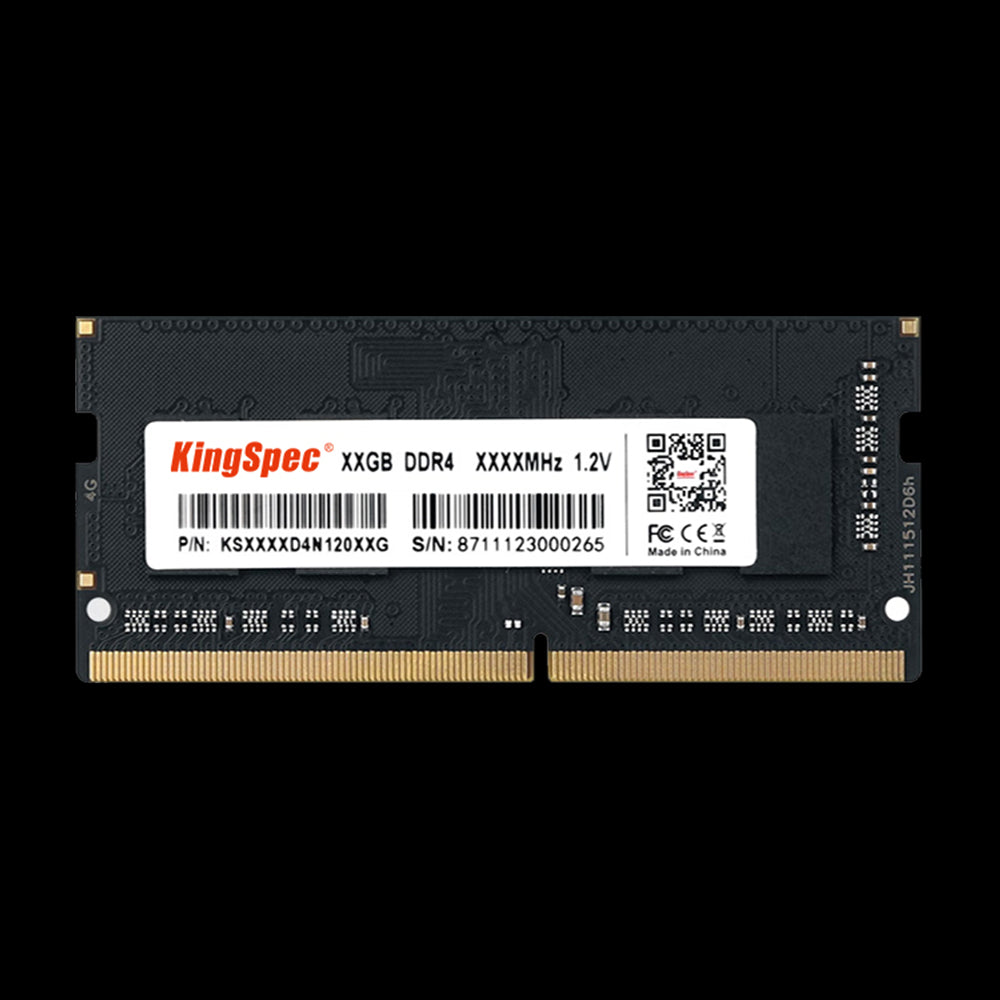
1. DDR4 RAM Memory for Notebook
KingSpec’s notebook DDR4 option targets laptops and compact systems. It focuses on practical speeds, low power use, and straightforward everyday performance improvements for older or slower notebook builds.
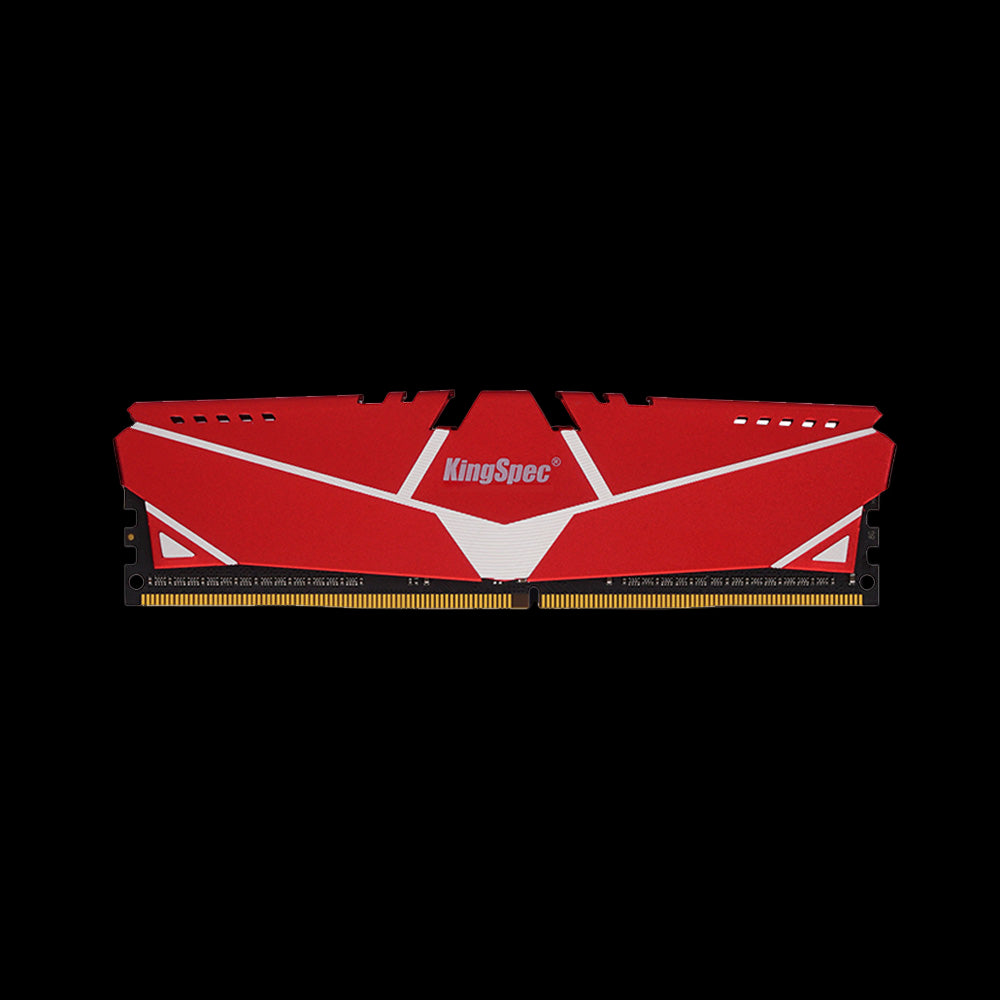
2. DDR4 RAM Memory with Heatsink
The heatsink version is aimed at desktop and gaming systems that need steady thermals under longer sessions. It is a practical fit for users who want stable 3200 MHz-class DDR4 without adding RGB styling.
3. DDR4 RAM Memory Silver with RGB Lights
This kit is designed for users who want both performance and aesthetics. It supports higher-speed DDR4 options and XMP 2.0 profiles, making it a natural match for gaming-oriented desktop systems.
Performance Factors and Compatibility

RAM Speed and MHz Ratings
RAM speed, measured in MHz, shows how quickly your memory can move data. DDR4 commonly ranges from 2133 MHz to 4000+ MHz, but 3200 MHz to 3600 MHz is often the most practical range for many users.
CAS Latency Explained
CAS latency, written as CL16 or CL18 for example, measures how quickly the memory responds to a request. Lower latency is better, but speed and latency should be considered together rather than separately.
| RAM Speed | CAS Latency | Balanced Option |
|---|---|---|
| 2666 MHz | CL15–16 | Stable entry choice |
| 3200 MHz | CL16–17 | Common sweet spot |
| 3600 MHz | CL18 | Great for gaming builds |
XMP and Easy Overclocking
XMP lets you run memory at its rated speed without manual tuning. On AMD boards, the equivalent feature may appear as DOCP or A-XMP. Enabling the correct profile in BIOS is often the easiest way to get the performance you paid for.
Motherboard and Platform Considerations
Your motherboard determines which DDR4 speeds and capacities it supports. Always check your board manual or compatibility list before buying memory, especially if you are mixing kits or targeting higher frequencies.
Memory Basics
What Is DDR RAM and How to Choose the Right One?
Choosing the Right DDR4 RAM for Your Needs
Memory Capacity for Gaming PCs
For most gaming PCs, 16GB is still the practical baseline. If you also stream, edit videos, or keep many apps open at once, 32GB gives you more breathing room and better multitasking comfort.
| Usage Type | Recommended RAM | Channel Setup |
|---|---|---|
| Casual / eSports | 8–16GB | Dual-channel |
| Modern AAA Games | 16–32GB | Dual-channel |
| Streaming + Editing | 32GB+ | Dual-channel |
Upgrade Advice for Legacy Systems
If your PC already supports DDR4, upgrading within DDR4 is usually the most cost-effective choice. You avoid replacing the motherboard and CPU while still gaining smoother multitasking and better performance in modern applications.
Optimal Configurations and DIMM Placement
When using two sticks, most motherboards expect them in specific paired slots such as A2 and B2. Matching capacity, speed, and timings across the kit usually gives the most stable results.
Need more RAM options for desktop, gaming, or notebook upgrades?
Browse more KingSpec memory and performance upgrades to find the right balance of capacity, speed, compatibility, and value for your system.
Frequently Asked Questions
How does RAM speed and latency impact computer performance?
Higher RAM speed can help your system move data faster, while lower latency helps the system respond more quickly. The effect is most noticeable in gaming, multitasking, and heavier workloads.
What’s the difference between dual-channel and quad-channel configurations?
Dual-channel uses two matched memory paths, while quad-channel uses four. Most home users benefit more from getting dual-channel set up correctly than from chasing higher-end workstation-style memory configurations.
How much DDR4 memory do I need for multitasking efficiently?
16GB is a strong target for most users. If you edit videos, work with heavier applications, or multitask heavily, 32GB or more will usually feel smoother.
Is there a noticeable difference between 16GB and 32GB of DDR4 RAM?
Yes, especially when you run many apps at once, stream, or work with larger projects. For lighter gaming and general desktop use, 16GB still covers a lot of needs at lower cost.

