
SSD cache is one of those terms that shows up everywhere when people look into storage speed, yet it often feels confusing or unclear. It sounds technical, but the idea behind it is actually simple and very practical for everyday computer use.
Whether you are using a laptop, desktop, or network storage, SSD cache can affect how fast things feel when you click, open, or save files.
Keep reading to understand how SSD cache works and how it can make storage feel much faster.
Key takeaways
- SSD cache stores frequently used data so it can be accessed faster.
- It improves speed, especially for repeated tasks and small files.
- Not every system benefits equally from SSD cache.
- Choosing the right SSD cache setup matters more than raw size.
- KingSpec offers reliable storage options that work well with SSD caching needs.
Understanding SSD Cache and Why It Exists
SSD cache exists to solve a speed problem between fast processors and slower storage devices. Even modern SSDs can feel slow when they must repeatedly fetch the same data.
By keeping commonly used data in a faster area, SSD cache helps systems respond quicker and feel smoother during daily tasks.
Definition and Purpose of SSD Cache

SSD cache is a reserved portion of fast storage that temporarily holds frequently accessed data. Instead of pulling the same information from slower storage every time, the system grabs it from the cache.
The main purpose of SSD cache is to reduce waiting time when opening apps, loading files, or running repeated operations.
The Role of SSD Cache in System Performance
SSD cache plays a big role in how fast a system feels, not just how fast it looks on paper. It mainly improves tasks that repeat often, such as opening the same programs or accessing the same files.
When data is already in the SSD cache, the system avoids extra steps and delivers that data much faster.
Real world examples of SSD cache benefits
- Faster app launches after the first open
- Quicker file previews and searches
- Smoother multitasking with fewer slowdowns
Discover High-Performance Storage & Memory by Kingspec
Explore Kingspec

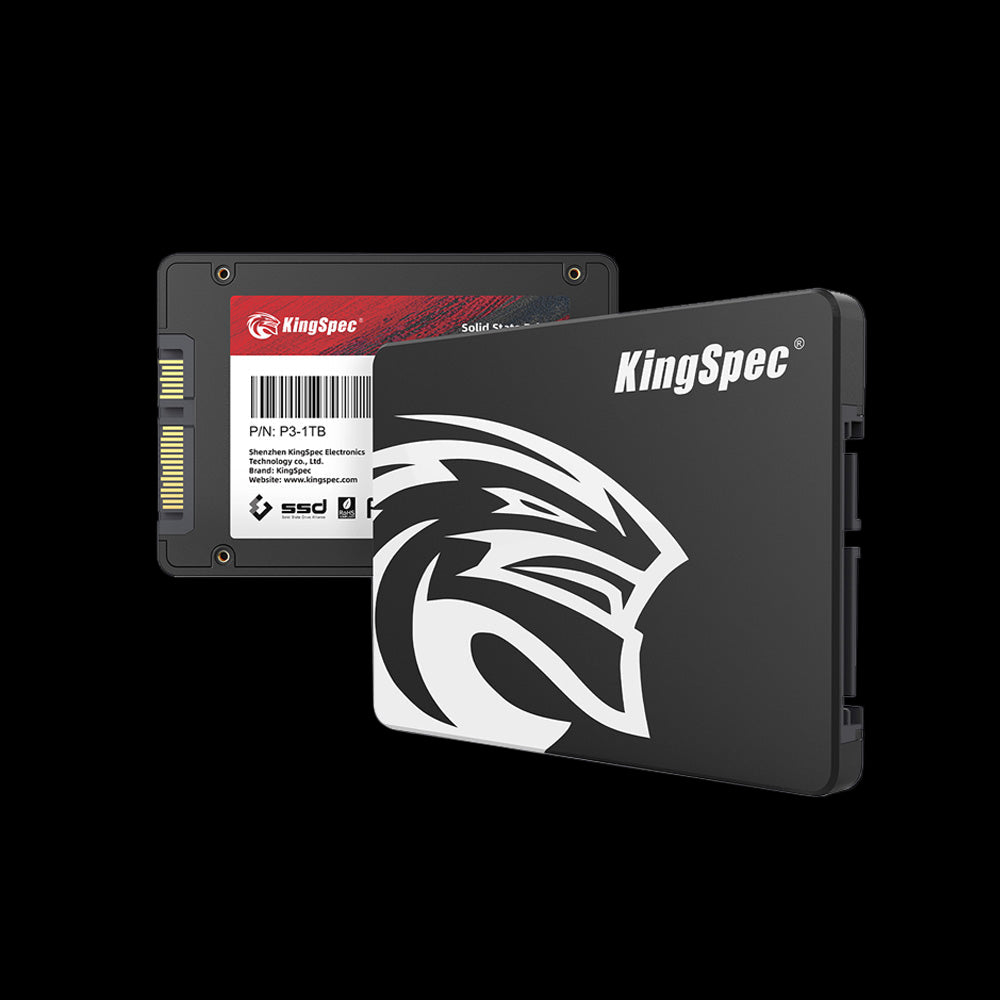
📌 SSD cache can also improve how games load and respond during play. Check out Best SSD for Gaming: Fast, Reliable Picks for 2026 to see storage options that work well with SSD cache.
How SSD Cache Works Internally
SSD cache works by watching how data is used over time. Files and data accessed often are automatically moved into the cache.
Most systems follow the 80 20 rule, meaning a small portion of data is used most of the time. SSD cache focuses on that small but important portion.
Read and write behavior in SSD cache
- Read cache speeds up opening and loading data
- Write cache temporarily stores data before saving it permanently
- Smart systems balance speed and data safety
Main Types of SSD Cache
Different types of SSD cache exist to match different performance needs. Understanding these types helps avoid confusion when choosing hardware or settings.
Some systems use only read cache, while others combine read and write caching for better results.
Read only SSD cache
Read only SSD cache stores frequently accessed data but does not hold new data being written. It is safer and commonly used in shared systems.
Read write SSD cache
Read and write SSD cache speeds up both reading and writing. It offers better performance but needs proper handling to avoid data loss during sudden power outages.
SSD Cache Compared to DRAM Cache
SSD cache and DRAM cache are often confused, but they serve different roles. DRAM cache is much faster and sits closer to the processor.
SSD cache is slower than DRAM but much faster than traditional storage. It acts as a middle layer that balances speed and capacity.
Key Benefits of Using SSD Cache

SSD cache delivers noticeable improvements without changing how users work. It quietly boosts performance in the background.
The biggest gains appear in systems that repeat tasks or serve multiple users.
Core benefits of SSD cache
- Reduced load times for commonly used files
- Better responsiveness under heavy workloads
- Less strain on primary storage devices
Practical Need for SSD Cache
SSD cache is not always required, and its value depends on how a system is used. Some users see major improvements, while others notice little difference.
Understanding usage patterns helps decide if SSD cache is worth enabling or upgrading.
When SSD cache is useful
- Systems that open the same files repeatedly
- Shared storage or NAS environments
- Workloads with many small file requests
When SSD cache adds little value
- Light usage with few repeated tasks
- Systems already running entirely on fast SSDs
- Simple browsing and basic office work
📌 SSD cache works best when paired with the right upgrade. Do not forget to browse The Best Affordable Upgrade: How a Simple SSD Can Transform Your Slow Computer.
SSD Cache Size and Capacity Considerations
SSD cache size affects how much data can be stored for quick access. Bigger is not always better, especially if usage patterns are limited.
Choosing the right size depends on how much frequently used data exists.
General sizing guidelines
- Small workloads need modest cache sizes
- Heavy multitasking benefits from larger cache
-
Oversized cache may sit unused
This is also where choosing dependable storage matters, and KingSpec SSD solutions are often a strong fit for users looking for stable and efficient caching performance without unnecessary complexity.
Performance Behavior and Limitations of SSD Cache
SSD cache shines during short bursts of activity. Over longer periods, performance depends on how well data fits into the cache.
Once the cache fills up, the system must decide what to keep and what to replace.
Burst versus sustained performance
- Initial tasks feel very fast
- Long transfers may slow down
- Cache management affects consistency
SSD Cache in Real World Systems
SSD cache is used across many types of devices. Each environment benefits in slightly different ways.
Understanding these differences helps set realistic expectations.
SSD cache in personal computers
PCs benefit from faster boot times and quicker app launches. Everyday tasks feel more responsive once commonly used data is cached.
SSD cache in NAS and servers
In shared environments, SSD cache reduces delays for multiple users. It helps handle many small requests at the same time.
Discover High-Performance Storage & Memory by Kingspec
Explore Kingspec

📌 Compact systems benefit even more from smart caching. Check out Best 2230 SSD: Friendly Top Picks for Speed and Value to explore small SSDs that work well with SSD cache.
SSD Cache Compared to Other Performance Options
SSD cache is one of several ways to improve speed. It works best when combined with the right hardware choices.
Comparing options prevents wasted upgrades.
Common alternatives
- Faster primary SSDs improve all tasks
- More RAM helps multitasking
- Storage tiering moves data based on usage patterns
📌 Newer interfaces can boost cache performance further. Discover PCIe 4.0 NVMe SSD: Speed and Performance Guide to see how faster speeds support SSD cache.
Common Misconceptions About SSD Cache
SSD cache is often misunderstood, leading to unrealistic expectations. Clearing up these ideas helps users make better decisions.
Many people assume cache acts as permanent storage, which it does not.
Myths worth clearing up
- SSD cache does not store all data forever
- More cache does not always equal more speed
- SSD cache does not replace RAM
Conclusion
SSD cache is a smart way to boost storage performance by keeping frequently used data close at hand. It works quietly in the background and can make systems feel faster without changing daily habits.
For readers looking to explore more helpful guides and tips about SSD cache and other recreational tech topics, KingSpec offers useful resources and insights.
KingSpec products like memory cards, gaming storage, internal storage, external storage, SSDs, DDR RAM, and more are worth considering for building a smooth and responsive setup.
Frequently Asked Questions About SSD Cache
How much cache should an SSD have?
The ideal cache size depends on how the system is used. Light users need less cache, while heavy workloads benefit from more. Extra cache beyond actual needs does not always improve performance.
What are the benefits of SSD cache?
SSD cache improves load times and overall responsiveness. It reduces delays when accessing frequently used data. The result is a smoother and faster user experience.
How do I clear my SSD cache?
Clearing SSD cache usually happens through system tools or a restart. It forces the system to rebuild the cache based on current usage. This is rarely needed for normal operation.
How to increase SSD cache?
Increasing SSD cache usually involves adding faster storage or adjusting system settings. Some systems allow dedicated cache drives. The actual improvement depends on workload behavior.
Can data from an SSD be recovered?
Data recovery depends on where the data was stored. Cached data is temporary and often overwritten. Permanent data stored on the SSD has a better chance of recovery.

