
Choosing the right microSD card starts with one simple question: what will you actually use it for? A card for phone photos has different capacity and performance needs than one used for a dash cam, security camera, gaming console, or Android app. Once you know your use case, matching it to a memory card is quick.
This guide explains the most common micro SD card applications, recommends the right capacity for each one, and helps you choose a suitable card without paying for storage you don't need.
Note: "Micro SD card application" is a broad search phrase that can refer to the different ways a microSD card gets used, such as expanding storage, recording video, storing media, or supporting compatible apps.
Key Takeaways
- Use a microSD card for photos, videos, music, documents, downloads, games, and device recordings
- A 64GB card is enough for light use
- A 128GB card is a practical middle-ground choice for many everyday users
- Choose 256GB or more for large media collections, games, or frequent video recording
- Use a high-endurance card for dash cams and security cameras
- Check your device's maximum supported capacity before buying
- KingSpec offers microSD cards in different capacities and performance categories; check the exact model's specifications before buying
What Does "Micro SD Card Application" Mean?

"Micro SD card application" is a broad search phrase that can refer to the different ways a microSD card is used in a device. It can mean storage applications such as:
- Expanding phone storage
- Saving photos and videos
- Storing music and downloads
- Recording footage in cameras
- Holding games and updates
- Supporting small computers
- Moving files between devices
- Storing compatible Android applications
It can also refer to software that manages the card itself, such as a file manager, backup tool, storage analyzer, or formatting application. Formatting a microSD card normally erases its contents, so back up important files before formatting.
The card itself doesn't decide how it can be used. The device, operating system, app, and card type all affect what's actually possible.
Micro SD Card Usage Suggestions
Expanding Android Phone Storage
A microSD card can provide extra space for photos, videos, music, documents, downloads, offline maps, podcasts, and backups. Moving large personal files to the card can free up space in your phone's internal storage, and for most users, this is the simplest and safest micro SD card application.
Internal storage is often faster and offers lower latency, so demanding apps and games may still perform better there than on a microSD card. Some Android phones allow compatible apps to be moved to a microSD card, but this feature isn't available on every device. Android devices may treat a microSD card as portable storage or, on some models, as adoptable internal storage. Portable storage is mainly used for files and can generally move between compatible devices; adoptable storage is formatted and encrypted for one specific device, so it may not work normally elsewhere. microSD vs SD Card: Which Storage Card Is Right for You? covers this distinction in more depth.
Storing Photos and Videos
Phones, cameras, and action cameras can all use microSD cards to save new photos and video recordings. A microSD card is worth using if you take photos regularly, record long videos, travel often, use a device with limited built-in storage, or need to transfer files to a computer often.
For high-resolution or 4K video, choose a card with a suitable write-speed rating. A card that's too slow may stop recording mid-clip or throw an error. Best SD Cards for Photography breaks down which rating fits which shooting style.
Storing Music and Downloads
A microSD card can hold songs, audiobooks, podcasts, downloaded movies, offline playlists, documents, and general files. This keeps large media files out of your phone's internal storage. Portable storage is usually the best choice here, since you can remove the card and use it in another compatible device. Whether downloaded content can actually be stored on a microSD card depends on the specific app and device.
Storing Android Applications
Some Android phones support moving compatible applications to a microSD card. On supported devices, you may find this option under Settings, then Apps, then the specific app, then Storage. Look for Move to SD Card or Change.
Android menus vary by manufacturer and operating-system version. If the option doesn't appear, the phone or app probably doesn't support external app storage. Some app files may also remain in internal storage even after an app is moved. For supported apps, choose a fast, genuine card; an A2-rated card like the ones covered in Best Micro SD Card: Speed, Size & Performance Guide helps here, though demanding games and frequently used apps may still perform better in internal storage.
Recording With Dash Cams and Security Cameras
Dash cams and security cameras write video files repeatedly, so for this use, choose a high-endurance microSD card. High-endurance cards are built to handle repeated recording better than standard cards. Capacity determines how much footage the camera can keep before it starts overwriting older files.
These are general starting points; actual recording time varies by resolution, frame rate, compression, audio, camera count, and the device's recording settings. Always check the camera manufacturer's recommended capacity and speed rating first, since it should take priority over any general guideline. How to Choose the Best SD Card for Your Dash Cam goes deeper into endurance ratings specifically.
| Recording Use | Suggested Capacity |
|---|---|
| Basic loop recording | 32GB to 64GB |
| Everyday dash cam use | 64GB to 128GB |
| Longer recording history | 128GB to 256GB |
| Extended recording on supported devices | 256GB or more |
Expanding Gaming Storage
Some handheld consoles and gaming devices use microSD cards for downloaded games, game updates, screenshots, video clips, and downloadable content. A 128GB card suits a small digital game collection; choose 256GB or 512GB if you download many large games. Check the gaming device's maximum supported capacity before buying a large card, and browse KingSpec's gaming storage options if you need something built for that workload specifically.
Supporting Small Computers
Raspberry Pi boards and similar small computers often use microSD cards to store an operating system, applications, and files.
| Project Type | Suggested Capacity |
|---|---|
| Basic operating system | 32GB |
| General projects | 64GB |
| Larger applications and files | 128GB |
| Heavy, always-on use | Consider an SSD |
For workloads involving frequent or continuous writes, a properly selected portable SSD is often more suitable than a microSD card. SSD endurance also varies by model, so check the specific rating before committing to one for an always-on project.
How Much MicroSD Card Capacity Do You Need?

These capacity ranges are general starting points. Actual requirements depend on file size, recording quality, recording duration, and the device's maximum supported capacity.
32GB MicroSD Card
A 32GB card suits small music collections, basic cameras, occasional file transfers, documents, and simple Raspberry Pi projects. It may fill quickly when used for 4K video, large games, or extensive phone backups.
64GB MicroSD Card
A 64GB card works well for basic phone storage expansion, photos and Full HD video, music and podcasts, downloads and documents, light gaming, and basic dash cam use. It's a solid budget option for users with limited storage needs.
128GB MicroSD Card
A 128GB card is the best general-purpose choice for many users. It can hold a large photo collection, many videos, music and offline media, phone downloads, several games, compatible Android apps, and everyday camera recordings. If you're unsure which capacity to buy, 128GB usually offers the best balance of price, space, and compatibility.
256GB MicroSD Card
Choose 256GB if you record video regularly, take many high-resolution photos, store movies or music offline, download large games, need longer camera recording time, or have a phone that supports larger cards. Confirm your device actually supports 256GB before you buy; How Many Photos Can 256GB Hold Before You Run Out of Space? puts real numbers behind that capacity.
512GB or 1TB MicroSD Card
Very large cards suit extensive video libraries, frequent 4K recording, large game collections, professional photography, and long-term camera storage. Older phones, cameras, and consoles may not support these capacities, and larger cards cost more, so they're only worthwhile if you have a genuine need for the extra space.
Capacity Suggestions by MicroSD Card Application
These are general recommendations. Your device's maximum supported capacity and required speed should always come first.
| Main Application | Recommended Capacity | Best Card Type |
|---|---|---|
| Documents and light file storage | 32GB | Standard |
| Music and occasional photos | 32GB to 64GB | Standard |
| Everyday Android phone use | 64GB to 128GB | Reliable, compatible card |
| Large photo and video collections | 128GB to 256GB | Fast card |
| Compatible Android apps and games | 128GB to 256GB | A1 or A2-rated card |
| Dash cams and security cameras | 64GB to 256GB | High-endurance card |
| Digital game libraries | 128GB to 512GB | Fast, genuine card |
| Frequent 4K recording | 128GB to 512GB | U3 or V30 card |
| Large media collections | 256GB to 1TB | High-capacity, compatible card |
Choosing the Right MicroSD Card for the Application
Capacity
Choose enough space for your current files and future needs. Avoid filling the card completely, since a small amount of free space can help maintain stable performance. The usable capacity your device shows may be lower than the advertised capacity too, because manufacturers calculate storage using decimal units and some space is used for formatting and file management.
Speed
Speed matters most when recording video or using supported apps. U3 and V30 both indicate a 30MB/s minimum sustained write-speed class, but actual performance also depends on the device, card reader, workload, and implementation. An A2 rating doesn't automatically guarantee faster app performance either; the host device has to support the relevant features for it to matter.
| Rating | General Meaning |
|---|---|
| Class 10 | Minimum sequential write speed of 10MB/s under the relevant standard |
| U1 | Minimum sustained write speed of 10MB/s |
| U3 | Minimum sustained write speed of 30MB/s |
| V30 | Minimum sustained write speed of 30MB/s for video applications |
| A1/A2 | Application Performance Class ratings with defined random I/O and sustained-speed requirements |
See SD Card Speed Classes: Which Class Do You Need? for a fuller explanation of how these ratings translate to real-world performance.
Endurance
Choose high endurance for dash cams, security cameras, trail cameras, and any device that records continuously. A standard card is usually enough for photos, music, documents, and occasional video. High-endurance cards are built for intensive recording, but expected lifespan still depends on the manufacturer's specifications, recording conditions, and workload.
Compatibility
Before purchasing, check the maximum supported capacity, required speed rating, supported file system, app storage support, recommended card type, and whether the device needs the card formatted before use. What Is a TF Card: Guide to TransFlash Memory Storage clears up naming confusion if your device's manual references TF cards instead of microSD.
KingSpec MicroSD Cards for Everyday Storage
KingSpec offers microSD cards in different capacities and performance categories for compatible phones, cameras, gaming devices, and small computers. Choose the capacity based on your use: 64GB for light storage, 128GB for everyday phone and media storage, 256GB for larger collections and games, or 512GB and up for heavy storage needs on supported devices.
For video recording, select a model with the required speed rating. For dash cams and security cameras, prioritize a card built for continuous write cycles. Always verify the exact KingSpec model's capacity, speed, endurance specifications, warranty, and compatibility before buying.
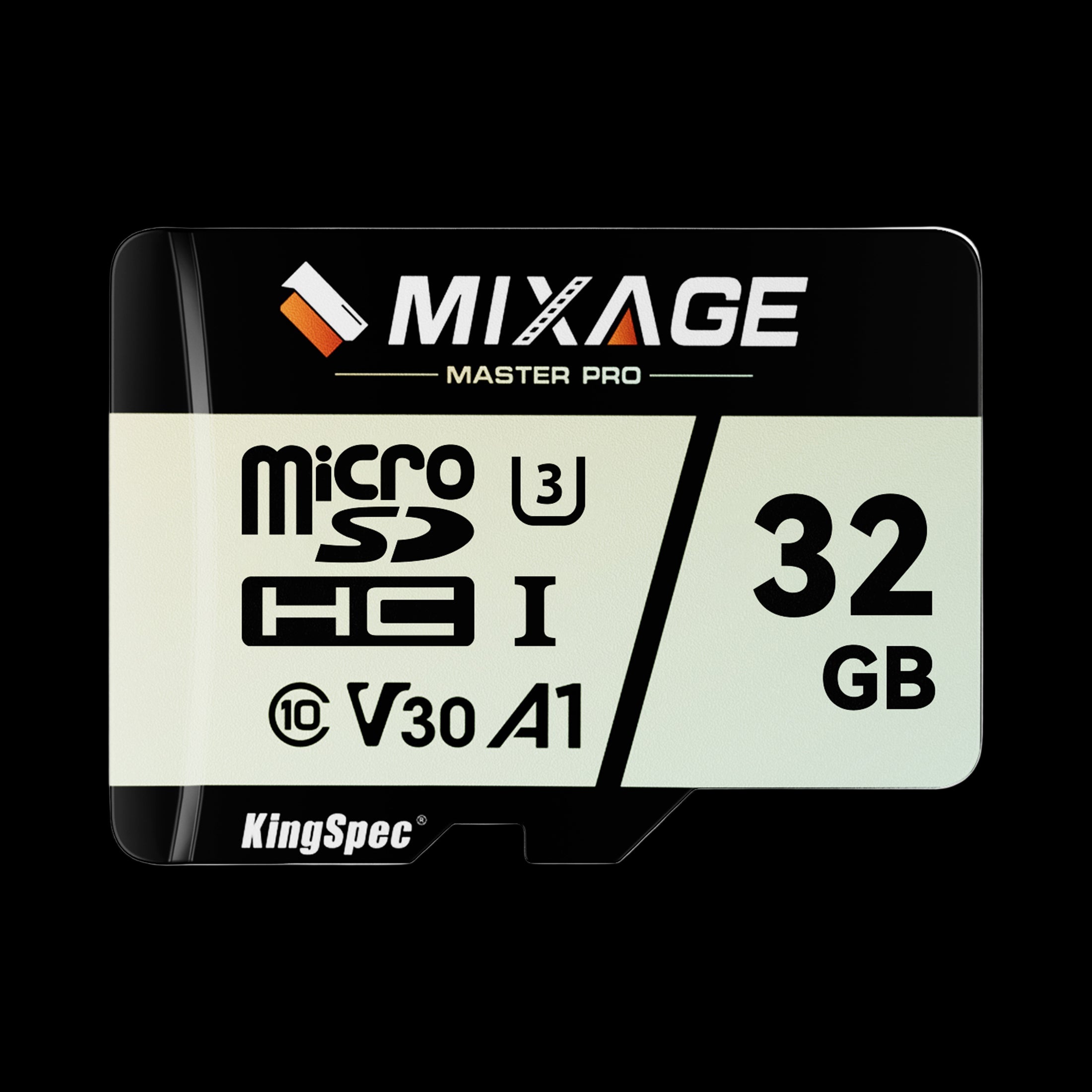
- Form Factor: microSD, includes SD adapter
- Read/Write: Up to 175 / 110 MB/s
- Capacities: 32GB up to 512GB
- Rating: UHS-I, U3, V30
- NAND: 3D NAND
- Warranty: 3 Years
A versatile everyday microSD card that covers phone storage expansion, 4K drone and action-camera footage, and dash cam recording, with a U3/V30 rating built for continuous writes.
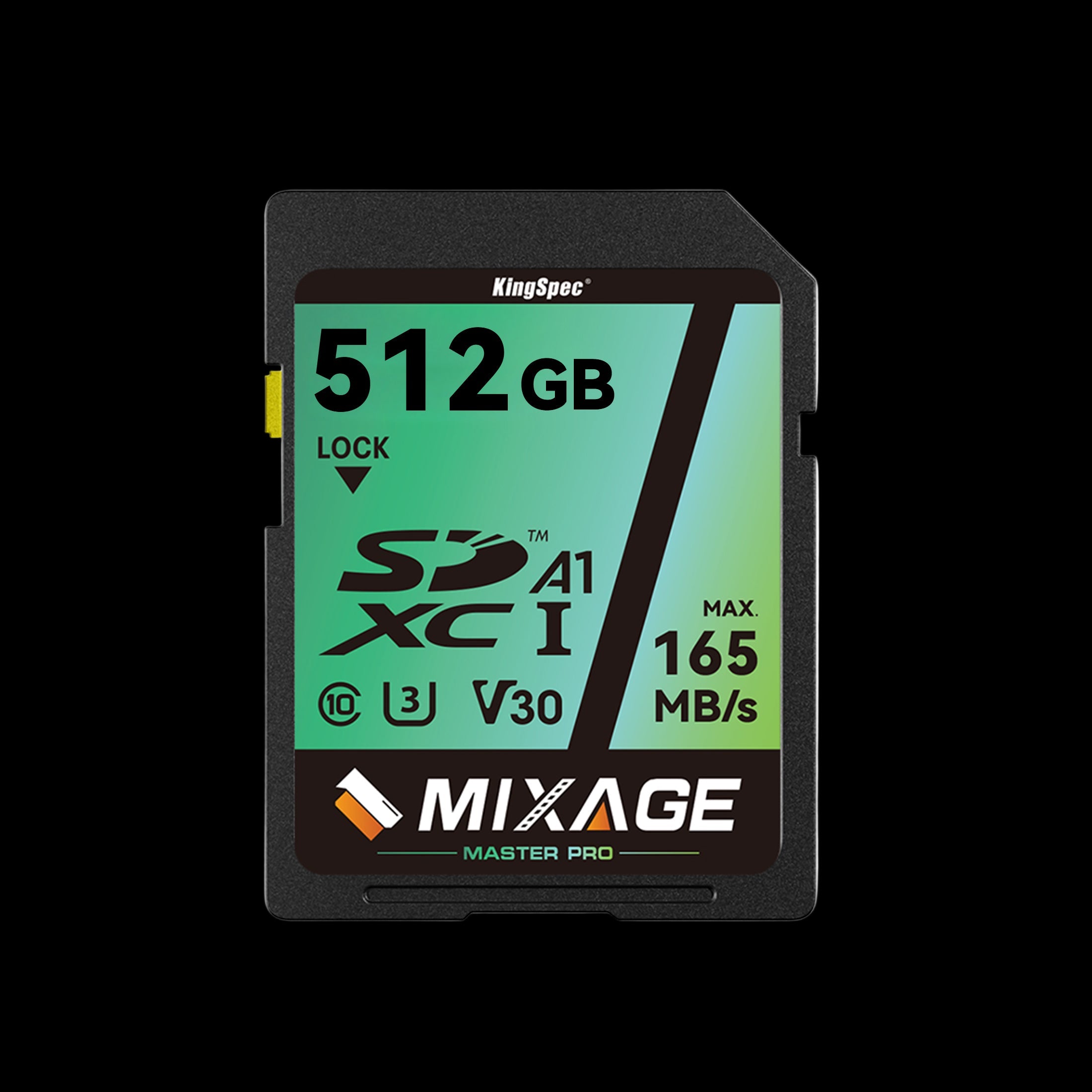
- Form Factor: Standard SD
- Read/Write: Up to 165 / 81 MB/s
- Capacities: 64GB up to 512GB
- Rating: UHS-I, U3, V30
- NAND: 3D NAND
- Warranty: 10 Years
For cameras, camcorders, and laptops with a built-in full-size SD slot instead of microSD. The same U3/V30 rating supports 4K recording without dropped frames.
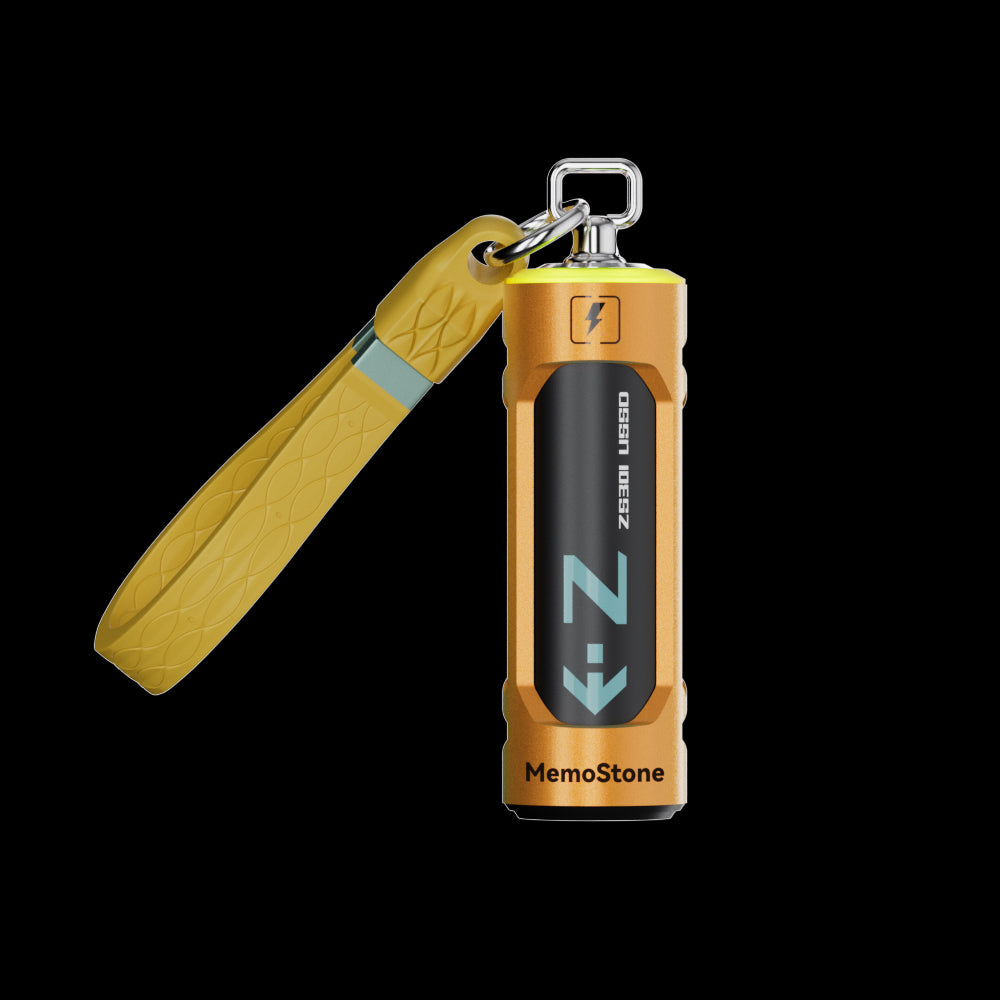
- Interface: USB 3.2 Gen2x2, 20Gbps
- Read Speed: Up to 1,900 MB/s
- Capacities: 256GB up to 2TB
- Design: Battery-shaped body with RGB glow
- Compatibility: PC, laptop, smartphone, tablet
- Warranty: 3 Years
A better fit than a microSD card for frequent or continuous writes, such as an always-on Raspberry Pi project or overflow storage for a large media library.
How to Choose the Right Capacity
Use this simple process:
- Check your device's maximum supported capacity
- Identify your main micro SD card application
- Estimate the size of your photos, videos, games, or recordings
- Choose extra space for future files
- Select the required speed and endurance rating
- Buy from a trusted seller
- Keep a backup of important data
The largest card isn't always the best option. A compatible 128GB card is more useful than an unsupported 1TB card. TF Card vs Micro SD: Full Comparison Guide can help if your device's manual uses different terminology than the card packaging.
Final Recommendation
The best micro SD card application depends on what you plan to store. Use a microSD card for phone files, photos, videos, music, games, camera recordings, and supported Android apps.
Choose 32GB for light use, 64GB for basic everyday storage, 128GB for many everyday users, 256GB for larger collections and games, or 512GB or more for heavy video, gaming, or media storage. For most people, a 128GB KingSpec microSD card is a reasonable starting point, as long as it matches the device's capacity, speed, endurance, and compatibility requirements.
For dash cams, security cameras, and other devices that record continuously, prioritize a card built for continuous write cycles. For 4K or other demanding video workloads, confirm the required sustained-write rating before purchasing. Browse KingSpec's best-selling storage to compare current options.
Browse Related Collections
Frequently Asked Questions About Micro SD Card Application
Can a microSD card store Android apps?
Some Android phones allow compatible apps to be moved to a microSD card. Many newer phones don't support this feature. Check the app's storage settings to see whether Move to SD Card is available on your device.
What capacity is best for a dash cam?
A 64GB or 128GB high-endurance card is a reasonable starting point for many dash cams. Choose 256GB if the camera supports it and you want to keep more recorded footage. The manufacturer's recommended card type and maximum capacity should still take priority over any general guideline.
What capacity is best for a security camera?
A 64GB to 256GB high-endurance microSD card is commonly suitable. The best size depends on video quality, recording hours, and whether the camera uses loop recording.
Do I need a high-speed microSD card?
You need a faster card for 4K video, demanding cameras, and some app-related uses. For documents, music, and ordinary photos, a standard Class 10 card is often enough.
Can I use the same microSD card in different devices?
A microSD card can usually move between different compatible devices when it's formatted as portable storage and the devices support its file system and capacity. A card configured as Android adoptable storage may be encrypted and tied to the original device instead, and it may not work normally elsewhere unless it's reformatted, which can erase its contents.

