
Choosing an SD card can get confusing fast when the label includes terms like Class 10, UHS-I, UHS-II, U1, U3, or V30. These ratings don't all measure the same thing, and picking the wrong one can cause recording errors or slow file transfers. The main question is whether a Class 10 card is enough, or whether a UHS card is the better call for your camera or video device. Read on to compare SD card Class 10 vs UHS ratings and find the right memory card for Full HD and 4K video.
Key Takeaways
- Class 10 guarantees a minimum sustained write speed of 10 MB/s
- UHS-I and UHS-II describe the card's bus interface, not its complete recording speed
- U1 also guarantees 10 MB/s, while U3 guarantees 30 MB/s
- Class 10 or U1 is generally suitable for Full HD video
- U3 or V30 is usually the safer choice for standard 4K video
- V60 or V90 may be needed for high-bitrate 4K, professional video, or certain 8K modes
- Always check the camera or device manual before buying an SD card
SD Card Class 10 vs UHS at a Glance

Class 10 and UHS are often placed side by side in product listings, but they describe different parts of an SD card. Understanding the difference makes it easier to choose a card that can keep up with your video settings.
The key point: Class 10 isn't a direct alternative to UHS-I or UHS-II. A single card can be Class 10, UHS-I, U3, and V30 at the same time. The UHS-I, UHS-II, and UHS-III figures below are theoretical bus limits, not guaranteed read or write speeds; actual performance depends on the card, camera, card reader, device support, workload, temperature, and firmware. For current technical definitions, refer to the SD Association's SD standard overview and its Speed Class information.
| Rating | What It Means | Minimum Sustained Write Speed | Common Video Use |
|---|---|---|---|
| Class 10 | Basic Speed Class | 10 MB/s | Full HD video |
| U1 | UHS Speed Class | 10 MB/s | Full HD video |
| U3 | UHS Speed Class | 30 MB/s | Most 4K video |
| UHS-I | Bus interface | Up to 104 MB/s theoretical | Consumer cameras and action cameras |
| UHS-II | Faster bus interface | Up to 312 MB/s theoretical | Professional cameras and fast transfers |
| UHS-III | Faster bus interface | Up to 624 MB/s theoretical | Specialized professional use |
| V30 | Video Speed Class | 30 MB/s | Standard 4K video |
| V60 | Video Speed Class | 60 MB/s | High-bitrate 4K |
| V90 | Video Speed Class | 90 MB/s | Professional 4K and some 8K |
What Class 10 Means on an SD Card
What the Class 10 Symbol Means
Class 10 is a minimum sustained write-speed rating for an SD or microSD card. It means the card should maintain a write speed of at least 10 MB/s when saving data.
Class 10 and Video Recording
Video recording requires the card to save data continuously. If the card can't maintain the required speed, the camera may stop recording, drop frames, or show a card-speed error. Class 10 is commonly suitable for Full HD recording, basic camcorders, older digital cameras, JPEG photography, and everyday file storage. However, the Class 10 label alone doesn't confirm a card is suitable for every 4K recording mode; some 4K cameras need a higher sustained write speed. SD Card Speed Classes: Which Class Do You Need? lays out the full system if you want more detail than this guide covers.
Class 10 Does Not Mean 10 MB/s Maximum Speed
The 10 MB/s figure is a minimum sustained write speed, not the card's maximum read or write speed. A card may advertise a much higher read speed for transferring files, but that doesn't guarantee the same performance while recording video.
For video, pay attention to the minimum sustained write rating rather than only the maximum speed printed on the package. Speed-class ratings are minimum performance classifications under defined testing conditions, so actual results can vary depending on the card, device, workload, temperature, and firmware.
What UHS Means on an SD Card
What UHS Stands For
UHS stands for Ultra High Speed. It can refer to the way an SD card communicates with a camera, computer, phone, or other device, or to the card's UHS Speed Class rating.
UHS-I, UHS-II, and UHS-III Interfaces
These are theoretical bus limits, not guaranteed card read or write speeds. Actual performance depends on the card, host device, reader, file type, and other equipment. The bus interface works like the road between the card and the device: a wider or faster road can move more data, but both the card and the device need to support it. A UHS-II card used in a UHS-I camera usually operates at UHS-I speeds, so buying a faster interface doesn't automatically make a device faster.
| UHS Interface | Theoretical Bus Speed | Main Benefit |
|---|---|---|
| UHS-I | Up to 104 MB/s | Affordable everyday performance |
| UHS-II | Up to 312 MB/s | Faster recording and file transfers |
| UHS-III | Up to 624 MB/s | Specialized professional use |
UHS-III is uncommon in consumer cameras and memory cards. Most buyers only need to compare UHS-I and UHS-II, along with the card's U3, V30, V60, or V90 rating. microSD vs SD Card: Which Storage Card Is Right for You? covers how these interfaces show up across both card formats.
UHS-I Is Not the Same as U1
The letter and number can look similar, but they mean different things. UHS-I is the card's bus interface, U1 is a minimum sustained write-speed class of 10 MB/s, and U3 is a minimum sustained write-speed class of 30 MB/s. A card can be labeled Class 10 UHS-I U3; this means it meets the Class 10 requirement, uses the UHS-I interface, and carries a U3 sustained write-speed rating, all at once.
Class 10, U1, and U3 Speed Differences
Why Sustained Write Speed Matters for Video
Class 10 and UHS speed classes matter because they tell you how quickly a card can continuously write data. This is especially important for video, where the card has to keep saving footage without long pauses.
Class 10 vs U1
Class 10 and U1 both have a minimum sustained write speed of 10 MB/s. For many Full HD recording modes, either rating may be enough. They aren't completely identical labels, though: Class 10 belongs to the original Speed Class system, while U1 belongs to the UHS Speed Class system. They share the same 10 MB/s minimum sustained write-speed level, but they're different labels from different SD speed-class systems.
U3 Is Better for Most 4K Video
U3 guarantees a minimum sustained write speed of 30 MB/s, making it a better starting point for many 4K cameras, drones, and action cameras. A U3 card isn't automatically UHS-II either; it can use a UHS-I or UHS-II interface, so check both ratings when comparing products. Best Micro SD Card: Speed, Size & Performance Guide breaks down real U3/V30 options by device type.
Video Speed Class: V30, V60, and V90

Why Video Speed Class Exists
Video Speed Class ratings were created to make video performance easier to understand. They show the minimum sustained write speed in megabytes per second.
| Video Rating | Minimum Sustained Write Speed | Typical Use |
|---|---|---|
| V30 | 30 MB/s | Standard 4K video |
| V60 | 60 MB/s | High-bitrate 4K |
| V90 | 90 MB/s | Professional 4K and some 8K |
V30 Is a Practical Choice for Standard 4K
A V30 card guarantees at least 30 MB/s of sustained write speed, and it's often a good choice for standard 4K recording at common frame rates. Many V30 cards also carry a U3 rating; both labels point to a minimum sustained write speed of 30 MB/s, though the Video Speed Class label was designed specifically for video use. A camera may specify one rating, the other, or both, so follow the manufacturer's requirements.
When to Choose V60 or V90
A faster card may be needed for high-bitrate 4K, 4K recording at high frame rates, RAW video, professional camera codecs, or some 8K recording modes. Don't choose V90 just because the number is higher; check whether your camera actually supports or requires it first. SD Card Dimensions: Size Guide for All Memory Card Formats covers how these video ratings pair with card capacity and physical format.
Which SD Card Is Best for Video?
The right card depends on video resolution, bitrate, frame rate, and device requirements. A card that works well for Full HD may not be fast enough for a demanding 4K recording mode.
Full HD Video
For most 1080p recording, choose Class 10, U1, or V10. Class 10 or U1 is often enough for standard Full HD recording, but high-bitrate or high-frame-rate modes may require a faster card. A reliable Class 10 or U1 card is usually enough for family videos, basic cameras, and older recording devices; check the camera manual before recording.
Standard 4K Video
For many standard 4K cameras, choose U3, V30, UHS-I U3, or UHS-I V30. U3 or V30 suits many standard 4K recording modes, but it's not a universal 4K requirement; some cameras need V60, V90, UHS-II, or another storage format. UHS-I is often enough for standard 4K when the card also carries the required U3 or V30 rating. How to Choose the Best SD Card for Your Dash Cam is a useful real-world example of matching U3/V30 to a continuous-recording device.
High-Bitrate 4K Video
For demanding 4K modes, check whether the camera requires V60, V90, UHS-II, or a specific manufacturer-approved card. High-bitrate video creates more data every second, so the camera may need a faster sustained write speed even if the resolution stays at 4K. Best Memory Card for Camera: Full Compatibility Guide explains which cameras actually reach UHS-II speeds and which ones cap out at UHS-I regardless of the card.
8K Video
8K recording requirements vary widely. Some devices need V60 or V90 cards, while others require CFexpress or another storage format. High-bitrate 4K, RAW, and 8K recording can require V60, V90, UHS-II, CFexpress, or another approved format; the camera's exact recording mode determines the requirement. Always check the exact recording mode in the camera manual before buying a card for 8K.
How to Choose Between UHS-I and UHS-II
UHS-I vs UHS-II: The Short Answer
UHS-I is usually the better value for Full HD and standard 4K recording. UHS-II is more useful when the camera supports it and you need faster recording or faster file transfers.
Choose UHS-I When
- Your device supports only UHS-I
- You record Full HD or ordinary 4K video
- You want an affordable card
- You don't regularly transfer large video files
Choose UHS-II When
- Your camera has a UHS-II card slot
- Your recording mode requires higher sustained performance
- You shoot high-bitrate video
- You frequently move large files to a computer
- You also shoot long bursts of RAW photos
A UHS-II card will often work in a UHS-I device, but it normally operates at UHS-I interface speeds, so the extra cost may provide little benefit if the camera can't use UHS-II. Compatibility and recording requirements should still be checked in the device manual. If you frequently move large files to a computer, a portable SSD can also speed up that side of the workflow once the footage is off the card.
For compatible storage across cameras, phones, and other devices, a dependable memory card from a reputable storage company such as KingSpec can be a practical option, provided its speed rating matches the device requirements. If you choose a KingSpec memory card, compare its listed Class, UHS, and Video Speed Class ratings with the requirements in your camera or device manual.
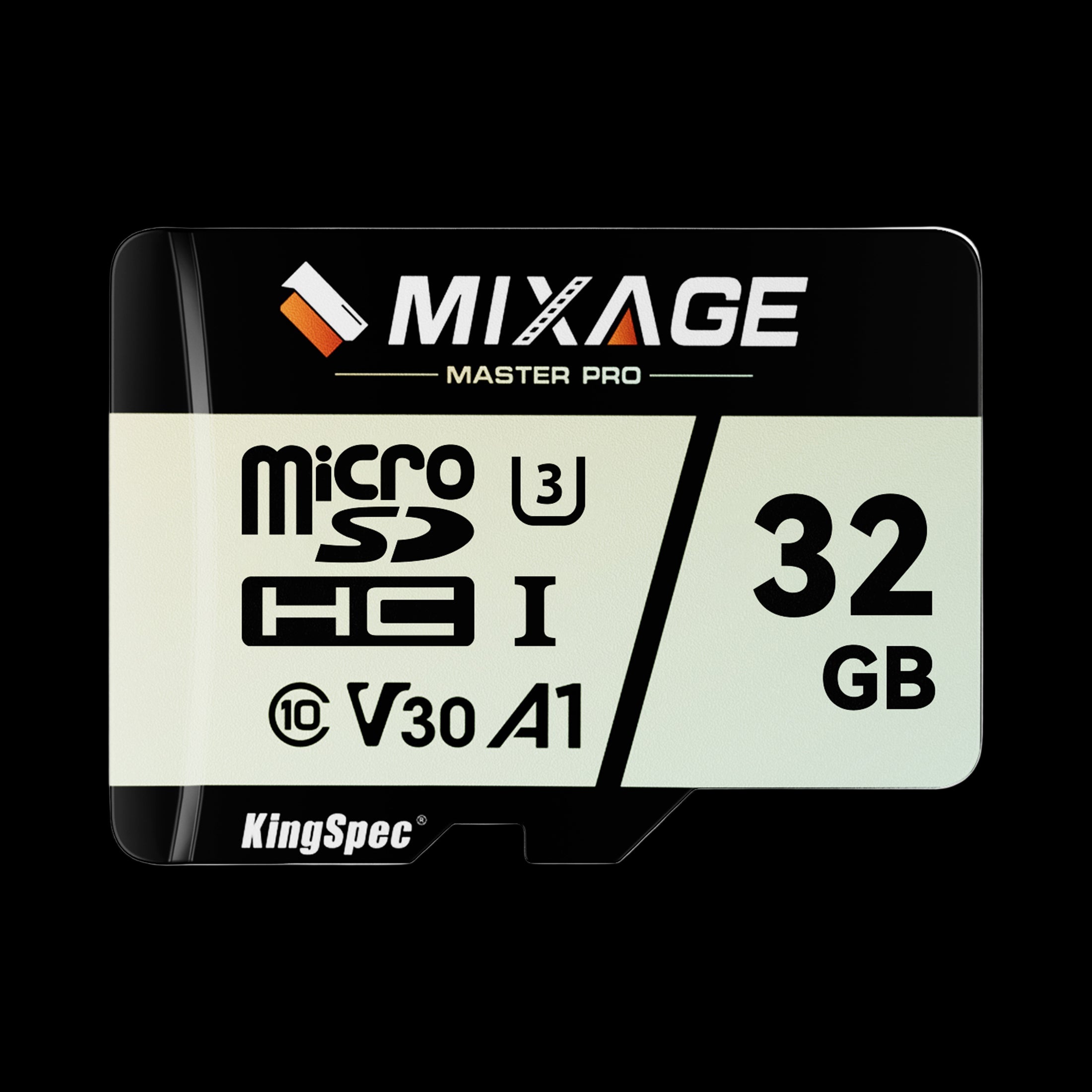
- Form Factor: microSD, includes SD adapter
- Read/Write: Up to 175 / 110 MB/s
- Capacities: 32GB up to 512GB
- Rating: Class 10, UHS-I, U3, V30
- NAND: 3D NAND
- Warranty: 3 Years
Carries all four ratings from this guide at once: Class 10, UHS-I, U3, and V30. A safe pick for standard 4K on phones, drones, and action cameras.
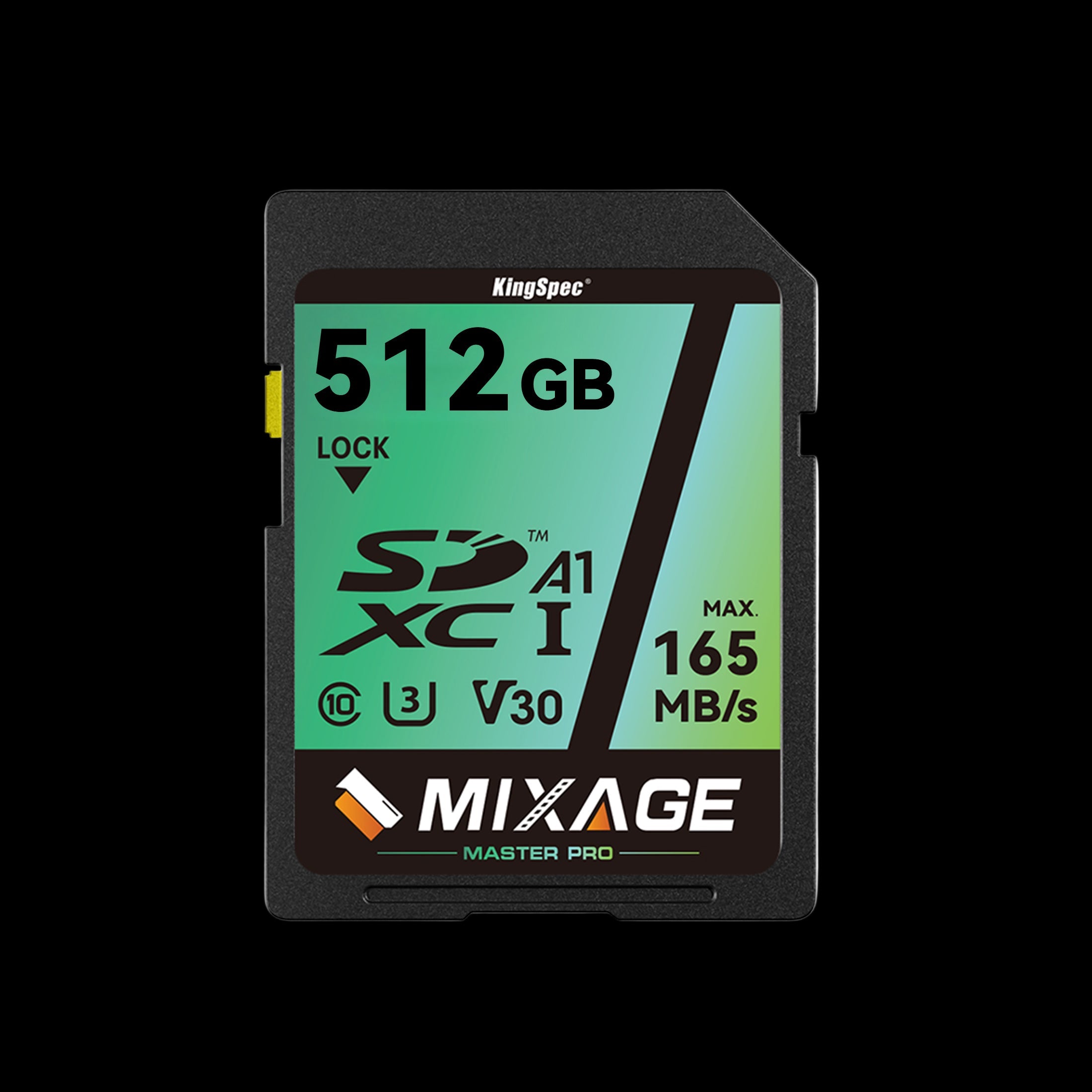
- Form Factor: Standard SD
- Read/Write: Up to 165 / 81 MB/s
- Capacities: 64GB up to 512GB
- Rating: Class 10, UHS-I, U3, V30
- NAND: 3D NAND
- Warranty: 10 Years
The same speed-class combination in the full-size SD form factor, for DSLR, mirrorless, and camcorder bodies that don't take microSD directly.
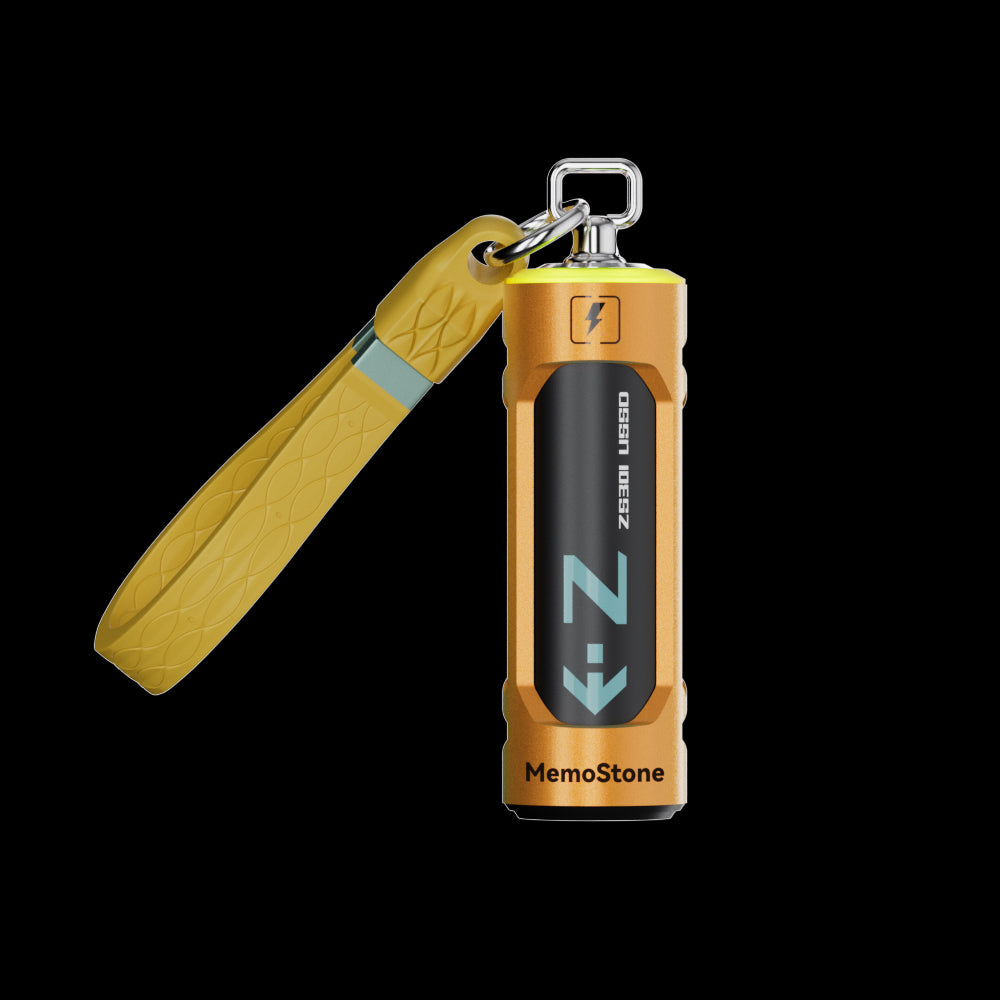
- Interface: USB 3.2 Gen2x2, 20Gbps
- Read Speed: Up to 1,900 MB/s
- Capacities: 256GB up to 2TB
- Design: Battery-shaped body with RGB glow
- Compatibility: PC, laptop, smartphone, tablet
- Warranty: 3 Years
If you frequently move large video files to a computer, this speeds up that half of the workflow well beyond what any SD card's interface can manage on its own.
Common SD Card Buying Mistakes
The largest number on an SD card isn't always the most useful number. Check the full label and compare it with your camera's requirements.
Confusing UHS-I With U1
The Roman numeral I describes the bus interface. The number 1 inside the U symbol describes the minimum sustained write speed. What Is a TF Card: Guide to TransFlash Memory Storage is a good refresher if card terminology in general still feels mixed up.
Looking Only at Read Speed
Read speed mainly affects how quickly files move from the card to a computer. Write speed matters more while the camera is recording video. Sustained write speed is the main concern during recording; read speed mainly affects transfers off the card, although the device and reader also influence transfer performance.
Assuming Every Class 10 Card Supports 4K
Class 10 guarantees only 10 MB/s. Many 4K recording modes need U3 or V30, while more demanding modes may need V60 or V90.
Ignoring the Camera Manual
Camera manufacturers may list exact speed classes, capacities, or approved cards. These instructions should take priority over general recommendations like the ones in this guide.
Buying From an Unreliable Seller
Counterfeit cards may report false capacity or fail during recording. Buy from an authorized or reputable retailer, and test a new card before relying on it for important footage. If a suspect card has already caused missing or corrupted files, How to Recover Corrupted SD Card Safely covers the safe order of operations before you try anything else.
Conclusion
Class 10 and UHS describe different parts of an SD card, so neither is simply "better" in every situation. Class 10 is a basic sustained write-speed rating, while UHS-I and UHS-II describe the card's communication interface.
For Full HD video, Class 10 or U1 is often enough for standard recording. For many standard 4K recording modes, choose U3 or V30. High-bitrate 4K and some 8K modes may require V60, V90, UHS-II, CFexpress, or another approved storage format.
Check the camera manual before buying, then choose a reliable card with the correct sustained write speed and capacity. Browse KingSpec's best-selling storage for memory cards, gaming storage, internal storage, external storage, SSDs, and DDR RAM built around real recording and transfer needs.
Browse Related Collections
Frequently Asked Questions
How do I tell if my microSD card is Class 10?
Look for a number 10 inside a capital C on the card or packaging. This is the Class 10 symbol and indicates a minimum sustained write speed of 10 MB/s. You may also see U1, U3, V30, or another rating beside it. If the markings are hard to read, check the manufacturer's specifications.
Is UHS-I the same as Class 10?
No, they describe different things. Class 10 is a minimum sustained write-speed rating, while UHS-I is the card's bus interface. A card can have both labels, such as Class 10 and UHS-I. Always check the complete speed rating when choosing a card for video.
Is a Class 10 SD card the best choice?
Class 10 is a good choice for Full HD video and everyday storage. It may not be fast enough for every 4K recording mode. For most 4K video, a U3 or V30 card is usually a safer option. The best choice depends on the device's requirements.
Is UHS-I enough for 4K?
UHS-I is enough for many standard 4K recording modes when paired with U3 or V30. It may not support high-bitrate 4K, RAW video, or certain 8K modes. Check the camera's required write speed and interface before buying; the card must meet both requirements.
What are the four types of SD cards?
The four capacity types are SD, SDHC, SDXC, and SDUC. SD supports up to 2GB, SDHC supports more than 2GB up to 32GB, SDXC supports more than 32GB up to 2TB, and SDUC supports more than 2TB up to 128TB. These labels describe capacity, not recording speed, so you still need to check Class 10, UHS, U3, V30, or another speed rating separately.

