

So, is 8GB RAM enough in 2026? The short answer is: it depends on what you actually do with your computer. For browsing, email, school work, and watching videos, 8GB still gets the job done just fine.
However, for gaming, video editing, running virtual machines, or heavy multitasking, 8GB will hold you back.
The trick is knowing where you fit. This guide cuts through the online debate and gives you real numbers, real tasks, and a clear answer for your specific use case.
TL;DR: Key Takeaways
- Daily Use: 8GB is enough for students, office workers, and casual browsing in 2026.
- OS Optimization: macOS handles 8GB better than Windows via memory compression.
- Heavy Workloads: 8GB is not enough for serious gaming, 3D design, or 4K video editing.
- The Real Metric: Watch memory pressure, not raw RAM usage. 7.8GB/8GB used is normal.
- Modern Standard: 16GB is the recommended sweet spot for most new buyers in 2026.
What 8GB of RAM Actually Means
RAM (Random Access Memory) is your computer's short-term memory.
The more RAM you have, the more apps you can run at once without slowdowns. Think of it like a desk workspace:
Small Desk: Work on one or two papers at a time. Chromebook territory.
Medium Desk: Spread out a few files and a laptop. Efficient for casual use.
Large Desk: Keep multiple projects open without shuffling. Modern standard.
Huge Desk: Everything spread out at once with room to spare. Pro grade.
RAM does not make your computer faster, but it stops it from getting slower when you push it. If your desk is too small, you waste time stacking and restacking—that is what a slow computer feels like.
Related Reading
For a deeper look at how memory works, the What Is DDR RAM guide on KingSpec covers the basics in plain language.
The Big Mistake People Make About 8GB RAM
People often panic when they see their 8GB system showing 7.8GB used. Unused RAM is wasted RAM. Modern operating systems are designed to use as much RAM as possible to cache files and pre-load apps for speed.
The number that actually matters is memory pressure:
On Mac, check Activity Monitor. On Windows, watch the "In use (compressed)" number in Task Manager. If the indicator is Green and the system feels snappy, you are fine.
Is 8GB RAM Enough? Task Breakdown
| Task | 8GB Status | Notes |
|---|---|---|
| Web browsing (5-15 tabs) | Yes | Smooth on Mac, fine on Windows. |
| Web browsing (30+ tabs) | No | Chrome eats RAM fast; expect lag. |
| Office / Google Docs / Email | Yes | Lightweight and snappy. |
| Zoom / Teams Calls | Yes | Add 2GB headroom for screen sharing. |
| School / College Work | Yes | Web, Docs, and light coding. |
| Casual Gaming (Minecraft/Roblox) | Yes | Light games run without issue. |
| AAA Gaming (2025/2026 titles) | No | Titles like Cyberpunk want 16GB+. |
| 4K Video Editing / 3D Modeling | No | Expect crashes on complex scenes. |
| Streaming (OBS + Game) | No | Workload is too heavy for 8GB. |
Why macOS Handles 8GB Better Than Windows

The exact same 8GB configuration feels very different depending on the operating system:
- macOS: Uses aggressive memory compression sitting idle in the background. Coupled with Apple Silicon's unified architecture, an 8GB Mac punches above its weight.
- Windows: Background services, antivirus, and bloatware can eat 4GB before you even open an app. This pushes you toward the 8GB limit much faster.
- Linux: Clean installs (like Ubuntu) are highly efficient, making 8GB feel closer to 12GB.
When Should You Move Past 8GB?
If any of these apply to you in 2026, look at upgrading to 16GB or 32GB:
- You game on PC at high settings or stream on OBS.
- You edit 4K video or work in 3D modeling/CAD.
- You run virtual machines, Docker, or local AI models.
- You keep 20+ browser tabs open as a constant habit.
- You want your computer to last 5+ years without feeling sluggish.
For most of these, 16GB is the right move. For video editors, gamers running demanding 2026 titles, and anyone running AI workloads, 32GB is the smarter buy.
You May Want to Shop 32 GB RAM
Explore More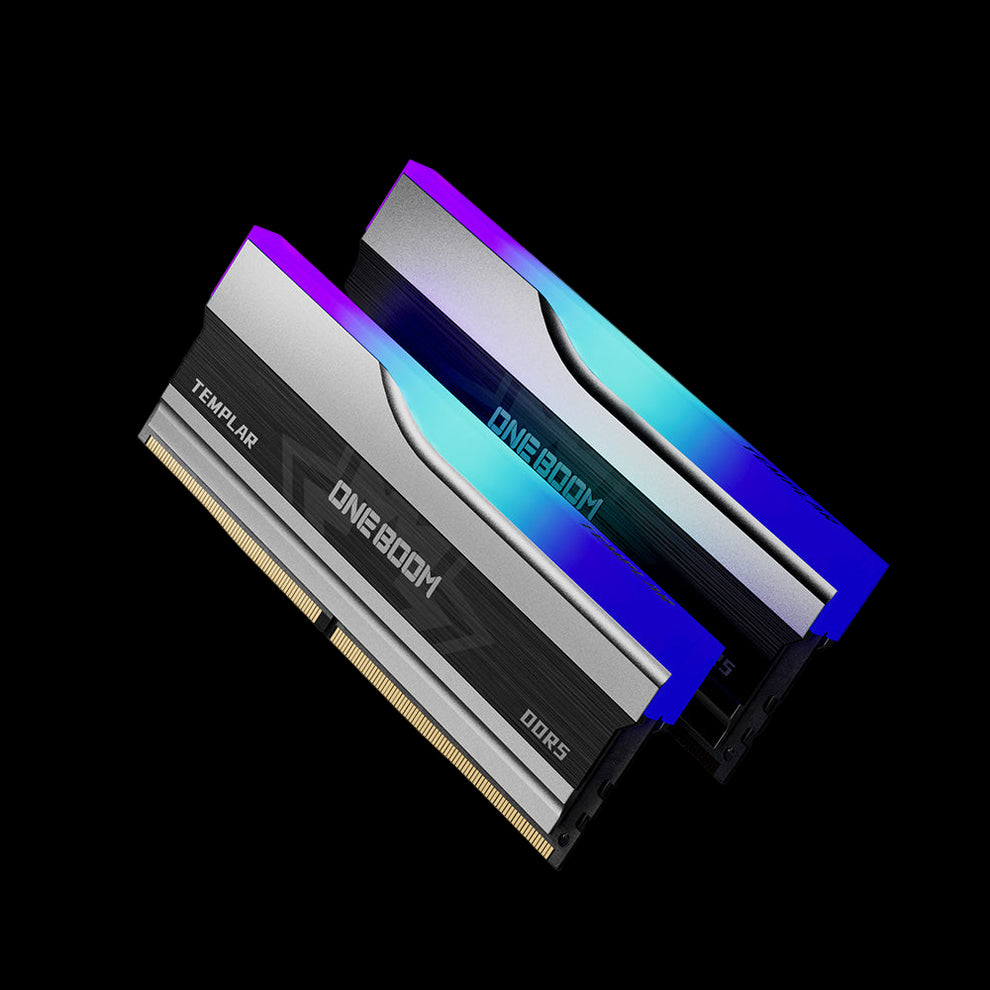


Related Reading
The Best RAM for Gaming guide breaks down what real performance gains look like at each capacity.
How much Ram do you Actually need?
| RAM Amount | Best For | Lifespan Outlook |
|---|---|---|
| 4GB | Chromebooks only. | Limited; getting tight in 2026. |
| 8GB | Students, office workers, Mac casuals. | 3 to 5 years for light use. |
| 16GB | Standard PC users, casual gamers. | 5 to 7 years for typical use. |
| 32GB | Gamers, creators, developers. | 7+ years comfortably. |
| 64GB+ | 3D artists, Al workloads, server use. | Future-proof. |
👉 The KingSpec 32GB RAM collection covers the high end, and the 8GB RAM collection is the right starting point for budget upgrades and basic-use machines.
How to Check Your RAM Usage Properly
Windows: Ctrl+Shift+Esc (Performance tab).
Mac: Search Activity Monitor (Memory tab).
Open all your typical apps and tabs for 15-30 minutes of active work.
If "Available" is near zero (Windows) or Pressure is Red (Mac), your efficiency is being limited.
Will 8GB Still Be Enough in 2027 and 2028?
For lightweight tasks, 8GB will likely survive through 2028 on macOS and Linux.
However, on Windows, expect strain by 2027 as Windows 11 continues to add AI services like Copilot that are RAM-hungry. If buying in 2026 to last 5 years, 16GB is the smart minimum.
Frequently Asked Questions
Is 8GB enough for gaming in 2026?
Is 8GB enough for a MacBook?
Is 8GB enough for video editing?
How do I know if I need more than 8GB?
Final Thoughts
In 2026, 8GB is enough for browsing, email, and streaming, but not for power users.
Stop staring at the raw usage number; watch the memory pressure. If your system feels snappy and the indicator is green, your 8GB machine is doing its job perfectly.

