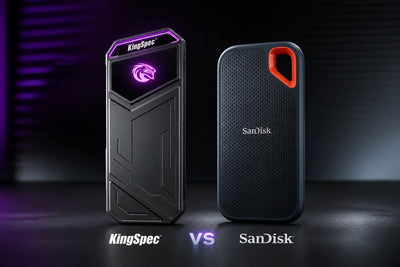
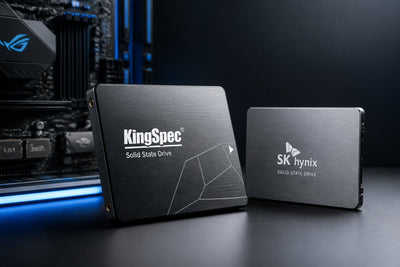
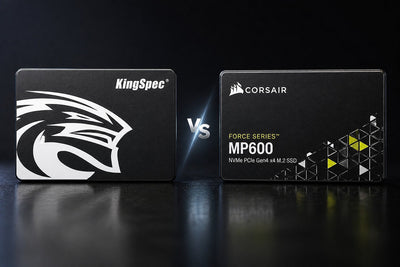
Samsung is usually the first name people think of when they shop for an SSD. Name recognition is not the same thing as value, though. KingSpec's current lineup, from the budget P3 SATA drive to the PCIe 5.0 X500, matches or beats comparable Samsung drives on price while staying close on real world speed. Samsung still leads on software polish and a couple of flagship benchmarks. Here is the full, model by model breakdown so you can decide with your own workload and budget in mind.
KingSpec vs Samsung SSD, Quick Comparison
| Category | KingSpec advantage | Samsung advantage | Likely winner |
|---|---|---|---|
| Price per gigabyte | P3 and NE series price well below comparable Samsung models | Occasional sales narrow the gap | KingSpec |
| SATA upgrades | P3 series up to 8TB from $29.99 | 870 EVO up to 8TB with 5 year warranty | Depends on model |
| PCIe 4.0 NVMe | XG7000 hits 7,400/6,600MB/s up to 8TB | 990 PRO hits 7,450/6,900MB/s up to 4TB | Near tie |
| PCIe 5.0 NVMe | X500 rated at 14,000MB/s up to 4TB | Not compared, see note below | KingSpec confirmed, Samsung not verified |
| Portable SSD | Z5 hits 2,100/1,850MB/s with RGB for $85.99 | T9 hits 2,000/2,000MB/s, more rugged shell | KingSpec |
| Software tools | Support varies by model and region | Samsung Magician on every current drive | Samsung |
| Warranty length | 3 years across the current lineup | 5 years on most current models | Samsung |
| Everyday performance | More than enough for boot, apps, browsing | Also more than enough for the same tasks | Tie |
This table is a starting point, not a rule. It shows where KingSpec tends to win on value and where Samsung still holds an edge. Always confirm the exact model, capacity, and current price before buying either brand.
SATA SSDs: KingSpec P3 vs Samsung 870 EVO
SATA speed is capped by the interface itself, so a budget SATA drive and a premium one often land within a few percent of each other on paper. That makes price the real deciding factor for most buyers replacing an old hard drive.
KingSpec P3
Samsung 870 EVO
*Samsung's own site price at time of writing. Storage prices are moving quickly industry wide, so check current pricing on both sites before buying.
The P3 series reads and writes slightly faster than the 870 EVO on paper and costs a fraction of the price at every matching capacity. The 870 EVO answers back with two extra years of warranty coverage and Samsung Magician support, which matters if you like drive health monitoring and one click firmware updates. For a straightforward hard drive replacement in a laptop or office desktop, the P3 gets you there for less.
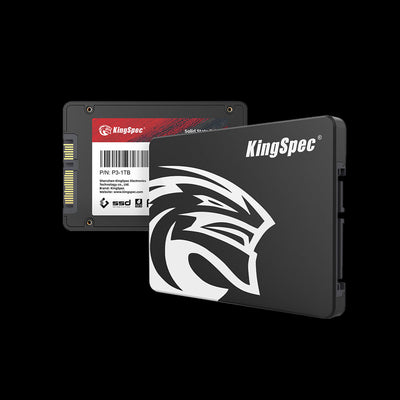
NVMe SSDs: KingSpec XG7000 and X500 vs Samsung 990 PRO

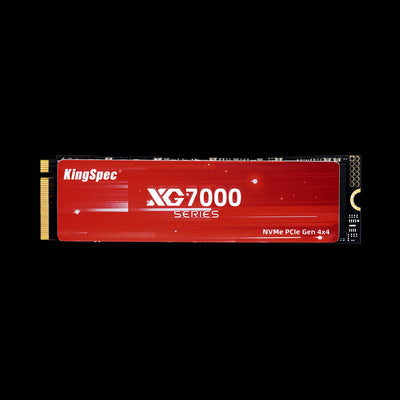
NVMe is where the brand price gap widens the most. KingSpec's PCIe 4.0 flagship, the XG7000, is priced well below Samsung's 990 PRO while landing close to it on paper speed.
| Model | Interface | Read/Write | Max capacity | Price |
|---|---|---|---|---|
| KingSpec XG7000 | PCIe 4.0 x4 | 7,400/6,600 MB/s | 8TB | $113.99 (512GB) |
| Samsung 990 PRO | PCIe 4.0 x4 | 7,450/6,900 MB/s | 4TB | $639.99 (2TB) |
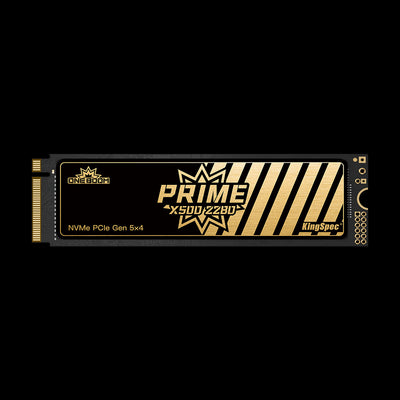
| KingSpec X500 | PCIe 5.0 x4 | 14,000/13,000 MB/s | 4TB | $204.99 (1TB) |
Note: we could not find a PCIe 5.0 model listed on samsung.com to compare directly against the X500, so the X500 is shown here on its own kingspectech.com specs rather than against a confirmed Samsung Gen5 equivalent.
On the PCIe 4.0 tier, the 990 PRO reads and writes a little faster than the XG7000 according to each brand's own published numbers. For gaming, content creation, and general PC building, the XG7000 and X500 deliver a very similar real world experience at a much lower cost per terabyte.
Budget NVMe option
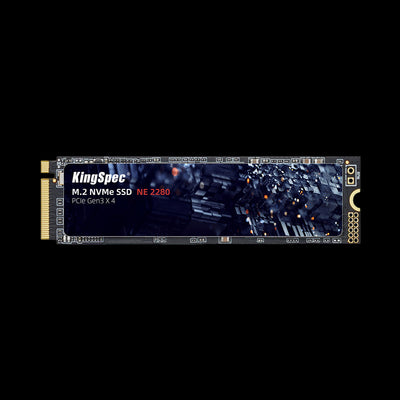
Not every build needs flagship speed. KingSpec's NE series is a PCIe 3.0 drive built for buyers who just want a fast, affordable upgrade from SATA without paying for PCIe 4.0 or 5.0 headroom they will not use.
Portable SSDs: KingSpec Z5 vs Samsung T9
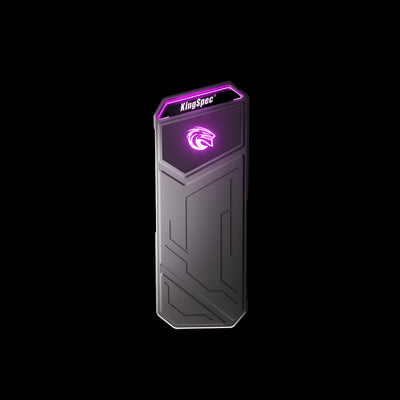
Portable drives get judged on speed, durability, and how much they cost per terabyte when you need to carry footage, game libraries, or backups around. Here KingSpec's Z5 genuinely outpaces Samsung's T9 on paper speed and undercuts it heavily on price.
KingSpec Z5
Samsung T9
*Samsung's own site price at time of writing, well above the drive's original launch MSRP due to current market conditions.
Samsung's own site highlights the T9's Dynamic Thermal Guard feature for consistent performance during heavy use. For most people moving 4K footage, Blu-ray rips, or a Steam library between machines, the Z5's speed and price make it the easier recommendation.
Gaming Storage: Capacity Usually Beats Benchmarks
Modern game installs routinely run 80 to 150GB each, so the number that matters for most gamers is how much usable space they get for the money, not a synthetic benchmark score.
- KingSpec's XG7000 and X500 let you buy 2TB or 4TB for close to what a 1TB Samsung 990 PRO costs
- The P3 series is a low cost way to add a second SATA drive purely for game storage
- The Z5 portable drive is fast enough to run some games directly from USB-C on a laptop or Steam Deck
- Samsung's 990 PRO is the safer pick if you want the fastest confirmed PCIe 4.0 speed for a demanding workstation build
Unless you are running a professional editing rig that lives on sustained large writes all day, the practical difference between KingSpec's PCIe 4.0 or 5.0 drives and Samsung's equivalents will not show up in day to day gaming.
Everyday Computing: Both Brands Are Fast Enough

Boot times, app launches, and browsing do not come close to saturating even a budget SATA SSD, let alone a PCIe 4.0 or 5.0 drive. In this category, the honest answer is that a well reviewed KingSpec drive and a comparable Samsung drive will feel identical for office work, schoolwork, and general home use. The difference shows up on the receipt, not on the stopwatch.
NAND, Endurance, and TBW
Both brands publish a TBW (terabytes written) rating as an endurance guideline and warranty limit. KingSpec's SATA and NVMe drives use 3D NAND across the lineup, with TBW scaling from 30TB on the smallest P3 capacity up to 4,000TB on the 8TB XG7000, all confirmed on kingspectech.com's own spec sheets. Samsung states on samsung.com that the 870 EVO is rated for up to 4,800 TBW at its largest capacities. Samsung's site did not show us a specific TBW figure for the 990 PRO, so we are not stating one here.
For typical home and office use, writing 20 to 50GB per day, either brand's TBW rating will comfortably outlast the useful life of the computer it is installed in.
Software and Support
Samsung Magician is a real advantage if you like a polished dashboard for firmware updates, secure erase, health monitoring, and benchmarking. It ships free with current Samsung drives. KingSpec's support resources vary by model and region and lean more on documentation and email support than a dedicated management app. If you plan to install the drive, format it, and never think about it again, this gap will not matter much to you.
Compatibility Checklist Before You Buy
- Confirm SATA or NVMe support on your motherboard or laptop
- Check the PCIe generation your M.2 slot actually supports
- Match the M.2 length, most desktops and laptops use 2280
- Check clearance if the drive ships with a heatsink
- Confirm the maximum capacity your system or BIOS supports
- Compare the current price and TBW rating for the exact capacity you want
- Check the seller's return policy on both KingSpec and Samsung listings
Verdict: KingSpec Wins on Value, Samsung Wins on Polish
For SATA upgrades, PCIe 4.0 and 5.0 internal drives, and portable storage, KingSpec delivers capacity and speed that sit close to Samsung's equivalents at a noticeably lower price. Samsung still makes sense if you specifically want Samsung Magician, a five year warranty, or the absolute top sustained write performance for a professional workstation. For everyday users, gamers, students, and budget PC builders, KingSpec is the drive that gets more storage into your system for the same money.
KingSpec vs Samsung SSD, FAQ
Is KingSpec as reliable as Samsung?
Is KingSpec faster than Samsung?
Why is KingSpec cheaper than Samsung?
Which is better for gaming, KingSpec or Samsung?
Does KingSpec work with Mac, Windows, and gaming consoles?
Shop KingSpec SSDs
Get the capacity you actually need without paying the Samsung premium.