
Solid State Drives, or SSDs, have become a popular choice for storing data because they are fast, quiet, and reliable. But one common question many people have is about SSD lifespan — how long can these drives last before they need to be replaced?
Understanding SSD lifespan helps you protect your important files and make smart decisions about upgrading or maintaining your device.
In this article, we will explore everything you need to know about SSD lifespan, from how it works to ways you can keep your SSD healthy for longer. Read on to get clear answers and useful tips.
Understanding SSD Lifespan and Why It Matters
When we talk about SSD lifespan, we mean the amount of time or amount of data an SSD can reliably store before it starts to wear out.
Unlike traditional hard drives that use spinning disks, SSDs store data on flash memory chips. These chips have a limited number of times they can be written to, which affects how long the drive lasts.
Knowing about SSD lifespan is important because it helps you plan for backups, upgrades, and avoid sudden data loss. It also helps you understand the difference between SSDs and other storage options like HDDs.
Typical SSD Lifespan and Factors That Affect It

Most consumer SSDs last between 5 to 7 years under typical usage, though this can extend to 10 years or more with light use. This lifespan depends on several factors, including:
- How much data you write to the drive every day
- The quality and type of NAND flash memory used
- The drive’s capacity and how full it is kept
- Operating temperature and environmental conditions
SSDs are rated by a measure called TBW, which stands for Terabytes Written. TBW tells you how much data can be written to the drive before it might start to fail. For example, a typical 500GB SSD might have a TBW rating of 150 terabytes, meaning you can write that much data over its lifetime.
It is also helpful to know that SSD lifespan can vary based on usage. Heavy users who write lots of files daily, such as video editors or gamers, may see their SSDs wear out faster. On the other hand, casual users who mostly read data and write less often may enjoy longer SSD lifespan.
The Technology Behind SSD Lifespan Limitations
SSDs store data in memory cells made from NAND flash. These cells can only be written and erased a limited number of times before they start to wear out. This is the main reason why SSDs have a limited lifespan.
Two key terms help explain this:
- TBW (Total Bytes Written): The total amount of data you can write to the SSD before it starts to wear out
- DWPD (Drive Writes Per Day): How many times you can write the entire capacity of the drive every day during its warranty period
SSDs use special technology called wear leveling to spread out writes evenly across the memory cells. This helps extend the lifespan by preventing any one part from wearing out too quickly.
Because of these limits, SSDs are not meant to last forever, but their lifespan is usually long enough for everyday use. For users who need extra durability, there are high-endurance SSDs designed to handle more write cycles.
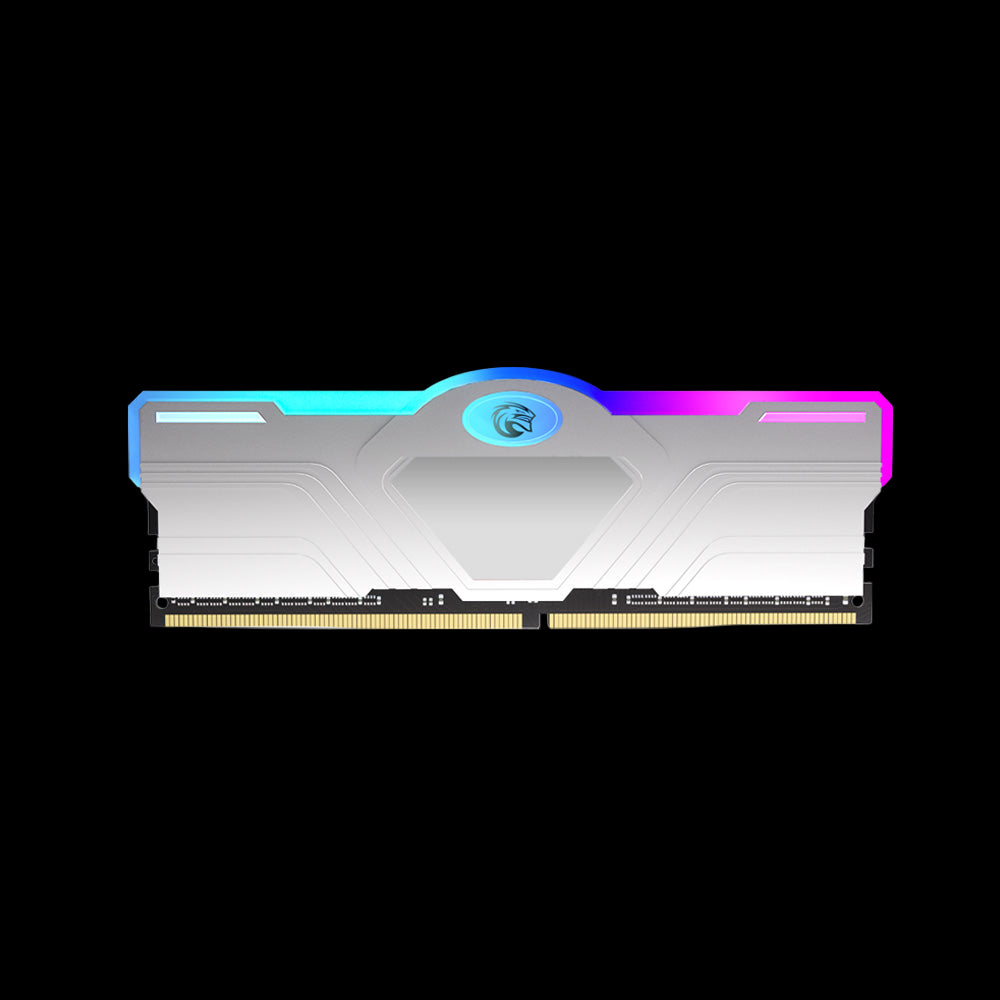
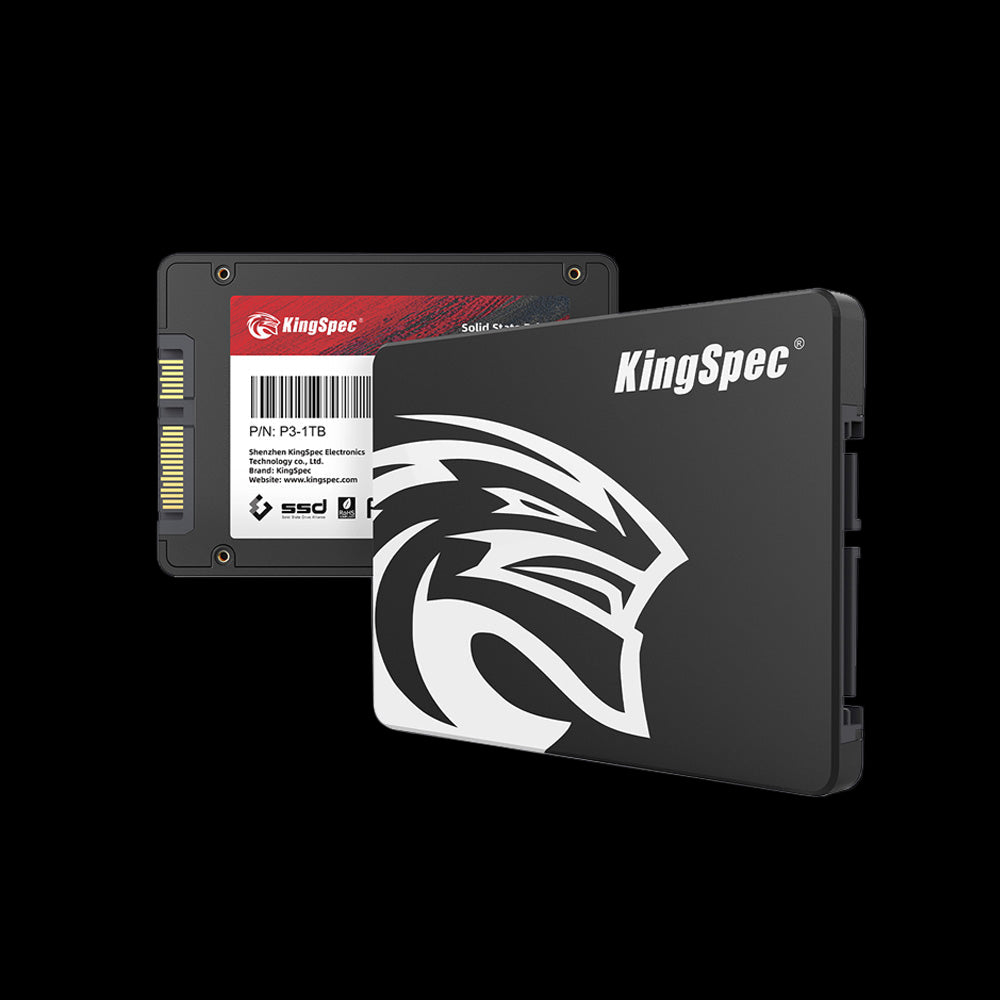
Check Out These Kingspec Tech Products You Can Shop
Explore More
How to Monitor and Estimate Your SSD Lifespan
Keeping an eye on your SSD’s health is a smart way to avoid surprises. Most SSDs come with built-in tools that track their condition using something called SMART data. This data shows important details like how many bad blocks have appeared or how much of the drive’s life is left.
You can use software tools provided by your SSD’s manufacturer or third-party apps to check this health data. Look for indicators such as:
- Percentage of life remaining
- Number of write cycles used
- Any reported errors or bad sectors
Regularly checking your SSD health helps you estimate how much longer your drive can last. It also gives you time to back up important files if the drive shows signs of wear.
Recognizing Signs That Your SSD May Be Failing
Even though SSDs are reliable, they can still fail over time. Knowing the early signs of SSD failure can save your data from being lost. Some common signs include:
- Slower than usual performance when opening files or programs
- Frequent crashes or errors when accessing data
- Files becoming corrupted or disappearing
- The computer failing to recognize the SSD during startup
If you notice any of these issues, it is a good idea to back up your data immediately and run a health check on your SSD. Replacing the drive before complete failure can prevent permanent data loss.
Remember, regular backups are important even if your SSD is working fine now.
How Deleting Files and Defragmentation Affect SSD Lifespan

A common question is whether deleting files or defragmenting affects SSD lifespan. The good news is that deleting files does not wear out an SSD because it mainly affects data pointers, not the actual memory cells.
Defragmentation, which is helpful for traditional hard drives, is unnecessary for SSDs and can cause extra wear, so it is best avoided. SSDs access data electronically and do not benefit from defragmentation.
To keep your SSD healthy, avoid defragmenting it and rely on the operating system’s built-in tools that optimize SSD performance safely.
Tips to Maximize Your SSD Lifespan
There are several simple steps you can take to help your SSD last as long as possible:
- Avoid unnecessary large file writes and constant rewriting
- Enable TRIM, a feature that helps the SSD manage unused data blocks efficiently, improving both performance and lifespan
- Keep your SSD firmware updated when possible, as updates can improve reliability and fix bugs
- Use power-saving settings to reduce wear when the drive is idle
-
Avoid exposing the SSD to extreme heat or physical shocks
By following these tips, you can extend your SSD lifespan and keep your data safe.
Also, if you are looking to upgrade or replace your storage, consider KingSpec Tech’s range of storage solutions. Their products include memory cards, gaming storage, internal and external SSDs designed for durability and high performance.
High-Endurance SSDs and Their Lifespan Advantages
For users who need SSDs that last longer under heavy use, high-endurance SSDs are a great option. These drives use higher quality NAND flash and have higher TBW ratings, meaning they can handle more write cycles.
High-endurance SSDs are common in enterprise environments, video editing, and gaming setups where lots of data is written every day. They tend to cost more but offer peace of mind for demanding tasks.
Conclusion
Understanding SSD lifespan helps you get the most out of your storage and avoid unexpected data loss. By knowing how SSDs wear out, how to monitor their health, and simple ways to extend their life, you can keep your device running smoothly for years.
For more helpful guides and tips about SSD lifespan and other tech topics, check out KingSpec Tech’s resources. They also offer a wide range of products like memory cards, gaming storage, internal and external SSDs, all designed to meet your storage needs with reliability and speed.
Browse KingSpec Tech’s products to find the perfect storage solution for your setup today.
Frequently Asked Questions About SSD Lifespan
Is a 10 year old SSD still good?
A 10-year-old SSD can still work well if it has been lightly used and properly maintained. However, since SSDs have limited write cycles, older drives may be closer to their lifespan limits. It is smart to check the drive’s health and back up important data regularly if you are still using an SSD that old.
Why do SSDs have a limited lifespan?
SSDs use NAND flash memory cells that wear out after a certain number of write and erase cycles. This physical wear limits how many times data can be rewritten before the cells start failing.
How do you estimate the lifespan of an SSD?
You can estimate SSD lifespan by monitoring its SMART health data, which shows how many write cycles have been used and how much life remains. Manufacturer tools and third-party apps can help interpret this data.
How do I check my SSD health?
You can check SSD health using built-in tools like SMART monitoring or software from the SSD manufacturer. These tools report on wear levels, bad blocks, and remaining life percentage.
Is it safe to defrag an SSD?
Defragmenting an SSD is unnecessary and can cause extra write cycles, so it is best avoided. Modern operating systems optimize SSDs without defragmentation.


