
When it comes to upgrading your computer or device storage, SSDs (solid-state drives) are a popular choice because they are fast and reliable.
But if you have a small device or a laptop, you might have heard about different SSD sizes like 2230 and 2242. These numbers might seem confusing at first, but they actually tell you about the size of the SSD.
Choosing the right size is important because it affects whether the SSD fits your device and how much space and speed you get.
Keep reading to learn everything about 2230 vs 2242 SSDs and find out which one is best for you.
What Does 2230 vs 2242 SSD Mean?
When you see numbers like 2230 or 2242 for SSDs, they are describing the physical size of the drive. The first two digits, 22, mean the width of the SSD is 22 millimeters. The last two digits tell you the length in millimeters. So:
- A 2230 SSD is 22 millimeters wide and 30 millimeters long
- A 2242 SSD is 22 millimeters wide and 42 millimeters long
Both are part of the M.2 SSD family, which is designed for small, compact devices like ultrabooks, tablets, and mini PCs.
The size difference might seem small, but it can affect how much storage the SSD can hold and whether it fits in your device.
Key Differences Between 2230 vs 2242 SSD

Understanding the main differences between these two SSD sizes will help you pick the right one for your needs. Here are the key points:
Physical Size and Compatibility
2230 SSDs are smaller and fit in ultra-compact devices with limited space. 2242 SSDs are slightly longer, so they require a bit more room but still work in many small devices. Always check your device’s manual or specs to see which size it supports.
Storage Capacity
Because the 2242 SSD is longer, it often can hold more memory chips. This usually means 2242 drives can offer larger storage options than 2230 drives.
Performance
Both sizes can support fast NVMe or SATA interfaces, so their speed depends more on the technology inside than the size. However, longer drives sometimes have better heat dissipation, which can help maintain performance during heavy use.
Keep in mind that actual heat management also depends on your device’s cooling design, not just the SSD size.
Price and Availability
2230 SSDs are less common and sometimes cost more because they are made for very specific devices. 2242 SSDs are more widely available and often come at a better price point.
Check Out These Kingspec Tech Products You Can Shop
Explore More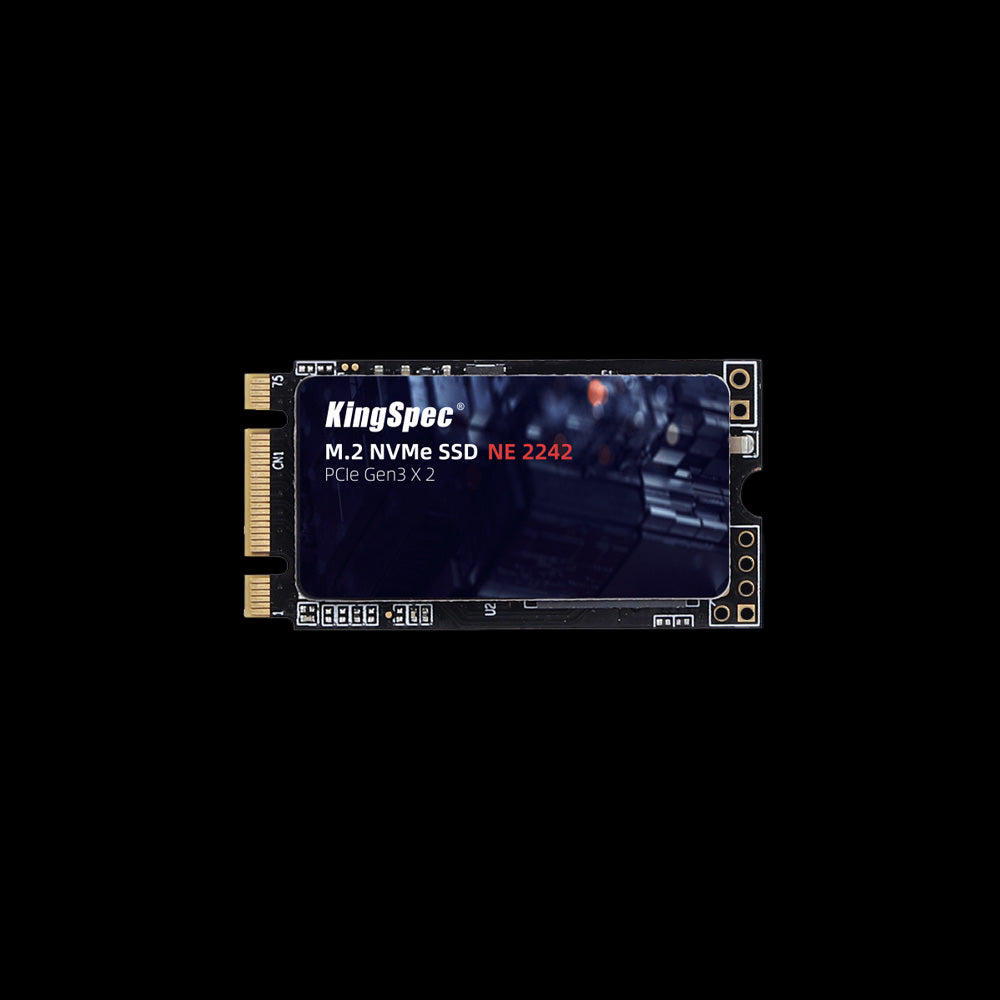

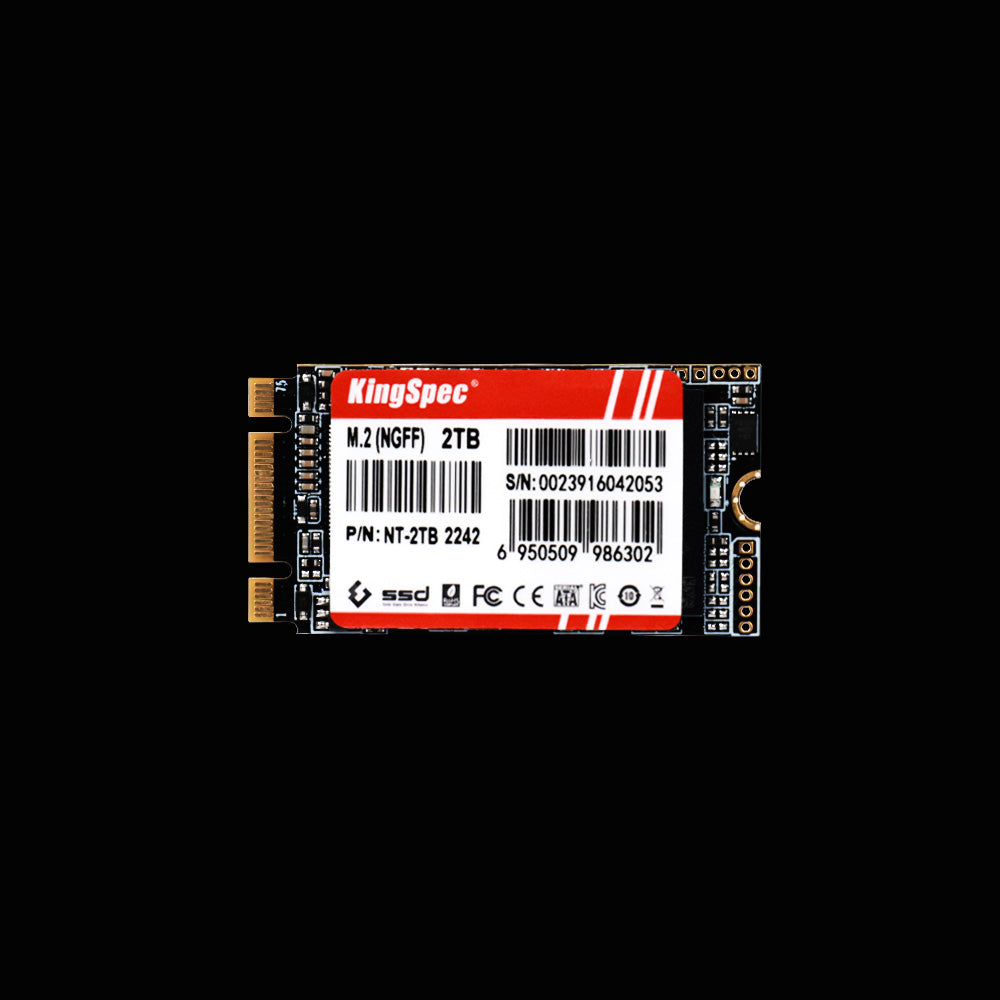
📌 If you want to know whether an SSD with heatsink is worth it for better performance and cooling, don’t forget to browse the article Is SSD With Heatsink Worth It For Better Performance And Longevity for some great insights.
2230 vs 2242 SSD: Which One Is Faster?
Many people wonder if the size of an SSD affects its speed. The short answer is that size alone does not determine speed. Instead, speed depends on the SSD’s interface and technology:
- NVMe SSDs use the PCIe interface and are much faster than SATA SSDs. Both 2230 and 2242 SSDs can come in NVMe versions.
- SATA SSDs are slower but still a big upgrade over traditional hard drives.
In general, you might find 2242 SSDs with slightly better performance options because they have more space for chips and better cooling. But a 2230 SSD with the same NVMe technology can be just as fast.
📌 For a deeper look at SSD speeds and how long they last, check out the article How Long SSD Lifespan Typically Last and How to Make It Last Longer? to learn how to keep your SSD running smoothly.
Can You Use 2230 SSD in a 2242 Slot or Vice Versa?
Compatibility is a big question when comparing 2230 vs 2242 SSDs. Here’s what you need to know:
- A 2242 slot is designed for SSDs that are 42 millimeters long, so it usually can fit a 2230 SSD with an adapter or if the slot supports multiple sizes.
- A 2230 slot is smaller and will not fit a 2242 SSD because the longer drive physically will not fit.
- Using the wrong size without proper adapters or support can damage your device or cause the SSD to not work.
Always check your device’s official specifications or user manual before buying or installing an SSD to avoid compatibility issues.
Advantages of 2242 SSD Over 2230 SSD

Choosing a 2242 SSD can give you several benefits, especially if your device supports it:
More Storage Space
The longer length means more room for memory chips, so you can get higher capacity drives.
Better Heat Management
The extra size allows for better heat dissipation, which helps maintain speed during heavy use. However, actual cooling depends on your device’s design and airflow, not just the SSD size.
Wider Device Support
2242 SSDs are more common in small laptops and mini PCs, making them easier to find and replace.
Potentially Better Reliability
Because of better cooling and more mature manufacturing, 2242 SSDs may offer improved durability over 2230 SSDs.
For anyone looking to upgrade storage, Kingspec offers a range of SSDs, including 2242 sizes, plus memory cards and gaming storage that fit many devices.
When Should You Choose 2230 vs 2242 SSD?
Here are some scenarios where one size might be better than the other:
Choose 2230 SSD if:
- You have an ultra-compact device with very limited space
- You want the smallest possible SSD for a tablet or very thin laptop
- Your device only supports 2230 size slots
Choose 2242 SSD if:
- Your device supports 2242 or multiple M.2 sizes
- You want more storage capacity and possibly better performance
- You want easier availability and better pricing options
Before upgrading, always check your device’s official specifications or user manual to see which SSD sizes it supports. This will save you time and money.
How to Install 2230 and 2242 SSDs Safely
Installing an M.2 SSD is usually straightforward, but there are some tips to keep in mind:
- Power off your device and unplug it before starting.
- Locate the M.2 slot and check if it supports 2230, 2242, or both sizes.
- Insert the SSD gently at an angle, then press it down and secure it with the screw.
- Avoid touching the gold connectors to prevent damage.
- After installation, check your BIOS or system settings to see if the SSD is recognized.
📌 If your SSD does not show up after installation, check out SSD Not Showing Up? Quick & Easy Fixes for simple solutions to get your drive working.
Conclusion
Choosing between a 2230 vs 2242 SSD comes down to your device’s size limits and your storage needs. While 2230 SSDs are perfect for ultra-compact devices, 2242 SSDs offer more storage options and better heat management.
Both sizes can be very fast depending on the SSD’s technology, so check your device specs and pick the right one for your setup. For more helpful guides and tips about SSDs and other tech, visit Kingspec.
You can also explore their range of products like memory cards, gaming storage, internal and external SSDs, DDR RAM, and more to upgrade your device smoothly.
📌 If you want to learn more about upgrading your storage, don’t forget to browse the article Top 4 Best SATA SSD for Speed and Reliability to find the perfect SSD for your needs.
Frequently Asked Questions About 2230 vs 2242 SSD
What are the advantages of a 2242 SSD?
A 2242 SSD offers more physical space, which usually means higher storage capacity and better heat management. It is also more widely supported in small laptops and mini PCs. These benefits make 2242 SSDs a good choice for users who want a balance of size and performance.
Is 2280 faster than 2230?
Not necessarily. The speed of an SSD depends more on its interface (NVMe or SATA) rather than its size. While 2280 SSDs are often larger and may have more chips, a 2230 NVMe SSD can be just as fast in terms of data transfer speeds.
Can I put a 2280 SSD in a 2242 slot?
No. A 2280 SSD is 80 millimeters long and will not physically fit into a 2242 slot, which only supports drives up to 42 millimeters long. Using the wrong size can cause damage or prevent the SSD from working.
How reliable are 2242 SSDs?
2242 SSDs are generally reliable, especially when made by trusted manufacturers. Their slightly larger size helps with heat dissipation, which can improve lifespan. Like all SSDs, their reliability also depends on usage patterns and quality.
Which SSD slot is better?
The best SSD slot depends on your device and needs. Larger slots like 2280 support bigger drives with more capacity, while smaller slots like 2230 or 2242 fit compact devices. Always choose the slot size your device supports for the best fit and performance.
Can you use a 2230 SSD in a 2280 slot?
Usually, no. A 2280 slot is designed for longer drives and may not have the mounting point for a 2230 SSD. However, some devices have adjustable mounting points or adapters that can make this possible.
How fast is the 2242 SSD?
2242 SSDs can be very fast, especially if they use NVMe technology. Speeds vary by model but can reach thousands of megabytes per second for reading and writing data, making them much faster than traditional hard drives.

