
If you are looking to upgrade your computer’s storage, a SATA SSD is one of the best choices you can make. SATA SSDs offer faster speeds than traditional hard drives and are more affordable than some of the newer NVMe options.
Whether you want to speed up your laptop, desktop, or gaming setup, understanding the best SATA SSD options will help you get the most value and performance.
Quick Answer: The best SATA SSD for most users is one that balances read/write speeds around 500–550 MB/s, offers at least 500GB of storage, and comes with a 3–5 year warranty. Keep reading to find the right fit for your specific needs.
What Is the Best SATA SSD and Why Should You Choose One?
When it comes to storage, SATA SSDs have been a popular choice for many years. They connect using the SATA III (6 Gb/s) interface, which is widely supported by most computers.
Why Choose a SATA SSD Over Other Options?
- ✅ Universal compatibility — works with almost any laptop or desktop
- ✅ Affordable pricing — significantly cheaper per GB than NVMe in many tiers
- ✅ Massive speed upgrade over traditional HDDs (up to 5x faster boot times)
- ✅ Silent and durable — no moving parts means less heat and noise
- ✅ Easy to install — drop-in replacement for most 2.5-inch HDD bays
📌 If you want to learn more about how to speed up your gaming experience, check out the article titled How to Pick the Best DDR4 RAM for Gaming. It explains how the right memory can boost your system’s performance just like a good SSD.
Who Is This For?
| User Type | Is a SATA SSD Right for You? |
|---|---|
| Everyday users (browsing, office work) | ✅ Perfect choice |
| Students upgrading older laptops | ✅ Excellent value |
| Casual gamers | ✅ Great for game storage |
| Video editors / heavy workloads | ⚠️ Consider NVMe for primary drive |
| Builders on a tight budget | ✅ Best bang for buck |
Top 4 Best SATA SSDs to Buy in 2025
Choosing the right SATA SSD can feel overwhelming with so many options on the market. Here are five of the best SATA SSDs in 2025 that balance speed, reliability, and value. These picks include trusted KingSpec models that have been praised for their performance and durability.
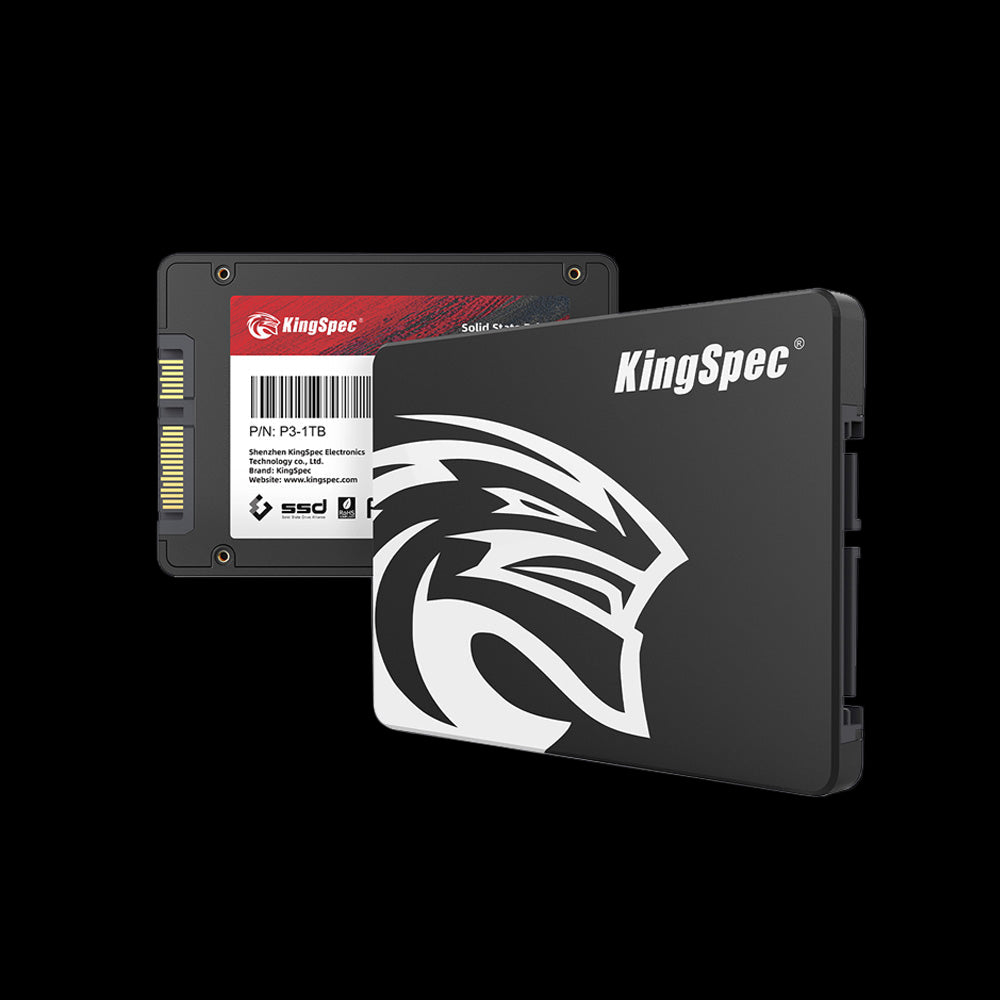
KingSpec P3 Series 2.5-Inch SATA III SSD
Features:
- Sequential read speeds up to 550 MB/s
- Available in capacities from 120GB to 2TB
- Low power consumption for longer laptop battery life
- Supports SMART and TRIM commands for better reliability
Why Buy It?
The P3 Series is a fantastic choice for everyday users and gamers who want a budget-friendly SSD that can handle games, apps, and multitasking smoothly.
Its solid speed and energy efficiency make it perfect for laptops and desktops alike.
If you want dependable performance without breaking the bank, this is a great pick.
KingSpec S5 Series 2.5-Inch SATA III SSD
Features:
- High endurance NAND flash for longer lifespan
- Consistent read/write speeds around 500-550 MB/s
- Enhanced error correction for data safety
- Available in multiple capacities up to 2TB

Why Buy It?
The S5 Series is designed for users who demand reliability and durability. It is ideal for professionals and creatives who work with large files or multitask heavily.
If you want a SATA SSD that won’t slow down under pressure and keeps your data safe, the S5 Series is a smart investment.
KingSpec V5 Series 2.5-Inch SATA III SSD
Features:
- Balanced performance with read speeds up to 540 MB/s
- Optimized for power efficiency to extend laptop battery life
- Supports TRIM and garbage collection for smooth operation
- Available in sizes up to 1TB

Why Buy It?
The V5 Series is perfect for upgrading older laptops or desktops where power efficiency matters. It provides a good mix of speed and battery savings, making it a great choice if you want to improve your system’s responsiveness without sacrificing battery life.
It’s a solid upgrade for everyday computing.
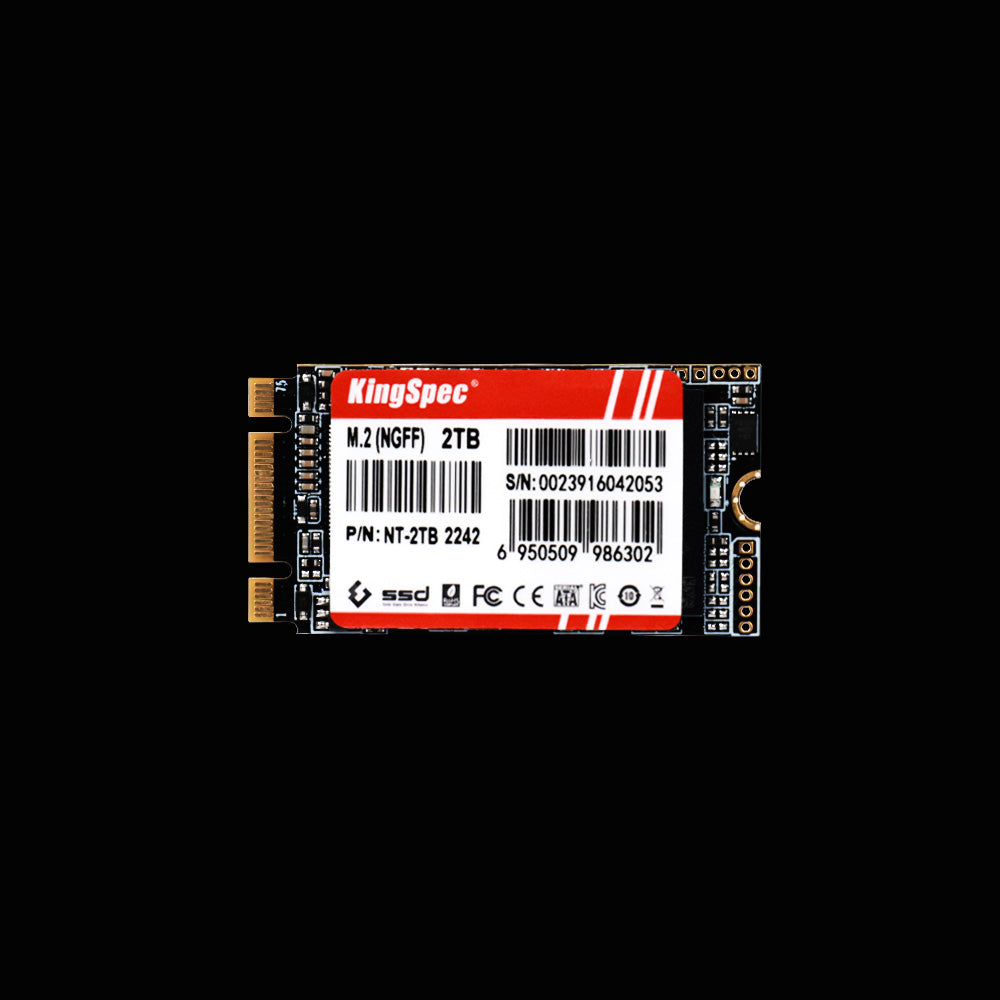
KingSpec NT Series M.2 2280 SATA NGFF SSD
Features:
- Compact M.2 2280 form factor for modern laptops and mini PCs
- Speeds up to 550 MB/s read and 500 MB/s write
- Supports SMART, TRIM, and low power consumption modes
- Available in capacities ranging from 120GB to 1TB
Why Buy It?
The NT Series 2242 is made for ultra-compact devices where space is limited. It’s perfect for netbooks or thin laptops that need a speedy upgrade but don’t support larger drives. This SSD offers a great balance of size and performance for specialized use.
📌 If you want to understand how long your SSD will last and how to take care of it, don’t forget to browse the article SSD Lifespan: How Long Do SSDs Last and How to Extend Their Life. It covers everything about SSD durability and care.
How to Choose the Best SATA SSD for Your Needs
Picking the best SATA SSD depends on what you want to use it for. Whether you are gaming, editing videos, or just browsing the web, knowing what to look for will help you make the right choice.
Here are some important factors to consider:
- Capacity: Choose a size that fits your storage needs. Common sizes range from 120GB to 2TB or more
- Speed: Look for read and write speeds that match your tasks. Faster speeds mean quicker file transfers and boot times
- Reliability: Check for SSDs with good reviews and warranties to ensure long-term use
- Price: Balance what you pay with the performance you get. Sometimes a mid-range SSD offers the best value
📌 If you are curious about the latest in memory technology to pair with your SATA SSD, discover the benefits of faster RAM in the article DDR5 RAM Speed: What You Need to Know. Faster RAM can make your computer even more responsive.
SATA SSD vs NVMe SSD: Which One Do You Actually Need?
This is one of the most common questions buyers ask, and the answer depends on your use case.
| Feature | SATA SSD | NVMe SSD |
|---|---|---|
| Max Sequential Read | ~550 MB/s | ~7,000 MB/s (PCIe 4.0) |
| Price (per GB) | Lower | Higher |
| Compatibility | Almost universal | Requires M.2 NVMe slot |
| Best For | Everyday use, budget builds | Gaming, video editing, workstations |
| Boot Time Difference vs HDD | ~5–10 seconds faster | ~5–10 seconds faster |
💡 Key Insight: For everyday tasks like web browsing, document editing, and casual gaming, the real-world speed difference between SATA and NVMe is often minimal. SATA SSDs offer excellent performance at a lower cost (source: The Gamer).
Easy Installation and Maintenance Tips for Your Best SATA SSD

Installing a SATA SSD in your computer is usually simple and can give your system a big speed boost. Here are some tips to help you get started and keep your SSD running smoothly.
- Installation basics: Open your desktop or laptop, connect the SATA data and power cables, and secure the SSD in the drive bay
- Cloning your old drive: Use popular cloning software like Macrium Reflect or Samsung Data Migration to copy your existing system to the new SSD without reinstalling everything
- Keep it healthy: Avoid filling the SSD to full capacity. Leave some free space to help with performance and longevity
- Firmware updates: Check the manufacturer’s website regularly for firmware updates that can improve performance or fix bugs
If you want to explore more about upgrading your gaming setup, check out KingSpec’s range of gaming storage solutions that pair perfectly with the best SATA SSDs.
Conclusion
The best SATA SSD in 2025 offers a great balance of speed, reliability, and affordability. Whether you are upgrading an old laptop or building a new PC, a SATA SSD is a smart choice that will make your system feel faster and more responsive.
For more helpful guides and tips about storage and computer upgrades, visit KingSpec. They offer a wide variety of products like memory cards, gaming storage, internal and external SSDs, DDR RAM, and more to help you get the most out of your tech.
Frequently Asked Questions About the Best SATA SSD
Which SATA SSD is the fastest?
The fastest SATA SSDs typically reach read and write speeds of about 550 MB/s. Performance depends on the controller and NAND type, but most top models deliver similar speeds. For even faster storage, NVMe SSDs are better, but SATA SSDs still offer great speed for everyday tasks.
Which SATA SSD is the most reliable?
Reliability depends on the brand, build quality, and how the SSD is used. Generally, SSDs with good warranties and positive user reviews tend to be more reliable. Proper care, such as avoiding full disk usage and keeping firmware updated, also helps extend lifespan.
What is the lifespan of a SATA SSD?
A SATA SSD can last anywhere from 5 to 10 years depending on usage. Most have a TBW rating that indicates how much data can be written before wear occurs. Typical home use rarely reaches these limits quickly.
Do NVMe or SATA SSDs last longer?
Both NVMe and SATA SSDs have similar lifespans since they use similar NAND flash memory. The main difference is speed and price, not durability. Proper usage and care are key to maximizing the lifespan of either type.
How does a SATA SSD compare to 5400 rpm or 7200 rpm hard drives?
SATA SSDs are much faster than 5400 rpm or 7200 rpm hard drives. SSDs have no moving parts, so they boot your system and load files quickly without noise or heat. Hard drives are slower and more prone to failure due to mechanical parts.

