
NVMe vs SATA is one of the most common questions when buying a new SSD. Both are solid state storage, but they use completely different interfaces and deliver very different speeds. Choosing the right one affects how fast your PC boots, how quickly your games load, and whether your storage can keep up with demanding video or creative work.

This guide breaks down the speed gap between NVMe and SATA with real numbers, explains the technical differences that cause it, and gives you a clear decision framework for choosing between them based on your system and workload. You will also find the right KingSpec drive for each scenario.
Quick Answer
- NVMe is faster: Gen3 hits up to 3,500 MB/s, Gen4 up to 7,400 MB/s, Gen5 up to 14,000 MB/s
- SATA is capped at around 550 to 580 MB/s regardless of the drive model
- For gaming, video editing, and large file transfers: NVMe wins clearly
- For everyday browsing, documents, and older systems: SATA is fast enough and costs less
- NVMe connects directly to PCIe lanes with no cables; SATA needs a data cable and power cable
- Both are available in the M.2 form factor, always verify your slot supports the right protocol
Speed and Performance Comparison

NVMe Transfer Speeds by PCIe Generation
| PCIe Generation | Sequential Read | Sequential Write | Random Read IOPS | Latency |
|---|---|---|---|---|
| PCIe 3.0 NVMe | 3,000 to 3,500 MB/s | 2,000 to 3,000 MB/s | 300K to 700K | ~10 to 20 µs |
| PCIe 4.0 NVMe | 5,000 to 7,400 MB/s | 4,400 to 6,900 MB/s | Up to 1,000K+ | ~10 µs |
| PCIe 5.0 NVMe | 10,000 to 14,000 MB/s | Up to 12,000 MB/s | 2,000K+ | ~10 µs |
| SATA III SSD | 500 to 580 MB/s | 450 to 550 MB/s | 75K to 100K | ~100 µs |
NVMe drives plug straight into PCIe lanes, which gives them far more bandwidth than the SATA interface allows. SATA uses the AHCI protocol designed for spinning hard drives, with a single command queue of 32 commands. NVMe was built from the ground up for flash storage and supports up to 65,535 command queues, each with 65,535 commands deep. That is why NVMe handles heavy multitasking and random workloads so much more efficiently. For a full deep-dive into how PCIe generations affect NVMe speed, see: PCIe 4.0 NVMe SSD: Speed and Performance Guide.
SATA Speed: Where the Ceiling Is
SATA SSDs are bottlenecked by the SATA 3.0 interface, which tops out at 6 Gbps. In practice that means 500 to 580 MB/s reads and 450 to 550 MB/s writes, and no SATA drive can exceed those limits regardless of its NAND quality or controller. SATA latency runs around 100 microseconds, roughly five to ten times higher than NVMe. For budget upgrades on older systems without an M.2 slot, SATA is still an excellent replacement for a spinning hard drive. For a full look at the best options in the SATA category, see: Top 4 Best SATA SSD for Speed and Reliability.
Real-World Performance Differences
The speed gap shows up most clearly in three scenarios:
- Large file transfers: copying a 50GB game folder that takes 100 seconds on SATA completes in 15 to 20 seconds on a PCIe 4.0 NVMe drive
- Gaming load times: NVMe drives reduce load times by 30 to 50 percent over SATA in most titles, and open-world texture streaming runs noticeably smoother
- Video and creative work: scrubbing 4K or 8K footage is smooth on NVMe but can stutter on SATA; large project exports can be three to five times faster when storage is the limiting factor
For everyday tasks like web browsing, documents, email, and streaming, SATA and NVMe feel nearly identical. The interface speed is not what limits those tasks.
Technical Differences: Why NVMe Is So Much Faster
Interface and Protocol
SATA SSDs use the Serial ATA interface with the AHCI protocol, both originally designed for hard drives in 2003. They connect via a SATA data cable and a power cable, limiting bandwidth to 600 MB/s. NVMe SSDs connect directly over PCIe lanes to the CPU, bypassing the SATA controller entirely. PCIe 3.0 delivers 32 GB/s of total bandwidth across 16 lanes; x4 NVMe drives use four of those lanes, producing up to 16 GB/s on Gen5.
Form Factors and Physical Design
| Drive Type | Physical Size | Connection | Cables Needed |
|---|---|---|---|
| 2.5" SATA SSD | Standard 2.5 inch | SATA III port | Data cable + power cable |
| M.2 SATA SSD | 2280 or 2242 stick | M.2 slot (SATA protocol) | None (direct slot mount) |
| M.2 NVMe SSD | 2280, 2242, or 2230 stick | M.2 slot (PCIe protocol) | None (direct slot mount) |
An important note: M.2 is a physical form factor, not a speed standard. An M.2 slot can support either SATA protocol or NVMe (PCIe) protocol, and some support both. An M.2 SATA drive looks identical to an M.2 NVMe drive but runs at SATA speeds. Always check your motherboard or laptop manual to confirm which protocols your M.2 slot supports before purchasing. For a full breakdown of M.2 SATA vs M.2 NVMe, see: M.2 SATA vs 2.5" SATA SSDs: Understanding the Form Factor Upgrade.
Power Consumption
SATA SSDs use 2 to 5 watts active, which is why they remain popular in laptops where battery life matters. Budget NVMe drives use 3 to 5 watts; high-end PCIe 4.0 and 5.0 drives can draw 7 to 10 watts under sustained load, which is why faster drives often include heatsinks. Modern NVMe drives drop into low-power idle states quickly, narrowing the gap during light use.
NVMe vs SATA: Which Should You Choose?

| Use Case | Best Choice | Reason |
|---|---|---|
| Gaming on a modern system | NVMe PCIe 4.0 | 30 to 50% faster load times; DirectStorage support |
| 4K/8K video editing | NVMe PCIe 4.0 or 5.0 | Smooth scrubbing and faster exports |
| Everyday use, documents, streaming | SATA or budget NVMe | SATA is fast enough; no noticeable gap |
| Older laptop or desktop upgrade | SATA 2.5" SSD | Compatible with legacy slots, massive HDD upgrade |
| Budget PC build | SATA or NVMe Gen3 | Lower cost, sufficient for most tasks |
| AI, ML, large dataset work | NVMe PCIe 5.0 | Maximum throughput for data pipeline bottlenecks |
When SATA Makes More Sense
SATA is the right call when your system only has a 2.5" drive bay and no M.2 slot, when you are on a tight budget and the workload does not justify NVMe pricing, or when you need a secondary high-capacity storage drive where sequential speed matters less than cost per gigabyte. For general browsing, office apps, and streaming, SATA delivers more than enough speed that the NVMe gap is imperceptible in daily use.
When to Invest in NVMe
NVMe is the clear choice for any system with a PCIe M.2 slot and a workload that stresses storage: gaming, video editing, 3D rendering, software compilation, or large file transfers. PCIe 4.0 NVMe is now similarly priced to SATA in many capacities, which makes it the practical default for new builds even when the speed difference is not critical. PCIe 5.0 is worth the premium for AI workloads, 8K production environments, and future-proofing high-end systems. For a detailed comparison of Gen4 vs Gen5, see: PCIe 4.0 vs PCIe 5.0: Which Should You Buy?
KingSpec NVMe and SATA SSDs: Which One Fits Your Build?
KingSpec covers both sides of the NVMe vs SATA decision with purpose-built drives at every performance and budget level. Explore the complete internal SSD collection or find the right match below.
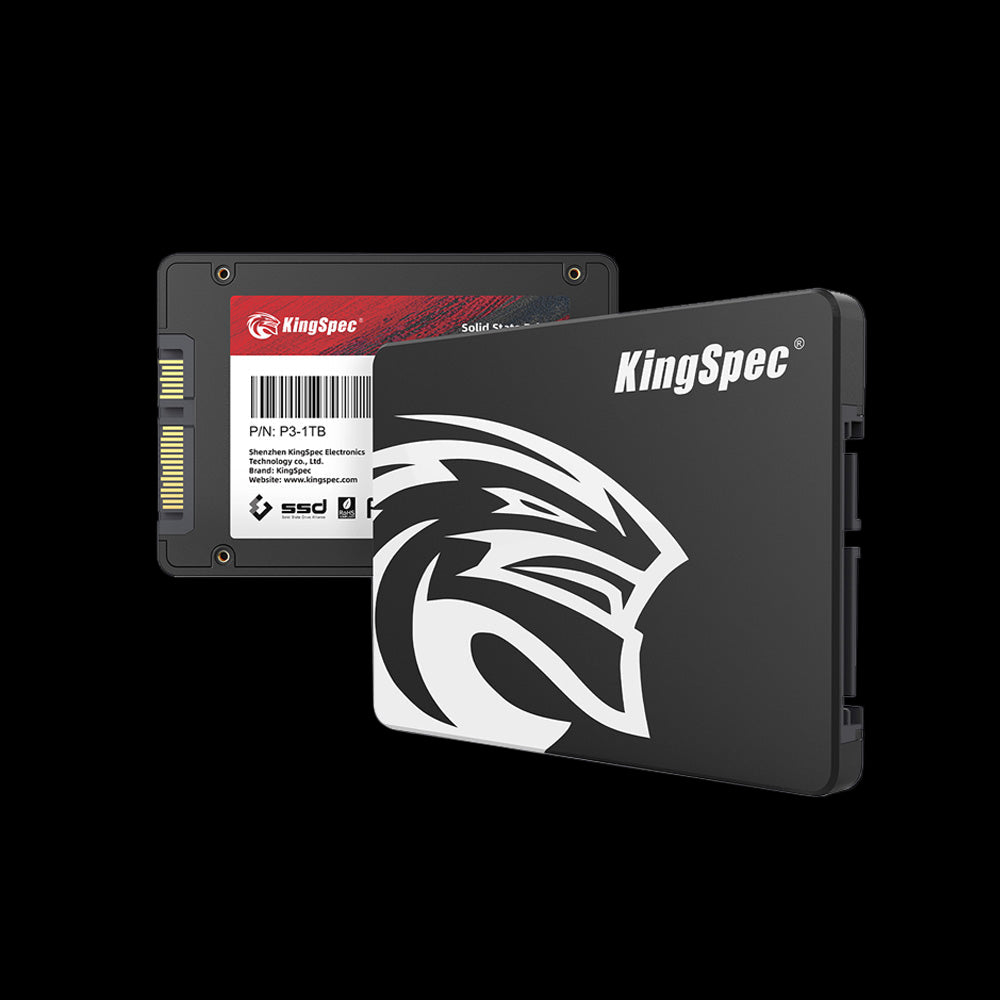
- Interface: SATA III (6 Gb/s)
- Read: Up to 560 MB/s
- Write: Up to 530 MB/s
- Form Factor: 2.5 inch standard
- Capacities: 256GB to 8TB
- Install: SATA data cable + power cable
- Warranty: 3 Years
The go-to SATA upgrade for any desktop or laptop with a 2.5" drive bay. Delivers 4x the sequential speed of a spinning hard drive at the most affordable price per gigabyte in KingSpec's lineup. No M.2 slot needed, no protocol compatibility to check.
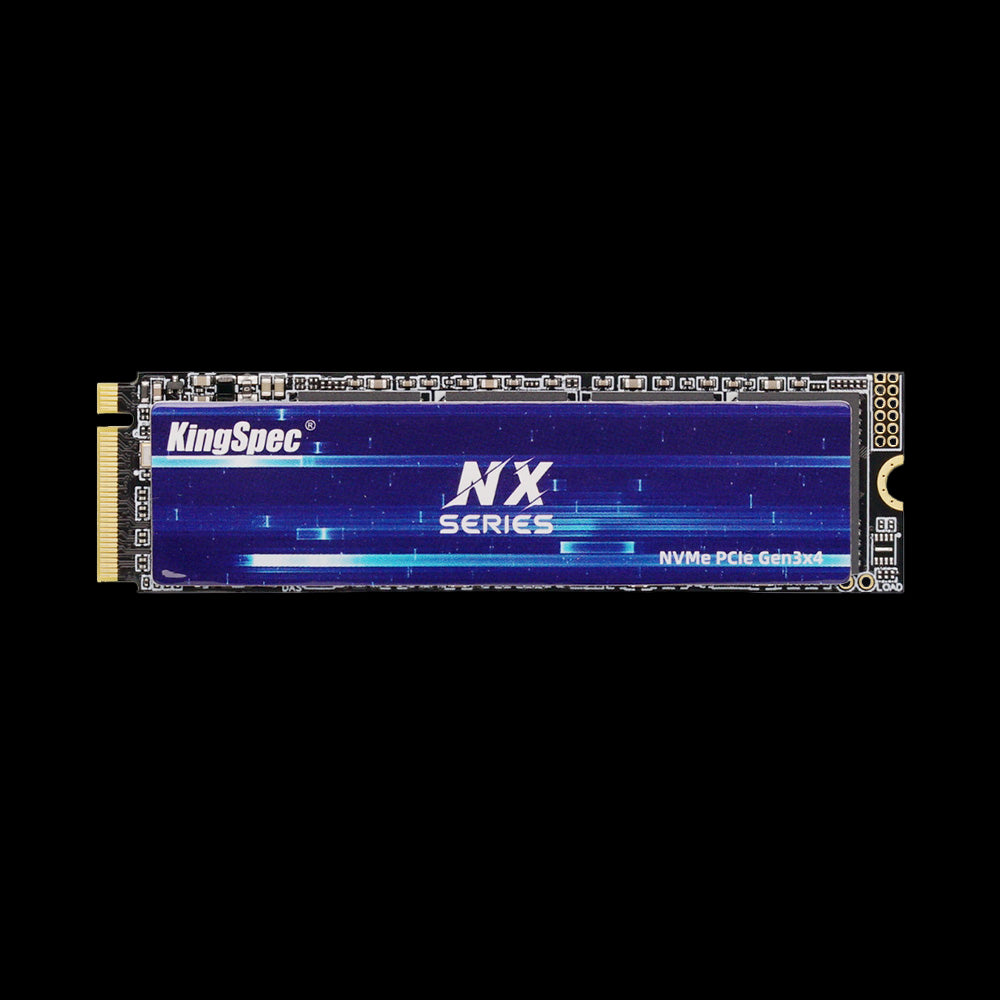
- Interface: PCIe Gen3 x4, NVMe
- Read: Up to 3,500 MB/s
- Write: Up to 3,000 MB/s
- Form Factor: M.2 2280 (standard)
- Capacities: 256GB, 512GB, 1TB, 2TB
- Cooling: Ultra-thin graphene heatsink label
- Warranty: 3 Years
Entry-level NVMe that delivers six times the sequential speed of SATA at a budget-friendly price. The most affordable way to make the jump from SATA to NVMe for users whose motherboard or laptop has an M.2 PCIe Gen3 slot available.
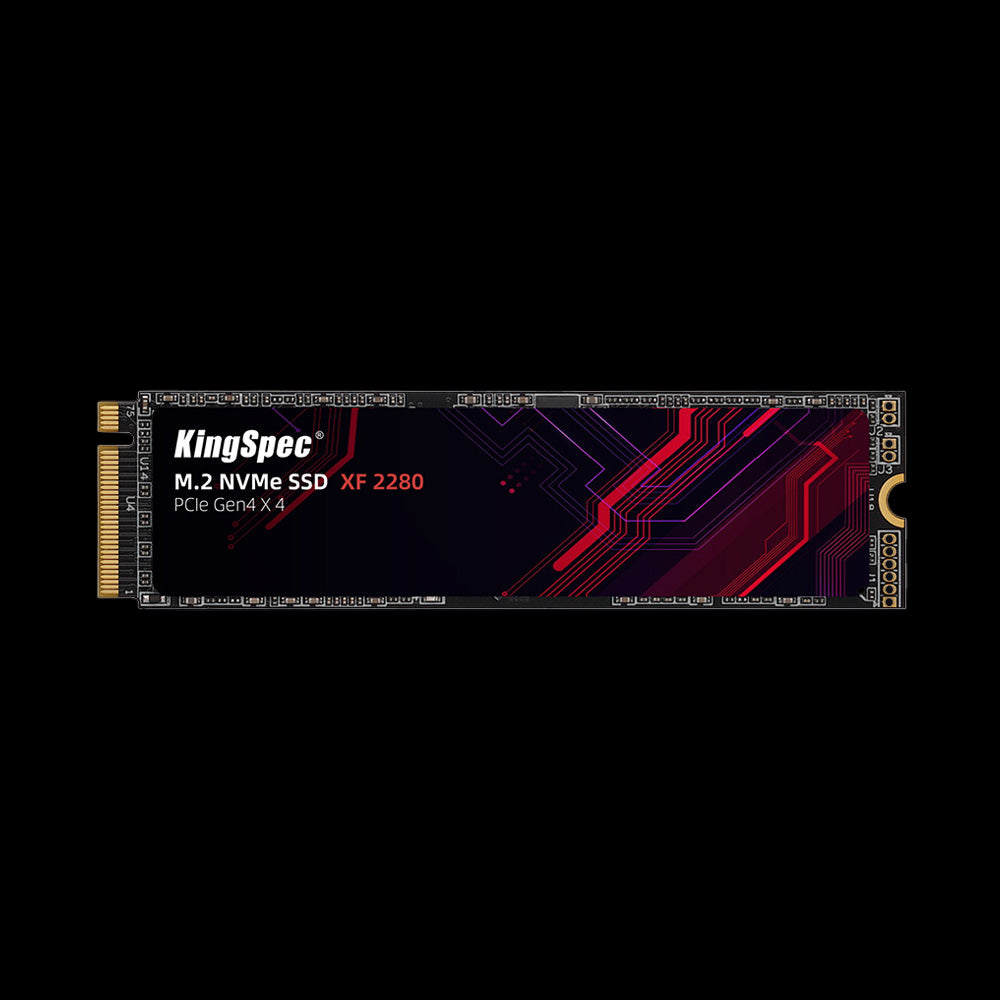
- Interface: PCIe Gen4 x4, NVMe
- Read: Up to 5,100 MB/s
- Write: Up to 4,600 MB/s
- Form Factor: M.2 2280
- Capacities: 512GB, 1TB, 2TB
- Cooling: Ultra-thin graphene heatsink label
- Compatibility: PS5, gaming laptops, desktops
- Warranty: 3 Years
Gen4 NVMe speed at a mid-range price, delivering nine times the sequential throughput of SATA. PS5-compatible and single-sided for slim laptop use. The most practical step up from SATA for gamers and everyday creators who want Gen4 performance without paying Gen4 flagship prices.
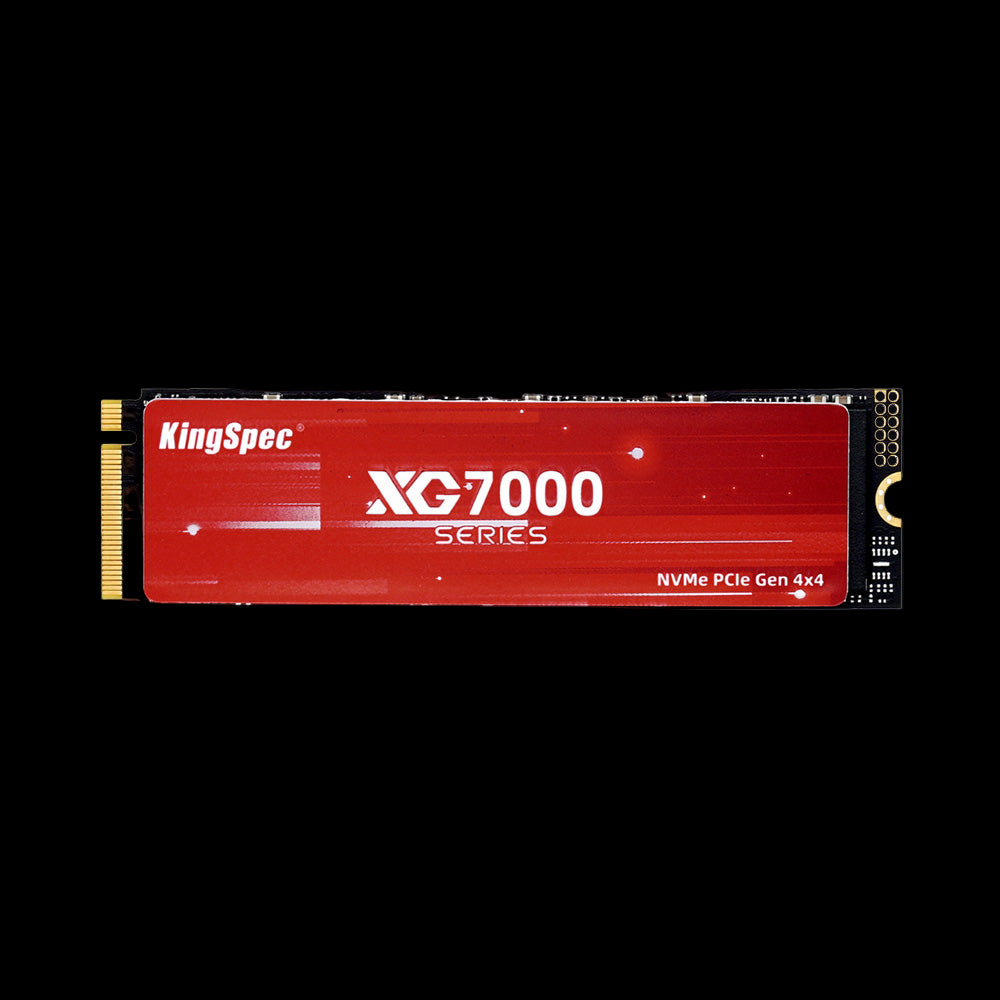
- Interface: PCIe Gen4 x4, NVMe 1.4
- Read: Up to 7,400 MB/s
- Write: Up to 6,600 MB/s
- Form Factor: M.2 2280
- Capacities: 512GB, 1TB, 2TB, 4TB, 8TB
- Cooling: Ultra-thin graphene heatsink label
- Warranty: 3 Years
Flagship Gen4 speed (7,400 MB/s) in capacities up to 8TB. The clearest answer to why NVMe wins the speed battle: 13 times faster than SATA in sequential reads. Ideal for users who need both maximum throughput and large-capacity storage in a single drive for gaming libraries, video archives, or workstation projects.
Conclusion: NVMe vs SATA
NVMe clearly wins the speed comparison with transfer rates that are six to thirteen times faster than SATA, depending on the PCIe generation. For gaming, video editing, large file transfers, and any system with a PCIe M.2 slot, NVMe is the better long-term choice, especially as Gen4 pricing has dropped to near SATA parity in many capacities. SATA remains excellent for older systems, secondary storage, and users whose workloads do not push storage bandwidth. The biggest real-world jump comes from replacing any spinning hard drive with either interface, that improvement is far larger than moving from SATA to NVMe.
For a full walkthrough on upgrading your storage, including installation steps for both SATA and M.2 drives, see: How to Install Internal SSD: Quick Setup Guide.
Browse Related Collections
Frequently Asked Questions
Is SATA better than NVMe?
NVMe outperforms SATA on speed, latency, and nearly every performance metric. SATA SSDs top out around 550 to 580 MB/s, while NVMe Gen3 drives reach 3,500 MB/s and Gen4 reaches 7,400 MB/s. SATA costs less per gigabyte and is compatible with virtually every computer made in the last 15 years. For basic tasks like browsing and streaming, SATA is fast enough. The performance advantage of NVMe becomes clearly noticeable in gaming load times, large file transfers, and creative workloads.
Is NVMe faster than an SSD?
NVMe is a type of SSD. The correct comparison is NVMe SSD vs SATA SSD. NVMe drives reach 3,000 to 3,500 MB/s on PCIe 3.0, up to 7,400 MB/s on PCIe 4.0, and up to 14,000 MB/s on PCIe 5.0. SATA SSDs max out around 550 MB/s regardless of capacity or brand. NVMe connects directly to the CPU over PCIe lanes with much lower latency (10 to 20 microseconds) compared to SATA's ~100 microseconds.
What are the disadvantages of NVMe?
NVMe drives cost more than SATA for the same capacity, though Gen4 pricing has dropped significantly. Older PCs and laptops may not have an M.2 slot at all, or may have an M.2 slot that only supports SATA, not NVMe. High-performance Gen4 and Gen5 NVMe drives run hotter and often require a heatsink to prevent thermal throttling. Some motherboards also share M.2 and SATA bandwidth, meaning adding an NVMe drive may disable a SATA port.
Does NVMe vs SATA matter for gaming?
Yes, especially for modern open-world titles and games using DirectStorage. NVMe loads games 30 to 50 percent faster than SATA in most titles. DirectStorage lets games stream assets directly to the GPU over NVMe bandwidth without CPU involvement, reducing stuttering and texture pop-in during fast movement. Going from a hard drive to a SATA SSD is still a larger improvement in total gaming experience than going from SATA to NVMe, but for new builds with PCIe 4.0 boards, NVMe is the better choice even at similar prices.
Can I use an NVMe SSD in a SATA slot?
No. NVMe drives use the PCIe protocol and are not compatible with SATA ports. If your system only has SATA ports and no M.2 slot, you cannot install an NVMe drive. Some motherboards have M.2 slots that only support SATA protocol, an NVMe drive installed in a SATA-only M.2 slot will not be detected at all. Always confirm which protocol your M.2 slot supports (SATA, NVMe, or both) in your motherboard manual before purchasing an SSD.
Is M.2 the same as NVMe?
No. M.2 is a physical form factor (the size and shape of the connector and drive stick). NVMe is a storage protocol that runs over PCIe. An M.2 slot can support NVMe, SATA, or both, depending on the motherboard. An M.2 SATA drive looks identical to an M.2 NVMe drive but runs at SATA speeds (550 MB/s maximum). When buying a drive, confirm both the physical form factor (2280, 2242, or 2230) and the protocol (SATA or NVMe) your slot supports.

