
Your game is stuttering, Discord is open, and a dozen browser tabs are sitting in the background. Is it the RAM? Sometimes. For most players, 16GB RAM is still a solid foundation for gaming, but demanding games, streaming, and heavy multitasking can push past it.
More memory doesn’t always mean more frames per second. The right amount depends on what you play, what else runs on your PC, and whether you’re building new or upgrading. This guide covers what 16GB can handle, when 32GB makes sense, and how to tell whether RAM is really your problem.
Key Takeaways
- 16GB RAM is enough for most gaming setups, especially when you play one game at a time.
- Demanding games, streaming, and heavy mods can push memory use past 16GB.
- Two matched sticks in dual-channel mode beat a single stick of the same total size.
- 32GB gives extra headroom, but it won’t raise FPS if 16GB was already enough.
- Check your RAM use in Task Manager before you buy an upgrade.
Is 16GB RAM Good for Gaming?

Yes. 16GB of RAM is good for gaming for most players, especially if you play one game at a time and keep background apps to a minimum. It’s a sensible baseline for a gaming PC, though memory needs vary by game, settings, and what else is running.
| Gaming Setup | Is 16GB Likely Enough? |
|---|---|
| One game, few apps open | Usually yes |
| Competitive or lighter games | Yes |
| Demanding games with several apps open | It may start to feel tight |
| Gaming while streaming, recording, or multitasking | 32GB will be more comfortable |
RAM is your PC’s short-term working space. Games, Windows, voice chat, and browser tabs all take a share. When total demand gets close to what you have, you may notice hitching or slowdowns. That doesn’t mean RAM is always to blame, since the CPU, graphics card, storage, and game settings all affect performance too.
What 16GB RAM Means for Gaming in 2026
For most gaming PCs, 16GB is still workable in 2026, but it isn’t enough for every game or setup. Check each game’s requirements: some demanding titles now recommend 32GB, while many others list 16GB or less.
What Affects Gaming Performance With 16GB RAM?
Capacity matters, but it’s only one part of a gaming PC. These factors shape how well a 16GB system performs:
- The game: Large open worlds, high-resolution assets, and mods use more memory.
- Background apps: Browsers, streaming software, launchers, and voice chat all hold RAM while they’re open.
- RAM configuration: Two matched sticks run in dual-channel mode, which raises memory bandwidth compared with one stick.
- Other hardware: A slow CPU, a graphics card short on VRAM, or a nearly full drive can cause issues more RAM won’t fix.
- Game settings: Higher texture quality and similar settings can increase memory demand, depending on the game.
RAM vs. VRAM
RAM isn’t the same as VRAM. RAM is system memory your whole PC uses, while VRAM is the memory built into your graphics card. A game can hit its VRAM limit even with plenty of system RAM free, and adding RAM won’t fix that.
Can GTA 5 Run on 16GB RAM?
Yes. Rockstar lists 8GB as the minimum for Grand Theft Auto V Enhanced and recommends 16GB in a dual-channel configuration, as long as the rest of your PC meets the requirements. The Enhanced edition also lists an SSD as a minimum requirement. Mods and multitasking raise memory use, so close programs you don’t need if you notice slowdowns.
16GB vs. 32GB RAM for Gaming
The main difference between 16GB and 32GB is how much room your PC has for games and everything else at once. More capacity helps when you run out of memory, but it doesn’t automatically make every game faster.
| RAM Capacity | Best Suited To | Main Trade-Off |
|---|---|---|
| 16GB | Gaming with few apps open on a tighter budget | Less room for demanding games and multitasking |
| 32GB | Gaming while streaming, recording, or running several apps | Costs more and won’t raise FPS if 16GB was enough |
Building a new rig? KingSpec’s gaming performance lineup pairs memory and storage designed for play.
Is 32GB RAM Overkill for Gaming?
It can be more than a basic gaming setup needs, but it’s useful if you multitask or want headroom for future games. If your current games run smoothly and memory use stays well below the limit, upgrading may not make a noticeable difference.
Do I Need 16GB or 32GB RAM?
Choose 16GB if your budget is tight, you mainly play one game at a time, and your PC shows no memory-related slowdowns. Choose 32GB if you stream or record, use large mods, keep lots of apps open, or are building a new system and want room to grow.
Why 2x8GB Beats 1x16GB
The same 16GB can perform differently depending on how it’s installed. Two 8GB sticks in the right slots run in dual-channel mode, which gives the CPU more memory bandwidth than a single 16GB stick. That’s why many game requirements, including GTA V Enhanced, specifically mention a dual-channel setup. Check your motherboard manual for the correct slots.
How to Tell If Your Gaming PC Needs More RAM

Before you buy memory, confirm that RAM is actually causing the problem. A few minutes of checking can save you from upgrading the wrong part.
Check Memory Use in Task Manager
Open Task Manager while a game is running and look at memory use on the Performance tab. Keep your usual background apps open and check during a demanding part of the game. Signs that more RAM would help include:
- Memory use stays close to capacity while you play.
- Games hitch or slow down when several apps are open.
- Closing background programs makes the problem go away.
- Memory use stays high when you stream, record, or multitask while gaming.
Rule Out Other Bottlenecks
High memory use alone doesn’t prove that RAM is the cause. Check whether your graphics card is hitting its VRAM limit, your CPU is running at full load, or your drive is nearly full. Any of these can cause stutters that look like a RAM problem.
Get the Most From 16GB RAM
You can make a 16GB system more comfortable before upgrading:
- Close browser tabs and programs you don’t need.
- Avoid running several demanding apps while gaming.
- Make sure your memory sticks are in the right slots for dual-channel mode.
- Turn on XMP or EXPO in the BIOS so your RAM runs at its rated speed.
- Keep free space on your drive for Windows and game updates.
These steps can free up memory or reveal the real cause, but they won’t make 16GB behave like 32GB. If memory stays near capacity during your usual gaming, an upgrade is worth it.
When to Upgrade From 16GB to 32GB RAM
An upgrade helps most when your games and apps regularly need more than 16GB. It’s less likely to help if a different part is holding your PC back or your memory use is usually low.
Before you buy, check your motherboard’s supported RAM type, free slots, maximum capacity, and recommended configuration. Mixing different kits can work in some systems, but a matched kit is the simpler choice. After installing, confirm that the PC detects the full amount and runs stable. Gaming on a laptop? Read this guide on how to get more RAM on a laptop first, since many laptops have limits or soldered memory.
Speed matters too. On a newer platform, faster DDR5 can help in CPU-heavy games, and this guide to the best DDR5 RAM compares the options.
Recommended KingSpec RAM and Storage for Gaming PCs
Whether you’re building a 16GB rig or moving up to 32GB, these KingSpec picks cover memory for both DDR5 and DDR4 platforms, plus fast storage for quicker load times. Match the memory generation to your motherboard before you buy.
Best Gaming RAM for 16GB and 32GB Builds
Choose DDR5 for a current platform, or DDR4 if your motherboard has DDR4 slots.
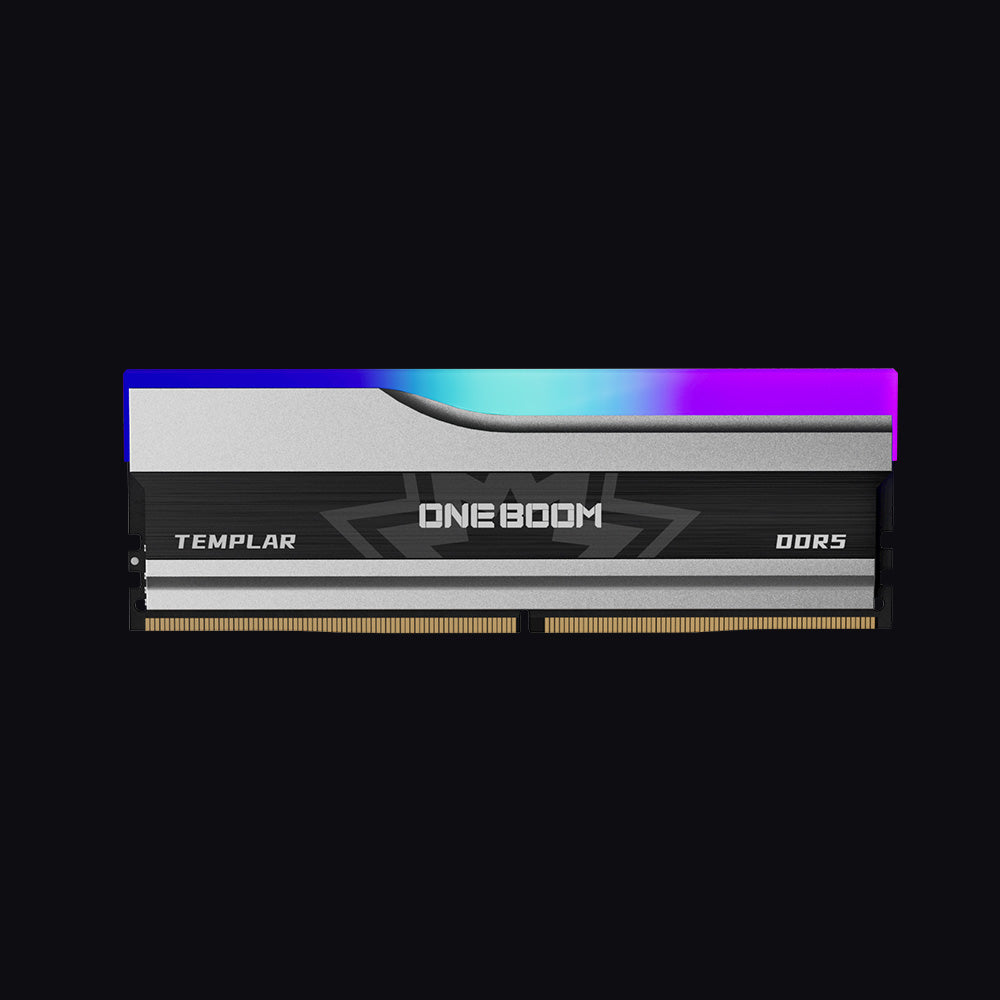
- Type: DDR5, 288-pin DIMM
- Speed: 5600 or 6000MT/s
- Capacities: 16GB or 32GB (2x16GB)
- Platforms: Intel and AMD
- Cooling: Aluminum heatsink
- Warranty: 3 Years
The 32GB (2x16GB) kit gives you dual-channel DDR5 with room for streaming and multitasking. The 6000MT/s option is a popular speed for current gaming platforms, with customizable RGB to finish the build.
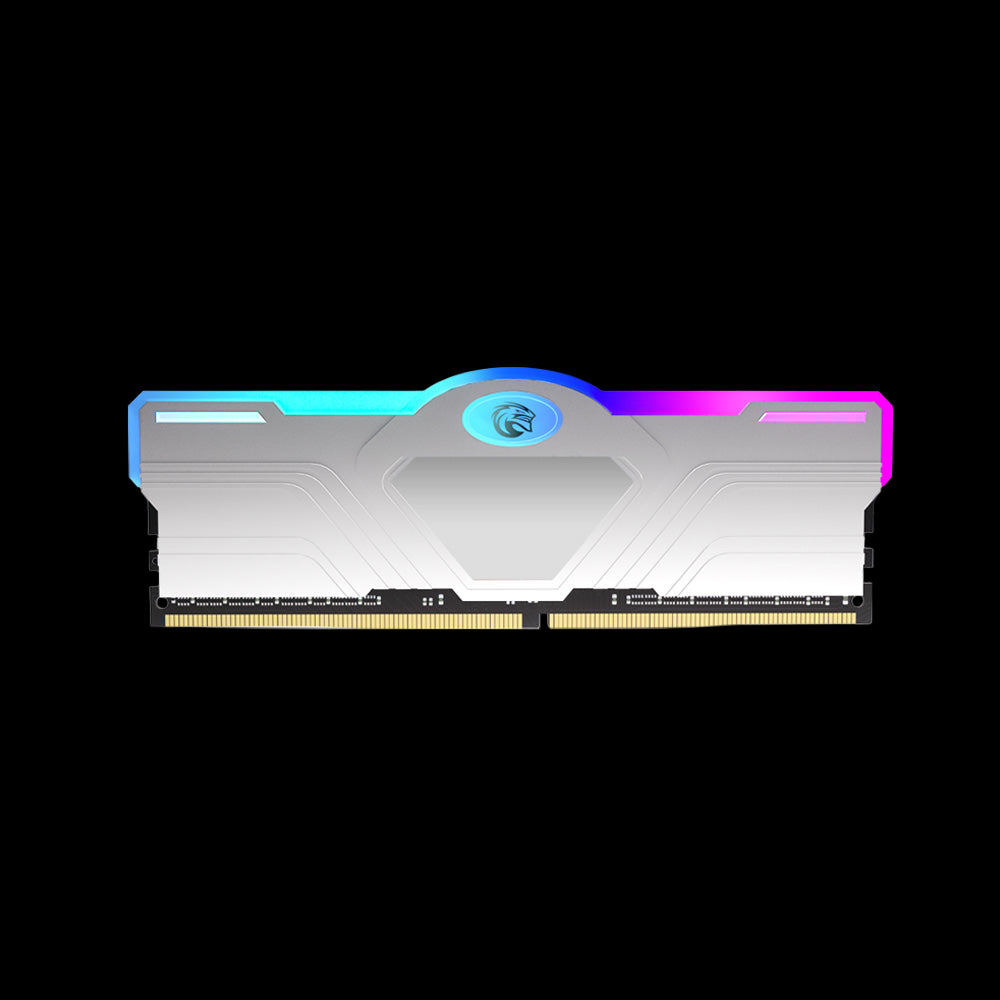
- Type: DDR4, 288-pin DIMM
- Speed: From 3200MHz
- Cooling: Aluminum heatsink
- Lighting: RGB
- Platforms: Intel and AMD
An easy way to reach 16GB or 32GB on a DDR4 gaming PC, with a silver finish and RGB lighting that suits white or light-themed builds.
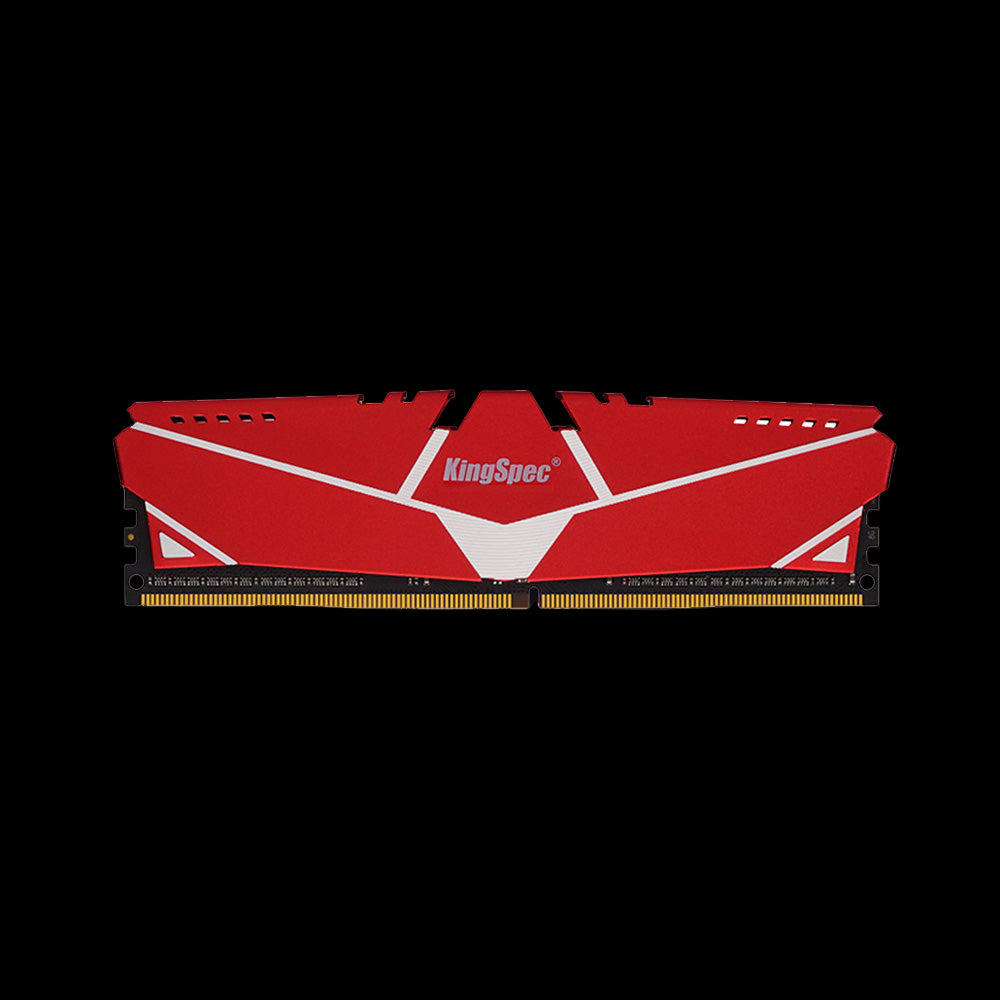
- Type: DDR4, 288-pin DIMM
- Speed: 3200MHz
- Cooling: Red aluminum heatsink
- Platforms: Intel and AMD
A budget-friendly route to dual-channel 16GB or 32GB on a DDR4 board. Install a matched pair in the right slots for the best gaming performance.
Best SSDs for Faster Game Loading
RAM keeps games running smoothly, but your SSD decides how fast they load. Some newer games, like GTA V Enhanced, list an SSD as a requirement. Not sure which drive type your PC takes? Compare NVMe and SATA first.
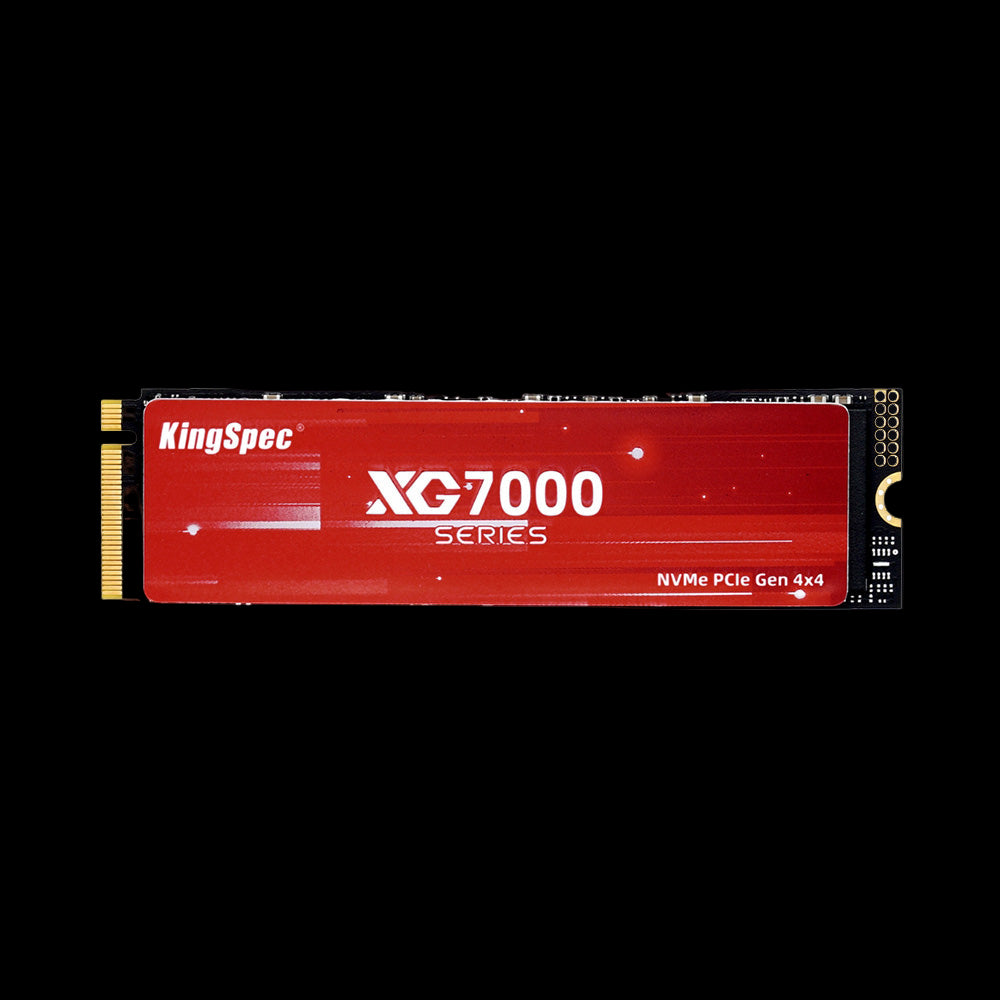
- Interface: PCIe Gen4 x4, NVMe 1.4
- Read Speed: Up to 7,400 MB/s
- Write Speed: Up to 6,600 MB/s
- Form Factor: M.2 2280
- Capacities: Up to 8TB
- Warranty: 3 Years
Fast PCIe 4.0 speeds for short load screens, with capacities up to 8TB so your whole library fits on one drive.
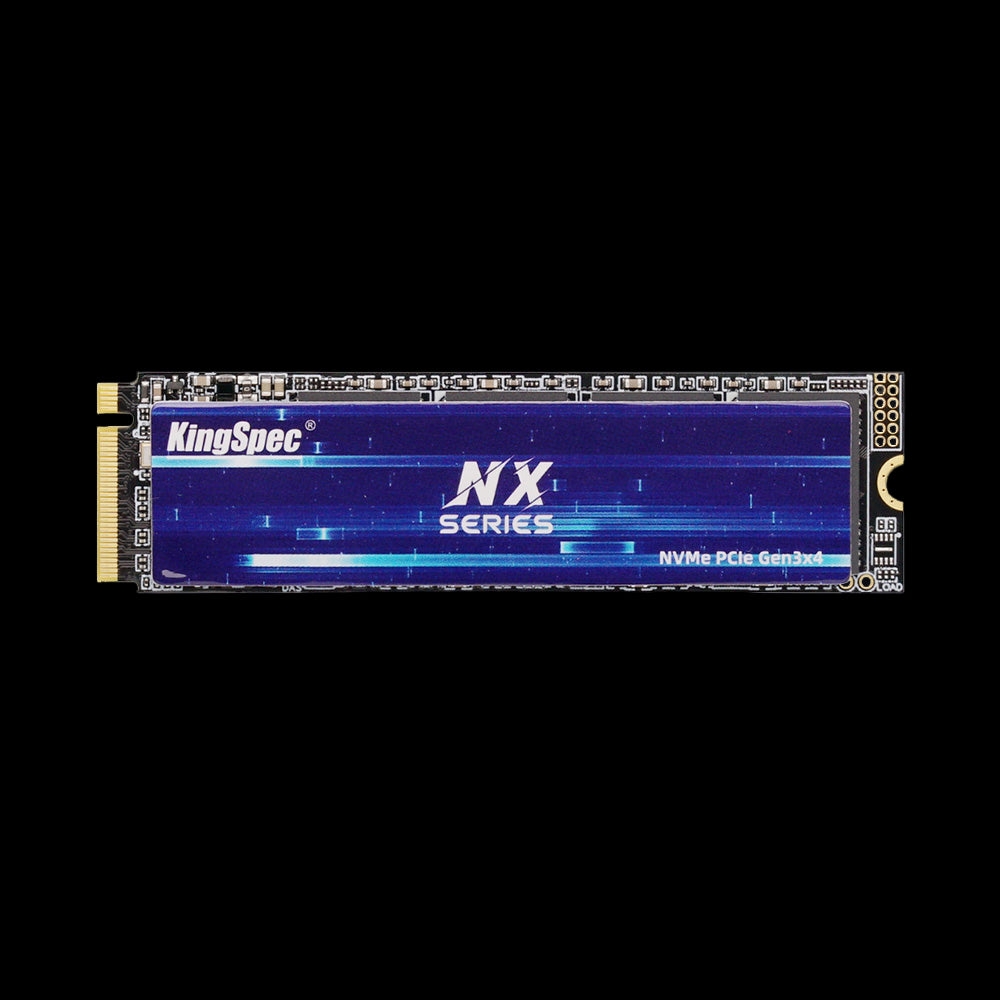
- Interface: PCIe Gen3 x4, NVMe
- Read Speed: Up to 3,500 MB/s
- Write Speed: Up to 3,000 MB/s
- Form Factor: M.2 2280
- Capacities: Up to 2TB
- Warranty: 3 Years
A big jump over hard drives and SATA SSDs for a modest price, and a smart match for a budget 16GB gaming build.
Pick the Templar for a DDR5 platform, or the Silver RGB or Red Heatsink for DDR4. If your games load slowly but memory use is fine, upgrade storage first: the XG7000 for large libraries, or the NX on a budget.
Wrapping Up: 16GB Is Plenty Until It Isn’t
For most players, 16GB RAM is still good for gaming, especially with one game open and few background apps. Some demanding games now recommend 32GB, and players who stream, use heavy mods, or regularly hit their memory limit will benefit from upgrading.
Check your memory use and other hardware first, so your money goes to the part that actually needs it. Then browse the collections below for memory and storage that fit your build.
Browse Related Collections
Frequently Asked Questions (FAQs):
Does adding RAM improve FPS?
It can, if your PC was running short on memory. It usually won’t raise FPS much when 16GB already meets the game’s needs. The graphics card and processor typically have a bigger effect on frame rates.
Can faster RAM make games run better?
Faster RAM can help in some systems, especially in CPU-heavy games, but the difference depends on the CPU, motherboard, game, and memory setup. It isn’t a guaranteed fix for stuttering or low FPS.
Is 2x8GB or 1x16GB better for gaming?
2x8GB is usually better, because two sticks run in dual-channel mode and give the CPU more memory bandwidth. Make sure both sticks go in the slots your motherboard manual recommends.
Is 64GB RAM worth it for gaming?
For most gaming-only setups, 64GB is more than you need. It’s useful if you also do professional video work, 3D rendering, or other memory-heavy tasks. Choose based on what you actually do.
Should I upgrade my RAM or graphics card first?
Find what’s limiting your PC first. If memory use is near capacity and closing apps helps, more RAM is the answer. If the graphics card is maxed out or its VRAM is full, a graphics card upgrade will matter more.

