
If you are building a high-end PC, editing 8K footage, or training AI models in 2026, the best PCIe 5.0 SSD is no longer a luxury. It is the foundation of a truly next-generation system. Gen5 NVMe drives deliver sequential read speeds up to 14,000 MB/s, double the bandwidth of PCIe 4.0, and the headroom to keep your workflow bottleneck-free for years to come.

In this guide, you will see exactly what makes the best PCIe 5.0 SSD stand out, which KingSpec Gen5 drives are worth your money, and how to pick the right capacity for your use case, whether you are a gamer, creator, or power user who demands the absolute fastest storage available.
Quick Summary
- Best Overall PCIe 5.0 SSD: KingSpec VP14000: up to 14,000 MB/s read, up to 4TB, built-in heatsink, 3-year warranty
- Best Value PCIe 5.0 SSD: KingSpec X500: up to 14,000 MB/s read, independent DRAM cache, 2,000K IOPS
- PCIe 5.0 doubles PCIe 4.0 bandwidth and is ideal for 8K editing, AI workloads, and DirectStorage gaming
- Requires an AMD AM5 or Intel 12th Gen and later motherboard with a PCIe 5.0 M.2 slot
- Both KingSpec Gen5 drives use 3D TLC NAND and the NVMe 2.0 protocol
What Is PCIe 5.0 and Why It Matters for SSDs
PCIe 5.0 runs at 32 GT/s per lane, exactly double PCIe 4.0's 16 GT/s. An x4 NVMe slot on a Gen5 platform delivers up to 32 GB/s of total bandwidth. In practical SSD terms, that translates to sequential read speeds approaching 14,000 MB/s, compared to roughly 7,400 MB/s on the best Gen4 drives.
That bandwidth gap is most meaningful in three real-world scenarios:
- Large file transfers: moving 100 GB project archives, 4K or 8K RAW footage, or VM snapshots in half the time
- AI and machine learning: loading large model datasets from storage to memory where Gen5 I/O directly reduces wait time
- DirectStorage gaming: GPU-direct asset streaming that pairs best with the highest-bandwidth storage available
PCIe 5.0 vs PCIe 4.0 vs PCIe 3.0: Generation Comparison
Choosing between generations comes down to your workload and platform. Here is a clear side-by-side of all three.
| Generation | Max Bandwidth (x4 slot) | Typical Peak Read | Best For |
|---|---|---|---|
| PCIe 3.0 | About 4 GB/s | 3,500 MB/s | Budget builds, older platforms |
| PCIe 4.0 | About 8 GB/s | 7,400 MB/s | Gaming, 4K editing, most users |
| PCIe 5.0 | About 16 GB/s | 14,000 MB/s | 8K editing, AI workloads, future-proofing |
For a detailed head-to-head on which generation fits your budget and use case, read KingSpec's guide: PCIe 4.0 vs PCIe 5.0: Which Should You Buy?
What Makes the Best PCIe 5.0 SSD Stand Out
Not every Gen5 drive performs equally. When comparing options, focus on these core metrics rather than peak spec sheet numbers alone.
Sequential Speed and Real-World Bandwidth
Top-tier Gen5 SSDs reach up to 14,000 MB/s read and 13,000 MB/s write under optimal conditions. This directly cuts time during large file transfers, project exports, and system backups. If you handle 8K RAW video or multi-gigabyte datasets regularly, the difference over Gen4 is measurable in seconds per operation.
DRAM Cache and Random IOPS
An independent DRAM cache maintains consistent speed under mixed and random workloads. Drives with DRAM deliver better responsiveness for game loading, OS multitasking, and database-style access patterns. Look for drives offering 2,000K or more IOPS for both reads and writes.
NAND Type and Endurance (TBW)
The best PCIe 5.0 SSDs use 3D TLC NAND for better durability and sustained write stability compared to QLC. Endurance is measured in TBW (terabytes written). For a 1TB Gen5 drive, a 600TB TBW rating is solid. A 2TB model should offer at least 1,200TB TBW.
Thermal Management
Gen5 SSDs generate more heat than Gen4. A built-in heatsink is not optional; it is essential. Without proper cooling, a Gen5 drive will throttle to protect itself and lose the speed advantage. Always choose a drive with an integrated cooling solution or confirm your motherboard's M.2 heatsink is sufficient.
Platform Compatibility
You need a PCIe 5.0 M.2 slot to run a Gen5 drive at full speed. Compatible platforms include AMD AM5 (Ryzen 7000 series and above) and Intel 12th Gen and above. Gen5 drives remain backward compatible in Gen4 slots and will run at Gen4 speeds without any compatibility issues.
Best PCIe 5.0 SSD Picks: KingSpec Gen5 Lineup
KingSpec offers two purpose-built PCIe 5.0 SSD models for 2026. Both use 3D TLC NAND, the NVMe 2.0 protocol, and the M.2 2280 form factor. Here is what sets each one apart.
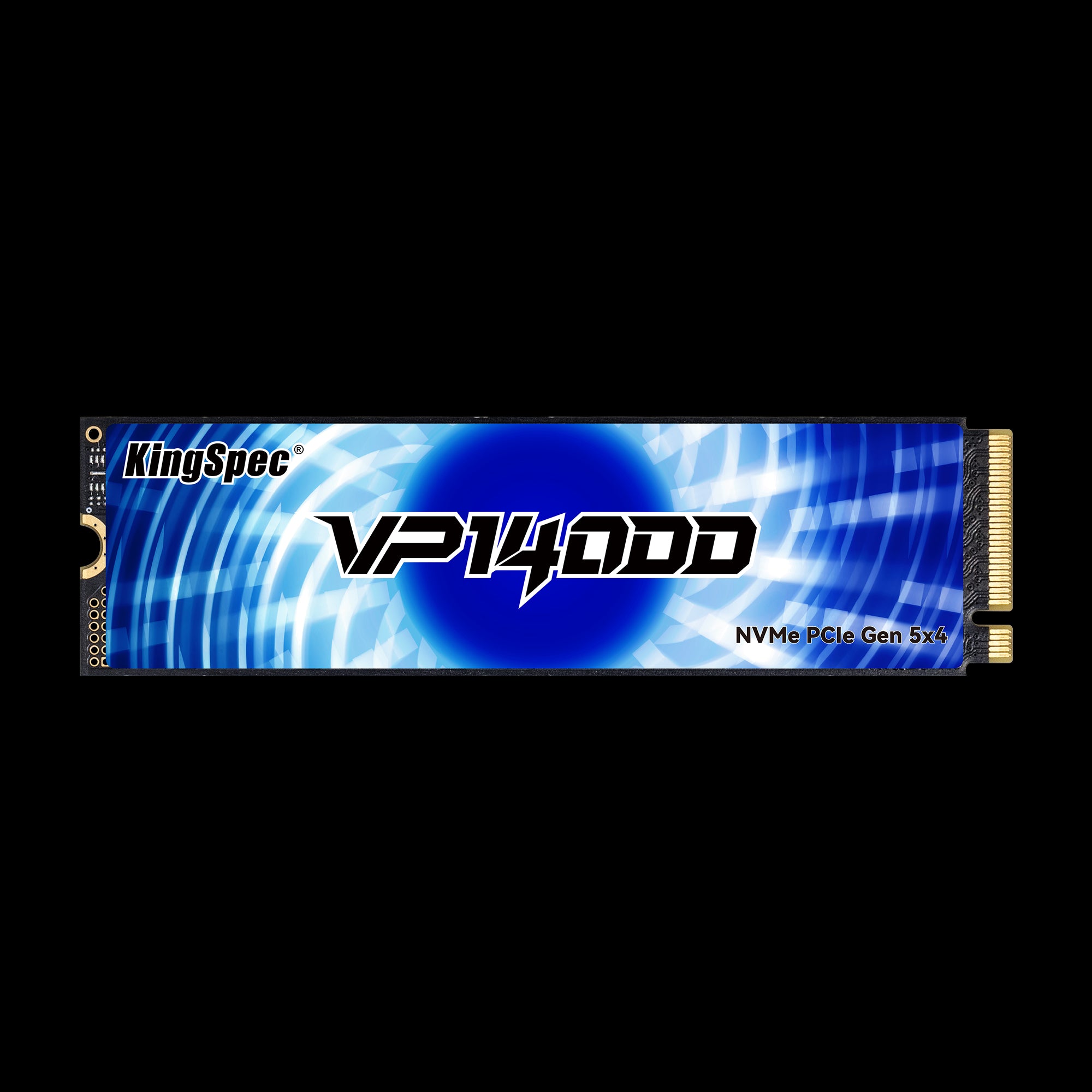
- Read: Up to 14,000 MB/s
- Write: Up to 13,000 MB/s
- Capacities: 1TB, 2TB, 4TB
- NAND: 3D TLC
- TBW: 600 / 1,200 / 2,400 TB
- Cooling: Built-in heatsink
- Warranty: 3 Years
The flagship Gen5 drive. Its built-in heatsink prevents thermal throttling during sustained workloads. Ideal for gaming rigs, 8K editing, and AI acceleration. Up to 4TB capacity covers even the heaviest project libraries.
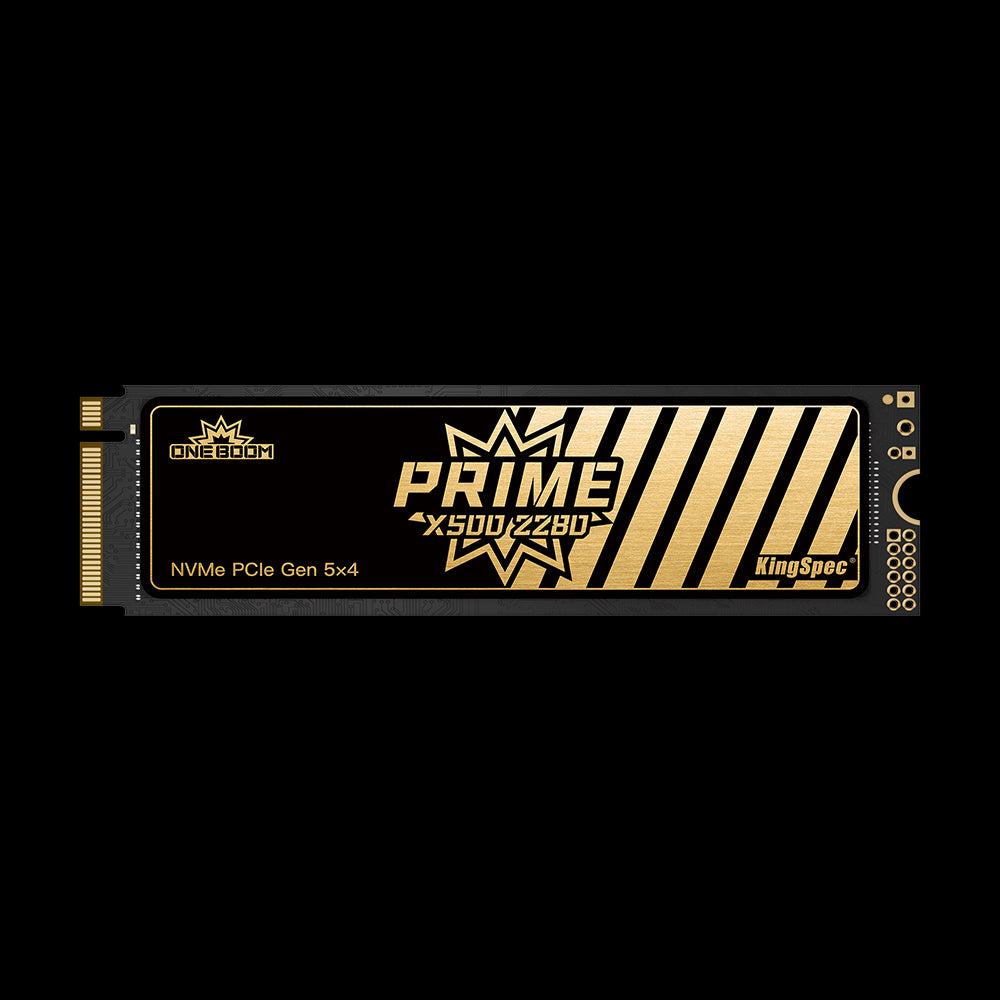
- Read: Up to 14,000 MB/s
- Write: Up to 13,000 MB/s
- Capacities: 1TB, 2TB, 4TB
- NAND: 3D TLC
- TBW: 600 / 1,200 / 2,400 TB
- Cache: Independent DRAM + SLC
- IOPS: 2,000K Read/Write
- Warranty: 3 Years
Same peak speeds as the VP14000, with an independent DRAM cache and simulated SLC dynamic caching for 2,000K IOPS random performance. The smarter pick when you want Gen5 speed with DRAM-backed consistency.
PCIe 5.0 SSD Comparison: VP14000 vs X500
| Spec | KingSpec VP14000 | KingSpec X500 |
|---|---|---|
| Interface | PCIe Gen5 x4, NVMe 2.0 | PCIe Gen5 x4, NVMe 2.0 |
| Sequential Read | Up to 14,000 MB/s | Up to 14,000 MB/s |
| Sequential Write | Up to 13,000 MB/s | Up to 13,000 MB/s |
| Random IOPS | Not specified | 2,000K R/W |
| DRAM Cache | No | Yes (Independent DRAM + SLC) |
| Cooling | Built-in heatsink | Built-in heatsink |
| Max Capacity | 4TB | 4TB |
| TBW (2TB) | 1,200 TB | 1,200 TB |
| Warranty | 3 Years | 3 Years |
| Best For | Gaming, 8K editing, AI rigs | Mixed workloads, value Gen5 |
Best PCIe 5.0 SSD for Gaming

Gamers will feel the difference most in large open-world titles, games with DirectStorage support, and systems where multiple large games are installed at the same time.
- Faster installation of 100 GB or larger AAA titles
- Near-instant level and map loading
- Smoother texture streaming in open-world games
- DirectStorage asset delivery at maximum available bandwidth
For most gaming builds, 2TB provides enough space for an operating system, a full game library, and active projects. The VP14000 2TB is the go-to choice for pure gaming performance, with its integrated heatsink keeping temperatures stable during long sessions. For a comparison of Gen4 and Gen5 options across different budgets, see: Best NVMe SSD for Gaming: PCIe 4.0 vs 5.0 Compared.
Best PCIe 5.0 SSD for Content Creation
Video editors, 3D artists, and VFX professionals benefit most from Gen5 speeds in real-world workflows. When a drive reads at 14,000 MB/s, the storage bottleneck disappears almost entirely.
- 8K RAW footage imports in a fraction of the time compared to Gen4
- Smooth timeline scrubbing with no dropped frames in Premiere Pro or DaVinci Resolve
- Faster scratch disk and cache operations during rendering
- Large photo library previews in Lightroom or Capture One load instantly
For heavy creative work, the X500 4TB with its DRAM cache delivers the best sustained write performance for long export queues. If you need a dedicated scratch drive alongside a larger capacity main drive, explore the 1TB NVMe SSD collection for a fast, affordable secondary option.
Capacity Guide: How Much Storage Do You Need?
| Capacity | Best For | Typical Use Case |
|---|---|---|
| 1TB | Dedicated OS plus game drive, light use | Windows plus 8 to 10 modern AAA titles |
| 2TB | Most gamers and creators | Full game library plus 4K project files |
| 4TB | Professionals, AI developers, heavy editors | 8K footage, large datasets, VM libraries |
If you work with AI model training or manage multi-terabyte project libraries, explore the 2TB NVMe SSD collection or the 8TB NVMe SSD collection for maximum capacity storage alongside your Gen5 boot drive.
How to Choose and Set Up a PCIe 5.0 SSD
Motherboard and CPU Compatibility
- Confirm your M.2 slot is labeled PCIe 5.0 in your motherboard manual, as some slots are Gen4-only even on newer boards
- Compatible CPUs: AMD Ryzen 7000 series (AM5 socket) and above; Intel 12th Gen (Alder Lake) and above
- Gen5 SSDs work in Gen4 M.2 slots at Gen4 speeds with no compatibility problems
- Install in the primary M.2 slot closest to the CPU for maximum bandwidth routing
Thermal Preparation
- Both the VP14000 and X500 include built-in heatsinks; do not remove them
- If your motherboard also has a built-in M.2 heatsink bracket, use one or the other, not both stacked together
- Ensure your PC case has adequate airflow; Gen5 drives can reach 70°C under sustained load
Post-Install Tips
- Enable TRIM in Windows: open Command Prompt as Administrator and run
fsutil behavior set DisableDeleteNotify 0 - Keep at least 10 to 15 percent of the drive free for optimal controller performance over time
- For video work, point your NLE's cache and scratch disk to a secondary drive so your Gen5 drive handles media reads without cache competition
For a full technical overview of NVMe protocol, PCIe lanes, and compatibility details, visit: What Is PCIe 5.0? Speed and Features Explained.
Why Choose KingSpec for Your PCIe 5.0 SSD
KingSpec has been engineering storage solutions for over a decade, supplying drives for gaming, professional creation, and enterprise environments worldwide. Both Gen5 drives carry a 3-year warranty and are built to meet the thermal and endurance demands of sustained Gen5 workloads. Beyond PCIe SSDs, KingSpec also offers portable SSDs, DDR RAM, and memory cards for a complete system build or upgrade.
Browse Related Collections
Frequently Asked Questions
What is the best PCIe 5.0 SSD in 2026?
The KingSpec VP14000 is the best overall PCIe 5.0 SSD for most users. It delivers up to 14,000 MB/s sequential read, ships with a built-in heatsink, and is available in capacities up to 4TB. The KingSpec X500 is the best value option, adding an independent DRAM cache and 2,000K IOPS random performance at a more competitive price. The right choice depends on whether you prioritize max capacity or DRAM-backed consistency.
How fast is a PCIe 5.0 SSD compared to PCIe 4.0?
PCIe 5.0 doubles the bandwidth of PCIe 4.0. Top Gen5 drives reach up to 14,000 MB/s sequential reads, while the fastest Gen4 drives peak around 7,400 MB/s. In large file transfers, 8K video editing, and AI dataset loading, this difference translates directly into time savings. In everyday gaming and office tasks, the gap is smaller, but future workloads and DirectStorage titles will increasingly benefit from Gen5 headroom.
Do I need a special motherboard for a PCIe 5.0 SSD?
Yes. You need a motherboard with a PCIe 5.0 M.2 slot to get full Gen5 speeds. Compatible platforms include AMD AM5 (Ryzen 7000 series and later) and Intel 12th, 13th, and 14th Gen. If you install a Gen5 SSD in a Gen4 M.2 slot, it will still work, just at Gen4 speeds. Always check your motherboard manual to confirm which M.2 slots support PCIe 5.0.
Do PCIe 5.0 SSDs overheat?
Gen5 SSDs run hotter than Gen4 under sustained load, reaching up to 70°C without cooling. That is why both the KingSpec VP14000 and X500 ship with integrated heatsinks. As long as your case has adequate airflow and you use the included heatsink, thermal throttling is not a concern in normal desktop use. Avoid stacking a factory heatsink and a motherboard M.2 heatsink bracket together, as this can actually trap heat.
Is a PCIe 5.0 SSD worth it for gaming?
For most current games, PCIe 4.0 is already very fast. The biggest performance jump in gaming storage is moving from SATA to any NVMe drive. That said, PCIe 5.0 SSDs are worth it if you are building a high-end Gen5-capable system, want to future-proof for DirectStorage titles, or regularly install and manage very large game libraries. If you are already on a Gen5 platform, there is no reason not to match it with a Gen5 SSD.
What capacity PCIe 5.0 SSD should I buy?
A simple guide by use case:
- 1TB: OS, apps, and a rotating selection of games. Good for a dedicated boot drive.
- 2TB: The sweet spot for most gamers and 4K video editors. Holds your full active library.
- 4TB: Professionals working with 8K footage, AI datasets, or large project archives who need everything on one fast drive.

