
Choosing between a DRAM SSD and a DRAM-less SSD comes down to one question: how hard will you push the drive? Both are dramatically faster than any hard drive, but they behave differently under heavy workloads. Understanding that difference saves you from overpaying for a feature you do not need, or underspending on one you will definitely feel.

This guide explains exactly what DRAM does inside an SSD, where the performance difference shows up in real use, and which KingSpec drive matches each type of user, from budget builds to high-end gaming and professional workstations.
Key Takeaways
- DRAM SSDs store a data map in fast onboard memory for quicker random access and more consistent sustained writes
- DRAM-less SSDs use firmware optimization or Host Memory Buffer (HMB) and cost less per gigabyte
- For gaming, video editing, and heavy multitasking: choose a DRAM SSD
- For everyday tasks, secondary storage, and budget builds: a DRAM-less SSD works very well
- NVMe DRAM-less SSDs with HMB significantly close the gap versus older SATA DRAM-less drives
- NAND type (TLC vs QLC) affects endurance more than DRAM presence alone
What Is DRAM in an SSD and Why Does It Matter?
Every SSD has two core components: NAND flash for storing data and a controller that manages reads and writes. DRAM adds a third layer. It acts as a fast working memory for the controller, storing the Flash Translation Layer (FTL) map, a table that tracks exactly where every piece of data lives on the NAND chips.
Without DRAM, the controller has to look up this map from the NAND itself, which introduces small delays. With DRAM, the map is always immediately available, which translates to faster random access times and more stable sustained write speeds.
Key benefits of DRAM cache in an SSD:
- Faster random read and write speeds, especially under multitasking
- More consistent sustained performance during large file transfers
- Better stability when the drive is nearly full
- Lower write amplification during heavy workloads, which can extend endurance
For a deeper look at how controller and protocol design drives SSD performance, see: PCIe 4.0 NVMe SSD: Speed and Performance Guide.
What Is a DRAM-less SSD and How Does It Work?
A DRAM-less SSD has no dedicated onboard cache memory. Instead it relies on one of two approaches to manage data mapping:
- Firmware optimization: the controller keeps a compressed or partial FTL map in NAND, which works but adds latency during lookups under heavy random I/O
- Host Memory Buffer (HMB): available on NVMe drives only, HMB lets the SSD borrow a small portion of your system RAM for the FTL map, which significantly reduces the gap versus DRAM SSDs
DRAM-less SSDs are popular for good reasons. They use fewer components, cost less per gigabyte, and consume slightly less power. For everyday tasks like web browsing, document editing, and video streaming, most users will not notice any difference from a DRAM-equipped drive. They are a practical choice for secondary storage, budget laptops, and light daily use. To understand how NVMe protocol improvements affect DRAM-less drives specifically, see: NVMe vs SATA: Which Is Faster?
DRAM vs DRAM-less SSD: Full Feature Comparison

| Feature | DRAM SSD | DRAM-less SSD |
|---|---|---|
| Onboard Cache | Yes, dedicated DRAM chip | No (may use HMB on NVMe) |
| Price | Higher | Lower cost per GB |
| Random Read/Write | Faster and more consistent | Slightly slower under load |
| Sustained Write Speed | Maintains speed longer | Can drop after cache fills |
| Gaming (large titles) | Better for heavy random I/O | Good for casual gaming |
| Content Creation | Recommended | Not ideal for heavy editing |
| Everyday Tasks | Excellent | Very good |
| Power Consumption | Slightly higher | Slightly lower |
DRAM vs DRAM-less SSD: KingSpec Picks for Every User
KingSpec offers a clear lineup that maps directly to the DRAM vs DRAM-less decision. The top two cards feature DRAM cache; the bottom two are strong DRAM-less options at different performance and budget levels.
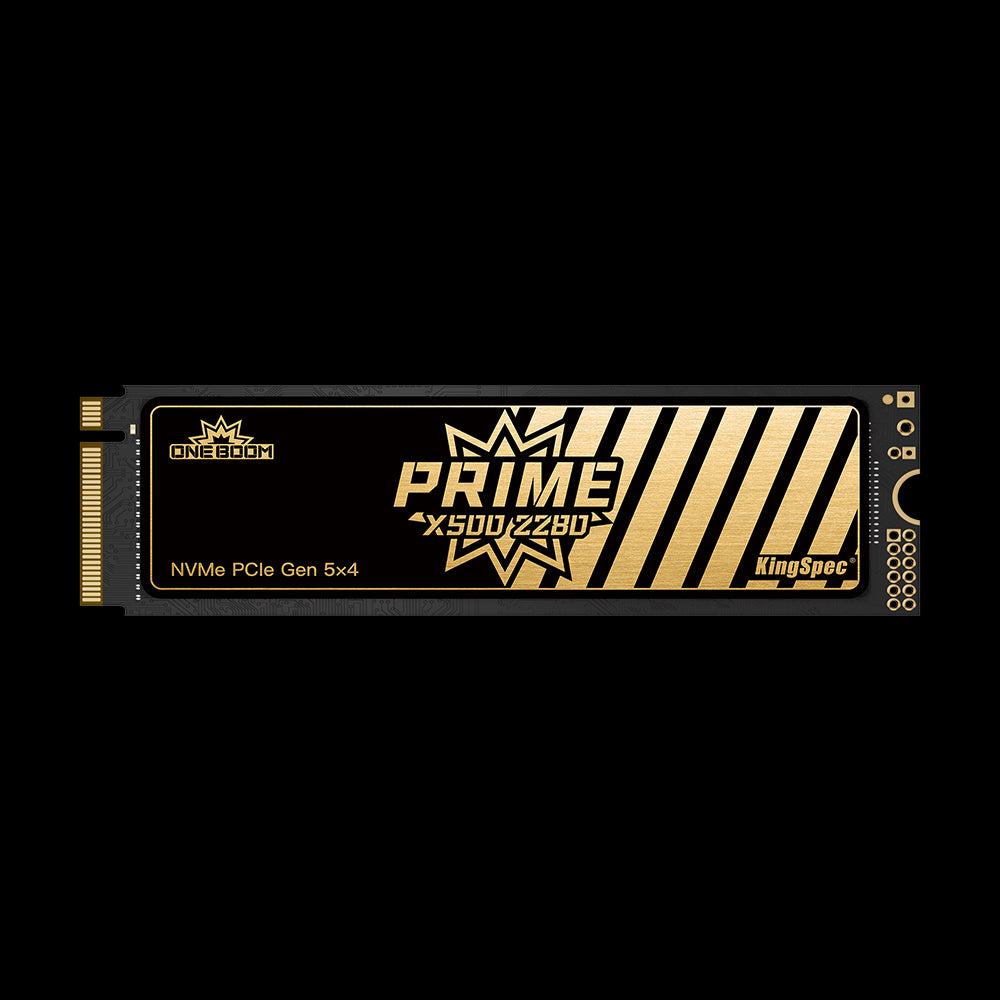
- Cache: Independent DRAM + SLC dynamic caching
- Read: Up to 14,000 MB/s
- Write: Up to 13,000 MB/s
- Interface: PCIe Gen5 x4, NVMe 2.0
- IOPS: 2,000K Read/Write
- Capacities: 1TB, 2TB, 4TB
- Warranty: 3 Years
Gen5 peak speed with DRAM-backed 2,000K IOPS random performance. The DRAM cache maintains consistent speeds during heavy multitasking, 4K/8K video editing, and large sequential transfers. The top DRAM SSD choice for demanding workstations and future-ready gaming systems.
- Cache: External DDR4 DRAM
- Read: Up to 7,400 MB/s
- Write: Up to 6,800 MB/s
- Interface: PCIe Gen4 x4, NVMe 1.4
- Cooling: Aluminum metal heatsink vest
- Capacities: 512GB, 1TB, 2TB, 4TB
- Warranty: 3 Years
DDR4 DRAM cache plus a metal heatsink vest that cuts temperatures by up to 57%. The DRAM dramatically improves random I/O under gaming and multitasking workloads compared to the standard XG7000. The best Gen4 DRAM SSD for gamers who want consistent load times and sustained write speed.
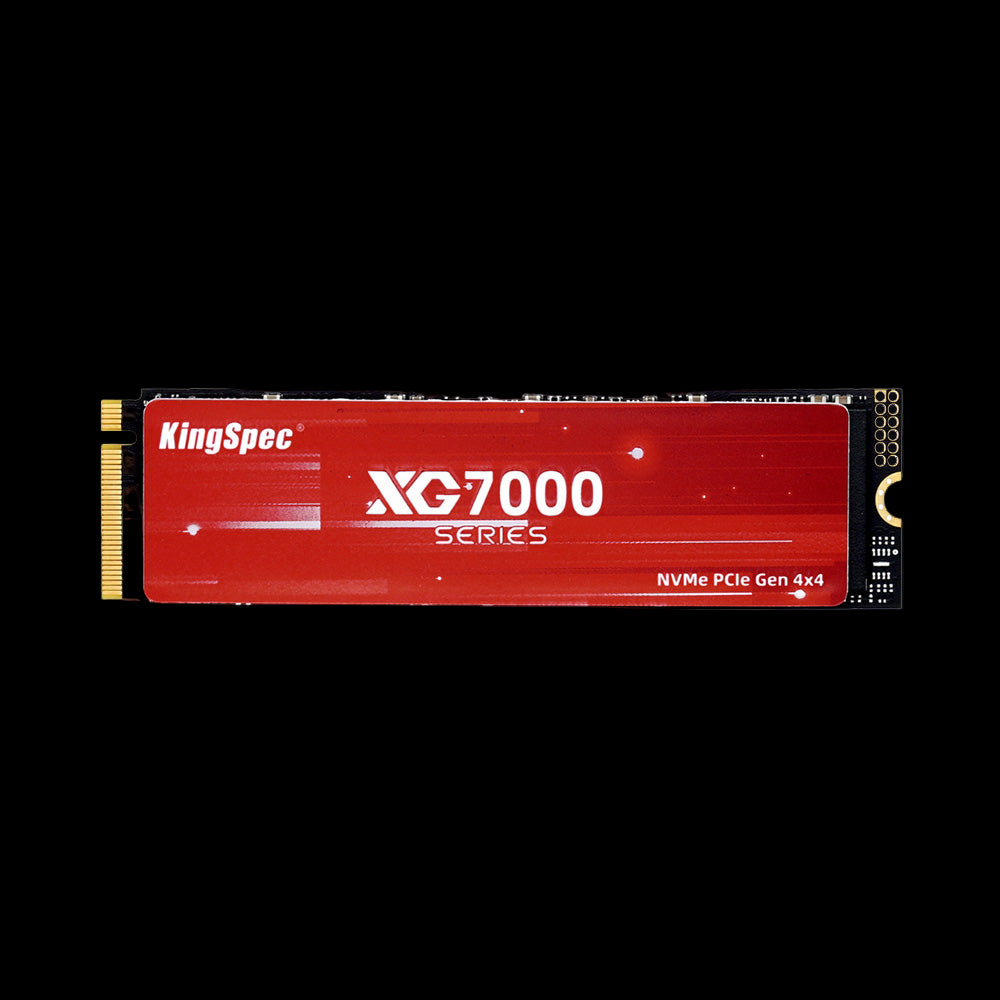
- Cache: No DRAM (SLC caching + graphene thermal label)
- Read: Up to 7,400 MB/s
- Write: Up to 6,600 MB/s
- Interface: PCIe Gen4 x4, NVMe 1.4
- Capacities: 512GB, 1TB, 2TB, 4TB, 8TB
- Warranty: 3 Years
High-performance DRAM-less Gen4 drive with peak sequential speeds matching the XG7000 Pro. Ideal for gaming, large capacity storage (up to 8TB), and PS5 expansion. The ultra-thin graphene heatsink label keeps temperatures in check without the bulk of a metal vest. Strong value at Gen4 performance levels.
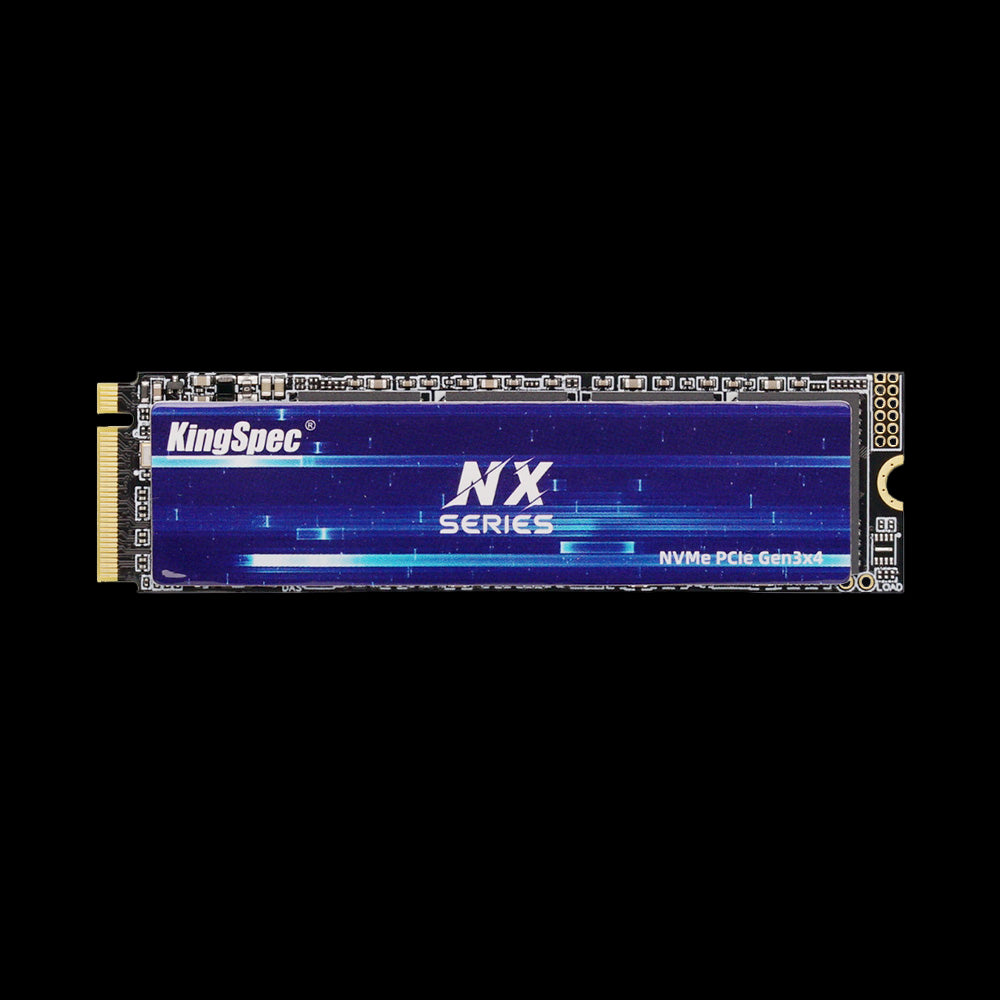
- Cache: No DRAM (optimized firmware)
- Read: Up to 3,500 MB/s
- Write: Up to 3,000 MB/s
- Interface: PCIe Gen3 x4, NVMe
- Form Factor: M.2 2280
- Capacities: 256GB, 512GB, 1TB, 2TB
- Warranty: 3 Years
A reliable DRAM-less NVMe upgrade for users moving from SATA or HDD storage. At Gen3 speeds of 3,500 MB/s, everyday tasks, web browsing, office apps, and casual gaming all feel dramatically faster than before. The most affordable entry point into NVMe performance in KingSpec's lineup.
DRAM vs DRAM-less SSD: Real-World Performance Differences
The performance gap between DRAM and DRAM-less SSDs is most visible under specific conditions. For simple tasks, both feel fast.
Boot Time and App Loading
For booting Windows or macOS and launching everyday apps, both DRAM and DRAM-less NVMe SSDs perform very similarly. The random access patterns in these tasks are small enough that the DRAM advantage is rarely noticeable in daily use.
Gaming Performance
Modern games load large maps, texture packs, and asset files through a mix of sequential and random reads. DRAM SSDs handle this more consistently because their faster FTL lookup improves random access speed under the mixed I/O patterns games generate. DRAM-less drives may show slight slowdowns when loading very large open-world areas simultaneously. For gaming specifically, see: Best NVMe SSD for Gaming: PCIe 4.0 vs 5.0 Compared.
Large File Transfers and Video Editing
This is where the gap is most measurable. When copying 4K or 8K video files, compiling large codebases, or exporting rendered projects, DRAM SSDs maintain higher sustained write speeds for longer. DRAM-less drives often experience a more pronounced speed drop after the SLC write cache fills, because without DRAM the controller takes longer to manage the data relocation process.
DRAM vs DRAM-less SSD for NVMe and SATA

NVMe DRAM vs DRAM-less
Even a DRAM-less NVMe SSD significantly outperforms a SATA SSD with DRAM in raw sequential throughput, because NVMe uses PCIe lanes while SATA tops out around 550 MB/s. Within the NVMe category, DRAM models deliver better sustained write consistency and lower latency under mixed random workloads. NVMe DRAM-less drives with HMB close much of the everyday gap, but dedicated DRAM still leads under heavy loads.
SATA DRAM vs DRAM-less
On SATA, DRAM makes a more noticeable difference because the interface itself is slower. When the entire system is bottlenecked by SATA's 550 MB/s ceiling, a DRAM SSD maintains more consistent performance during sustained writes compared to a DRAM-less SATA drive. If you are on a SATA-only system, choosing a DRAM-equipped SATA SSD or upgrading to any NVMe SSD at all will both be meaningful improvements.
DRAM vs DRAM-less SSD Endurance Comparison
| Endurance Factor | DRAM SSD | DRAM-less SSD |
|---|---|---|
| Write Amplification | Lower under heavy sustained use | Slightly higher under heavy use |
| TBW Rating | Often higher in premium models | Varies by NAND type |
| Best Workload | Heavy daily writes | Light to moderate use |
| Long-Term Stability | Strong under sustained stress | Good for normal everyday use |
NAND type matters more than DRAM alone for lifespan. A TLC NAND drive, whether DRAM or DRAM-less, typically outlasts a QLC NAND drive under the same workload. For most home users doing browsing, streaming, and casual gaming, both DRAM and DRAM-less drives will last many years before approaching their TBW limit. For more on factors that affect SSD longevity: SSD Lifespan: How Long Does an SSD Really Last?
How to Tell If an SSD Has DRAM
Manufacturers do not always label DRAM presence prominently. Here is how to confirm before buying:
- Look for "DRAM cache," "independent DRAM," or "DDR4 DRAM" in the specifications section
- If only "HMB" or "Host Memory Buffer" is mentioned, the drive is DRAM-less (but with some system RAM assistance)
- Search for the drive's controller model, then look up whether that controller supports onboard DRAM
- Read detailed third-party teardowns and reviews, which often include photos of the PCB showing whether a DRAM chip is present
On KingSpec's product pages: the XG7000 Pro and X500 Series explicitly feature DRAM cache. The XG7000 standard, NX Series, and XF Series are DRAM-less NVMe drives, all with strong firmware optimization and SLC caching.
Which One Should You Buy?
Choose a DRAM SSD if you:
- Play large modern games and want consistently fast load times
- Edit 4K or 8K video, handle large RAW photo libraries, or export frequently
- Run multiple demanding applications simultaneously
- Transfer large files regularly and do not want speed to drop mid-transfer
Choose a DRAM-less SSD if you:
- Browse the web, stream video, and handle documents
- Want an affordable upgrade from a hard drive or SATA SSD
- Need secondary or game library storage where peak consistency matters less
- Are building a budget PC or upgrading a secondary laptop
For practical guidance on picking the right upgrade for your system, see: Best Options for a Reliable and Affordable SSD Upgrade.
Conclusion
The DRAM vs DRAM-less SSD decision comes down to workload and budget. DRAM SSDs deliver more consistent random performance and better sustained write speeds under heavy use, making them the right choice for gaming builds, creative professionals, and power users. DRAM-less SSDs deliver excellent everyday performance at lower cost, covering the vast majority of use cases very well.
KingSpec covers both sides with purpose-built drives: the X500 Series and XG7000 Pro bring DRAM-backed consistency at Gen5 and Gen4 speeds, while the XG7000 and NX Series deliver strong DRAM-less NVMe performance at better value. Beyond SSDs, KingSpec also offers DDR RAM, portable SSDs, and memory cards for complete system builds.
Browse Related Collections
Frequently Asked Questions
Which is better, a DRAM SSD or a DRAM-less SSD?
A DRAM SSD is better for consistent performance under demanding workloads: gaming, video editing, large file transfers, and heavy multitasking. The onboard DRAM speeds up data mapping, resulting in faster random I/O and more stable sustained write speeds. A DRAM-less SSD is the better value for everyday use: browsing, streaming, office work, and secondary storage. For most users, a DRAM-less NVMe SSD with HMB is close enough to DRAM performance that the price difference is not worth it. For power users and gamers, DRAM is worth the extra cost.
Do I really need a DRAM SSD?
You need a DRAM SSD if you edit large video files regularly, play demanding open-world games and notice load times, or run multiple intensive applications at the same time. The DRAM cache maintains consistent random and sequential write speed under these conditions. If your primary tasks are web browsing, streaming, documents, and occasional gaming, a DRAM-less NVMe SSD is fast enough and saves money. The step from any NVMe SSD to DRAM matters less than the step from a SATA SSD or HDD to NVMe in the first place.
What is HMB and does it replace DRAM?
Host Memory Buffer (HMB) lets an NVMe SSD borrow a small portion of your system's RAM to store the Flash Translation Layer map instead of using a dedicated DRAM chip on the drive. It significantly improves DRAM-less NVMe SSD performance over older SATA DRAM-less drives. However, HMB does not fully replace dedicated DRAM. The borrowed system RAM is shared with other processes, and its performance under sustained heavy load does not quite match an independent DRAM chip. HMB is only available on NVMe drives, not SATA SSDs.
Does a DRAM SSD last longer than a DRAM-less SSD?
DRAM can reduce write amplification during heavy workloads, which may slightly extend endurance under demanding conditions. However, NAND type has a much larger impact on lifespan than DRAM presence. A TLC NAND drive, whether DRAM or DRAM-less, will typically outlast a QLC NAND drive regardless of cache design. For home and office use, both DRAM and DRAM-less SSDs last many years under normal workloads before approaching their TBW rating.
What is the main disadvantage of DRAM SSDs?
The main disadvantage is higher cost. Adding a dedicated DRAM chip increases the drive's manufacturing cost, which is reflected in the retail price. DRAM SSDs also consume slightly more power than DRAM-less models, which can matter in laptop builds where battery life is a priority. For light users, the performance advantage rarely justifies the price premium. For heavy users, the consistent performance difference is worth paying for.
How do I know if my SSD has DRAM?
Check the product's specification page for terms like "DRAM cache," "independent DRAM," or "DDR4 DRAM." If only "HMB" or "Host Memory Buffer" is mentioned without a separate DRAM chip listed, it is a DRAM-less drive. On KingSpec's lineup: the X500 Series features independent DRAM cache; the XG7000 Pro features external DDR4 DRAM. The XG7000 standard, XF Series, and NX Series are DRAM-less NVMe drives with SLC caching and firmware optimization.

