
Knowing what CL is best for DDR5 RAM is one of those questions where a quick answer can save you real money.
CL30 at 6000 MHz is the target for most gaming and productivity builds, but the reasoning matters just as much as the number.
This guide explains how CAS latency works in DDR5, why the numbers look different from DDR4, how to calculate true latency yourself, and which KingSpec DDR5 kit lines up with your platform.
DDR RAM You May Want to Shop
Explore More
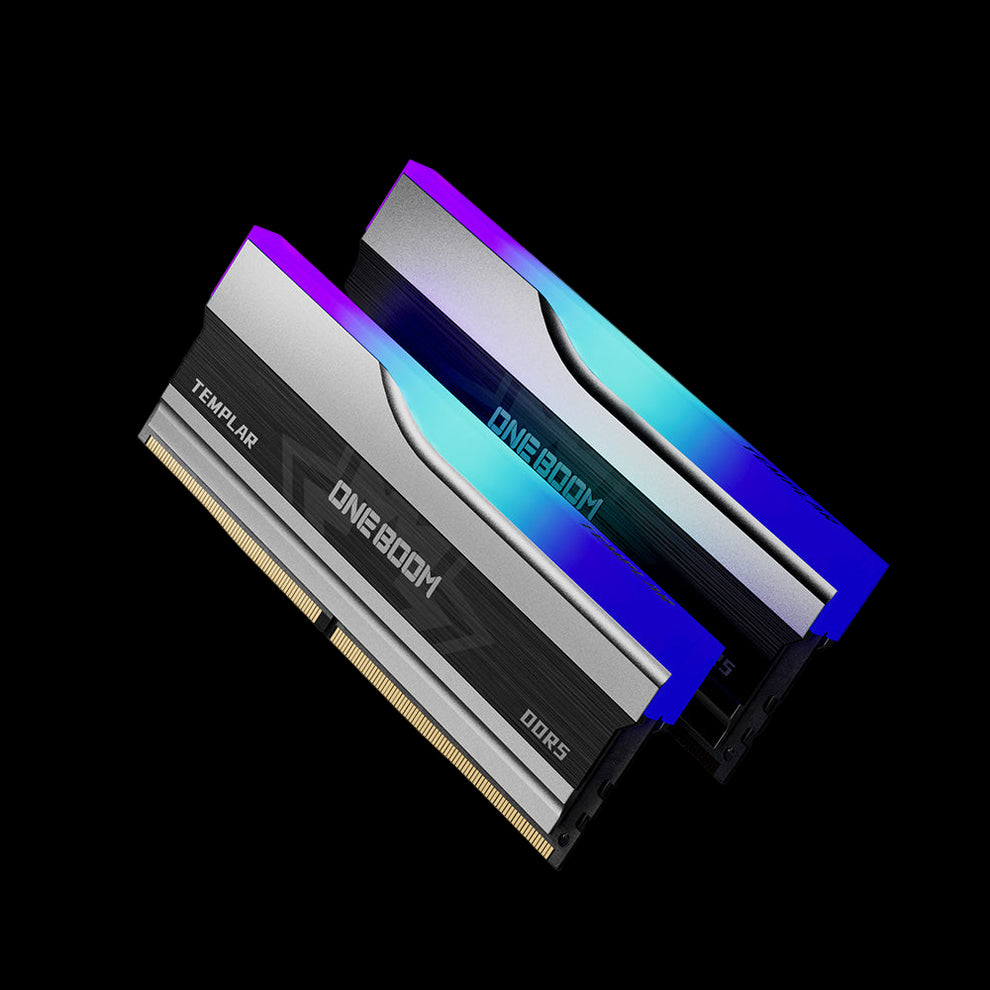

What CAS Latency Actually Means in DDR5
CAS Latency, shortened to CL, is the number of clock cycles that pass between the memory controller issuing a read request and the RAM delivering the first bit of data.
It is one of four primary timing values on every memory kit, but it gets the most attention because it is printed prominently on the spec label and has the clearest impact on system responsiveness.
Lower CL numbers mean the RAM responds faster in clock cycles. But here is where DDR5 confuses a lot of people: a DDR5 kit with CL30 is not "slower" than a DDR4 kit with CL16 just because 30 is a bigger number.
Clock cycle duration changes with frequency. DDR5 runs at much higher frequencies, so each cycle is shorter.
The real-world speed that matters is true latency in nanoseconds, and you have to factor in both the frequency and the CL number to get that figure.
True Latency (ns) = ( CL / (Frequency in MHz / 2) ) × 1000
Example: DDR5-6000 CL30 = ( 30 / 3000 ) × 1000 = 10.0 ns
Example: DDR5-6000 CL40 = ( 40 / 3000 ) × 1000 = 13.3 ns
Example: DDR4-3200 CL16 = ( 16 / 1600 ) × 1000 = 10.0 ns
That formula shows you why DDR5-6000 CL30 and DDR4-3200 CL16 deliver the same real latency despite looking very different on the box.
It also shows you why a DDR5-6000 CL30 kit genuinely outperforms a DDR5-6000 CL40 kit by a meaningful margin, since both run at the same frequency but the CL30 kit responds 3.3 nanoseconds faster per request.
What CL Is Best for DDR5 RAM: By Use Case
We can categorize DDR5 latency into three main tiers. This helps you decide based on your budget and what you do with your PC.
Gaming at 1080p and 1440p
For 1080p gaming where the CPU handles a large share of the work, CAS latency has a real impact.
Competitive titles like Call of Duty, CS2, and Valorant are CPU-sensitive at high frame rates. Moving from CL40 to CL30 at 6000 MHz can improve minimum FPS and reduce frame-time variance by 5 to 10 percent.
At 1440p the GPU starts sharing more of the load, so the gains from tighter timings are smaller but still present in CPU-bound moments. CL30 at 6000 MHz is the right target for a gaming build.
Gaming at 4K
At 4K resolution, the GPU is almost always the bottleneck. The difference between CL30 and CL40 at the same frequency becomes negligible in most titles.
If you are gaming at 4K with a high-end GPU, the frequency matters more than the CL. Getting to 6000 MHz delivers more value than paying a premium for CL30 over CL36 or CL40.
Productivity and Content Creation
Video encoding, rendering, large spreadsheets, and code compilation are more sensitive to memory bandwidth than latency.
For these workloads, higher frequency (6000 to 6400 MHz) matters more than chasing CL30 over CL36. CL36 at 6000 MHz is a practical choice for a workstation that doubles as a gaming machine: good bandwidth for productive work and enough responsiveness for gaming.
General Daily Use
For web browsing, office work, and light multitasking, you will not feel the difference between CL30 and CL36 in everyday use.
At these workloads, capacity matters more than CL. Getting to 32GB at CL36 is a better purchase than 16GB at CL30 for someone who just needs a responsive desktop experience.
| CL AT 6000 MHZ | TRUE LATENCY | BEST FOR | GAMING IMPACT | PRICE TIER | RATING |
|---|---|---|---|---|---|
| CL28 | 9.3 ns | High-end / competitive builds | Best possible at this speed | Premium | ENTHUSIAST |
| CL30 | 10.0 ns | Most gaming and productivity builds | Excellent 1% lows and responsiveness | Mid-to-high | RECOMMENDED |
| CL32 | 10.7 ns | Gaming on a moderate budget | Very close to CL30 in practice | Mid | GOOD VALUE |
| CL36 | 12.0 ns | Budget gaming and daily use | Noticeable step down in CPU-bound games | Budget | ACCEPTABLE |
| CL40 | 13.3 ns | Entry-level or JEDEC default | Measurably slower in competitive titles | Entry | AVOID IF POSSIBLE |
🔗Read Related Article: How to Pick the Best DDR4 RAM for Gaming in 2025
How to Read a DDR5 Spec Label Correctly

Memory labels list a lot of numbers. Most buyers focus on the frequency and ignore the rest. Here is what the key values actually tell you on a DDR5 kit:
-
Frequency (e.g. DDR5-6000): The data transfer rate in megatransfers per second. Higher is faster. The actual clock speed is half this number: DDR5-6000 runs at a 3000 MHz clock internally.
-
CL (e.g. CL30): The primary CAS latency timing. Use the formula above to calculate true latency in nanoseconds before making a buying decision. This number alone does not tell you whether a kit is fast or slow.
-
Full timing string (e.g. 30-38-38-96): The four primary timings are CL, tRCD, tRP, and tRAS. All four affect real-world performance, but CL has the largest individual impact for gaming and general use. Sub-timing optimisation beyond CL is for manual overclockers, not everyday buyers.
-
Voltage (e.g. 1.35V): DDR5 includes on-module voltage regulation, which is one reason it is more stable at high speeds than DDR4. Most consumer kits run at 1.1V at JEDEC and 1.25 to 1.45V under XMP. Stay within the kit's rated voltage to avoid degrading the modules over time.
🔗Read Related Article: Best DDR5 RAM Speed for the Latest Intel CPUs
DDR5 CL by Platform: Intel vs AMD
The right CL target also depends on which processor you are using. Intel and AMD handle memory latency differently because of their internal architecture.
Intel (LGA 1700 and LGA 1851)
Intel's integrated memory controller is relatively tolerant of different CL and frequency combinations. On Z790 and Z890 boards, DDR5-6000 CL30 is the practical sweet spot.
Intel can scale further up to 6400 MHz and beyond without the same architectural constraints AMD faces.
CL30 at 6000 MHz gives you tight latency and enough headroom to enable XMP 3.0 without needing a premium board.
AMD Ryzen (AM5)
AMD's Infinity Fabric is directly tied to memory speed. The memory controller runs best at a 1:1 ratio with the Infinity Fabric, and that sync point on AM5 is 6000 MHz.
Pushing above 6000 MHz often forces the controller into a 2:1 async mode that adds latency regardless of CL.
For AMD builds, DDR5-6000 CL30 is not just a good option; it is the specific configuration AMD's architecture is tuned for.
Spending extra on 6400 MHz CL32 will not improve gaming on Ryzen 7000 or 9000 the way it might on Intel.
Completing Your Build
Having fast RAM is great, but a fast computer needs more than just memory. Your RAM works closely with your storage drive.
If your RAM is fast but your hard drive is slow, your computer will still feel sluggish when loading Windows or opening games.
To get the most out of your low-latency DDR5, ensure you are paired with a quality SSD.
- Internal Upgrades: If you are building a PC, you need a reliable NVMe drive to match your RAM's speed.
- More Memory: If you realized you need to upgrade your RAM capacity or speed after reading this guide.
- Portable Storage: Need to move your game library or work files between computers?
🔗Read Related Article: How Long SSD Lifespan Typically Lasts?
Conclusion
The best CL for DDR5 RAM depends on your platform and budget, but the answer for most people is the same: CL30 at 6000 MHz.
It delivers roughly 10 nanoseconds of true latency, which is the practical target for responsive gaming and daily productivity.
For AMD Ryzen builds it also aligns with the Infinity Fabric's optimal frequency, giving you two reasons to land here rather than chasing higher speeds or lower CL numbers at greater cost.
If budget is a factor, CL36 at 6000 MHz is still genuinely good. The priority order for most builds is: get to 6000 MHz first, then get the lowest CL you can afford at that speed.
Always enable XMP 3.0 or EXPO in the BIOS. Without that step, the CL printed on the box is irrelevant because your kit is running at JEDEC defaults.
FAQs About DDR5 Latency
Is CL40 bad for gaming on DDR5?
CL40 is not "bad," but it is not optimal. It is the standard entry-level speed. If you play casual games, it is fine. If you play competitive shooters or want the highest frame rates, CL40 will be slower than CL30.
Can I mix CL30 and CL40 RAM?
We strongly advise against this. If you mix two different kits, your computer will force both sticks to run at the slower speed. You will lose the benefits of your CL30 stick. Always buy RAM in a matched set.
Which is better: 6000MHz CL30 or 6400MHz CL32? T
hey are very similar. The "True Latency" is roughly the same (10ns). However, 6000MHz CL30 is easier for the CPU to run and is generally more stable, especially on AMD systems.
Does RAM capacity (16GB vs 32GB) affect CL?
No, capacity and latency are different. However, larger kits (like 64GB or 96GB) are harder to run at tight timings. It is often harder to find a 96GB kit with CL30 than it is to find a 32GB kit with CL30.
How do I check my current CL?
You can use free software like CPU-Z. Download it and look at the "Memory" tab. Look for the box that says "CAS# Latency (CL)." That is your current running speed.

