
SSD write speed is one of those tech terms that shows up everywhere, yet it often feels confusing or unclear. It often comes up when people notice differences in how fast files save, apps install, or systems respond during daily use.
Write speed directly affects how fast data is saved, copied, or installed on your drive, which makes it important for everyday tasks like gaming, schoolwork, and content creation.
Keep reading to understand what SSD write speed really means, what numbers are good, and how to get the best performance from your storage.
Key Takeaways
- SSD write speed controls how fast data is saved, installed, or copied to your drive
- Higher SSD write speed improves file transfers, installs, and overall system responsiveness
- Different SSD types offer very different write speed levels
- Sustained write speed matters more than peak advertised numbers
- Choosing reliable storage solutions like KingSpec makes a noticeable difference in long term performance
What Is SSD Write Speed?
SSD write speed refers to how fast data can be saved to a solid state drive. It is usually measured in megabytes per second or gigabytes per second, and higher numbers mean faster performance.
When your computer writes data, it could be saving a file, installing an app, or updating a game. SSD write speed controls how quickly these actions finish, especially when dealing with large files.
Why SSD Write Speed Matters in Daily Use

SSD write speed plays a big role in how smooth your computer feels during common tasks. It becomes especially noticeable when you work with large files or run many programs at once.
A faster write speed helps with:
- Copying or moving big folders
- Installing games and software updates
- Saving photos and videos
- Recording gameplay or screen captures
If write speed is slow, your system may freeze briefly or take much longer to finish tasks.
SSD Write Speed vs Read Speed
SSD write speed and read speed are often listed together, but they do different jobs. Read speed controls how fast data is opened, while write speed controls how fast data is saved.
For many people, write speed becomes the bigger issue during installs, backups, or creative work. A drive can have great read speed but still feel slow if its write speed drops under heavy use.
Discover High-Performance Storage & Memory by Kingspec
Explore Kingspec

What Is a Good SSD Write Speed?
A good SSD write speed depends on how you use your computer. For basic tasks like browsing and schoolwork, moderate write speeds are usually enough, while gaming and creative work benefit from higher speeds.
In general:
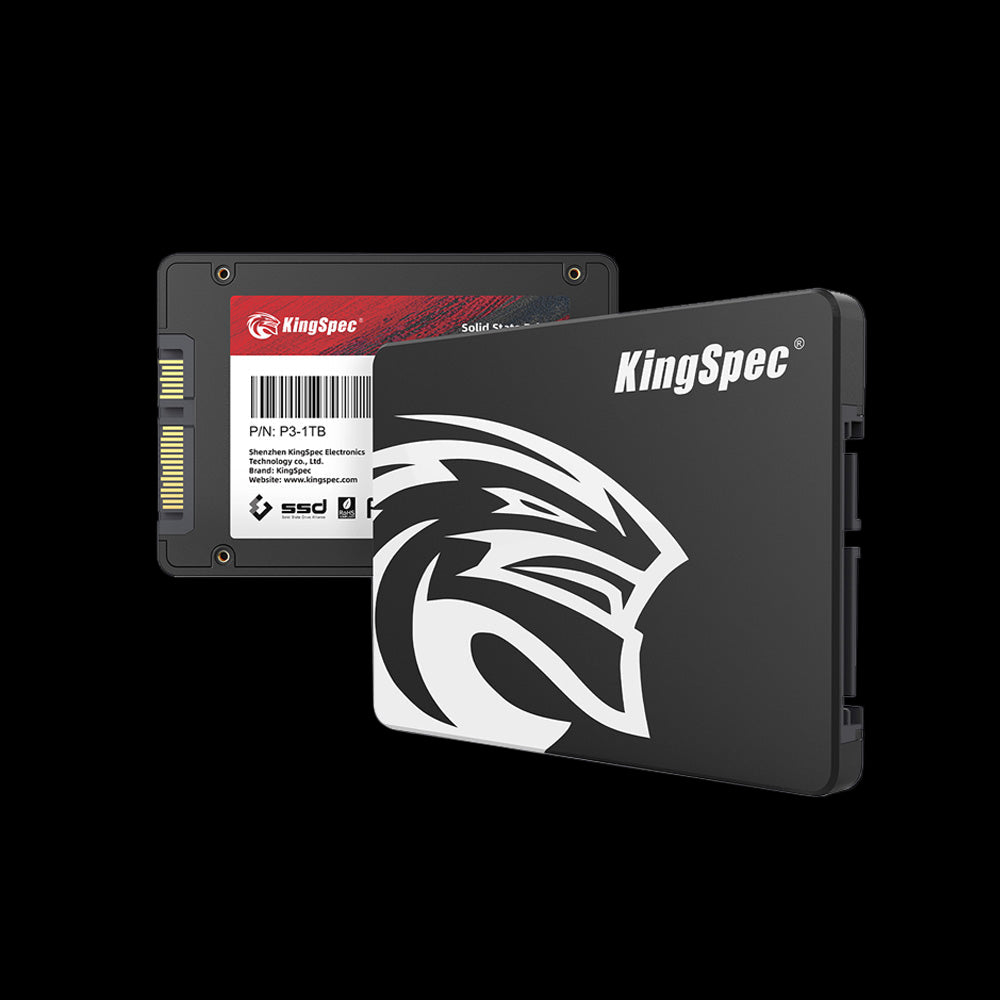
- Basic SATA SSDs offer solid write speed for everyday use
- NVMe SSDs provide much faster write speed for heavy workloads
- External SSDs vary based on connection type and enclosure quality
What matters most is consistent write speed, not just peak numbers shown on the box.
Typical SSD Write Speed by SSD Type
Different types of SSDs are built with different interfaces, and this directly affects write speed. Knowing the type helps set realistic expectations before buying or upgrading.
SATA SSD Write Speed
SATA SSDs are limited by older connection standards. They usually deliver steady write speeds that feel much faster than traditional hard drives.
They work well for:
- Office computers
- Budget laptops
- Light gaming setups
📌 SATA drives still offer solid SSD write speed for daily tasks. Check out Best SATA SSD: Top Picks for Speed, Reliability, and Value to see which options handle write speed best.
NVMe SSD Write Speed
NVMe SSDs connect directly to the motherboard and support much higher write speeds. They handle large file transfers and multitasking with ease.
They are ideal for:
- Gaming systems
- Video editing
- Heavy multitasking
📌 NVMe SSDs greatly improve SSD write speed with newer PCIe support. Browse PCIe 4.0 NVMe SSD: Speed, Performance, and What You Should Know to learn how faster write speeds impact performance.
External SSD Write Speed
External SSD write speed depends on the USB or Thunderbolt connection used. Even a fast SSD can slow down if the enclosure or cable limits data flow.
External drives are commonly used for:
- Backups
- Portable game libraries
- File sharing between devices
How SSD Write Speed Affects Real Performance

SSD write speed shows its value during tasks that involve saving or changing data. The difference becomes clear when handling large or repeated writes.
You may notice faster write speed when:
- Installing large games
- Exporting videos
- Unzipping big files
- Running system updates
Why SSD Write Speed Becomes Slow
SSD write speed can drop for several reasons, even on newer drives. These slowdowns are often temporary but can feel frustrating.
Common causes include:
- The drive being almost full
- Cache memory running out during long writes
- Heat buildup inside the system
- Outdated firmware or drivers
-
Heavy background activity
📌 Understanding SSD write speed starts with knowing NVMe and SATA differences. Discover NVMe vs SATA SSD: Speed, Performance, and Which One to Choose for a clear write speed comparison.
How to Check SSD Write Speed
Checking SSD write speed helps you understand whether your drive is performing as expected. Speed tests usually show both read and write results.
When testing write speed, pay attention to:
- Sequential write speed for large files
- Random write speed for everyday tasks
- Consistency across multiple tests
If numbers are far lower than expected, something may be limiting performance.
Sequential vs Random SSD Write Speed
Sequential SSD write speed measures how fast large files are written in a straight line. Random write speed measures how fast many small files are written in different locations.
For most users:
- Sequential write speed affects copying movies and backups
- Random write speed affects system responsiveness
Random write speed often matters more for daily use, even if it gets less attention.
How to Improve SSD Write Speed Safely
Improving SSD write speed does not require risky tweaks. Simple habits and settings can make a noticeable difference.
Helpful steps include:
- Keeping at least 20 percent of the drive free
- Making sure TRIM is enabled
- Updating system and storage drivers
- Avoiding excessive heat buildup
Discover High-Performance Storage & Memory by Kingspec
Explore Kingspec
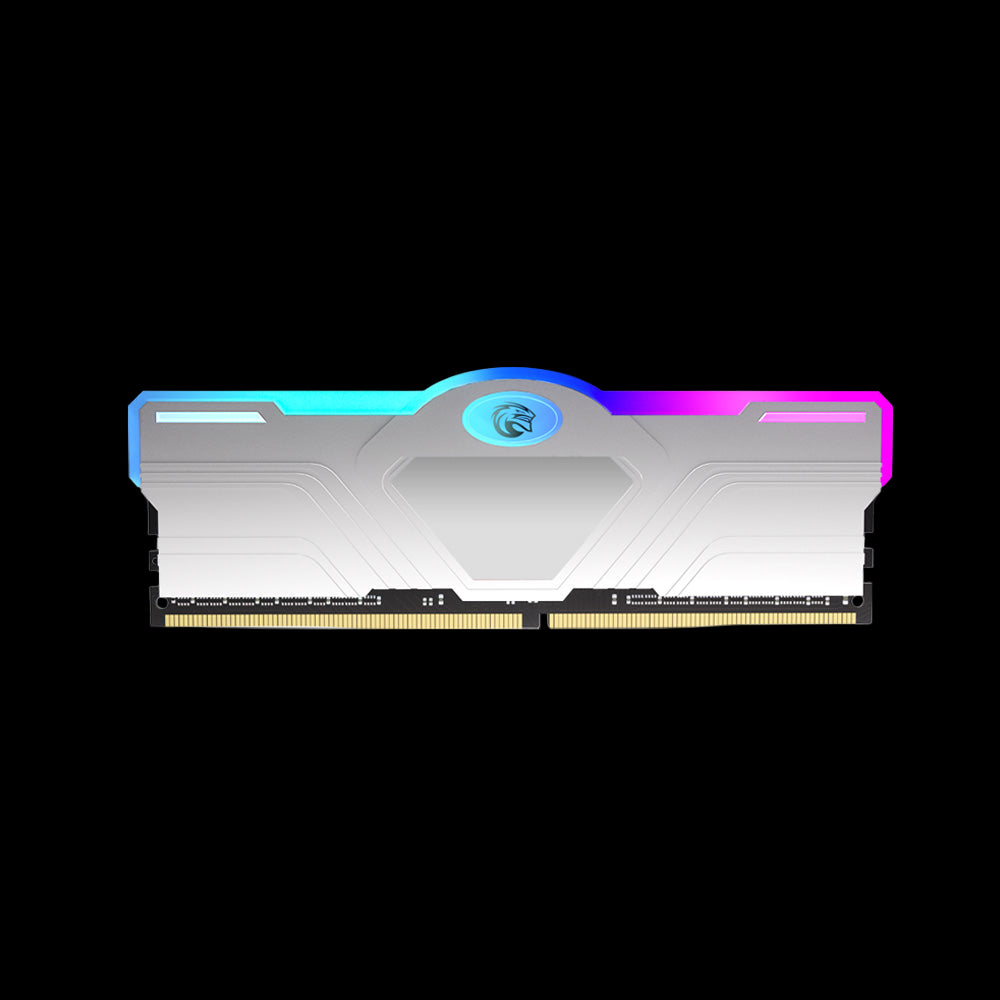

📌 Heat can reduce SSD write speed during long use. Don’t forget to check out Is an SSD with Heatsink Worth It? Performance, Cooling, and Real Benefits to see how cooling helps maintain speed.
SSD Write Speed Limitations You Should Know
SSD write speed is not unlimited and can change during long tasks. Many drives use a fast cache that fills up and then slows down.
Things that affect limits include:
- Cache size and type
- Memory cell technology
- Controller efficiency
Understanding these limits helps explain why write speed may start fast and then slow down during large transfers.
Conclusion
SSD write speed plays a major role in how fast and smooth your computer feels during everyday tasks. Understanding what affects write speed helps you choose better storage and avoid common performance issues.
For more helpful guides, tips about storage, and even other recreational tech topics, Kingspec offers useful resources worth checking out. Kingspec also provides memory cards, gaming storage, internal storage, external storage, SSDs, DDR RAM, and more for users looking to upgrade with confidence.
Frequently Asked Questions About SSD Write Speed
What is a good write speed for an SSD?
A good SSD write speed depends on the type of SSD and how you use it. For basic tasks, moderate speeds are fine, while gaming and creative work benefit from higher speeds. Consistency is often more important than peak numbers. A stable write speed keeps performance smooth.
Why is my SSD write speed so slow?
Slow SSD write speed is often caused by a nearly full drive or cache limits. Heat and background activity can also reduce performance. Updating drivers and freeing space usually helps. In some cases, the SSD design itself limits sustained speed.
Is 1000 Mbps good for an SSD?
1000 Mbps equals about 125 MB per second, which is slow for modern SSDs. Most internal SSDs are built to write data much faster than that. This number is often confused with internet speed. For storage, higher MB per second values are expected.
Does faster SSD write speed make a difference?
Yes, faster SSD write speed improves tasks like installing software and saving large files. It also helps reduce slowdowns during heavy workloads. For light use, the difference may be smaller. Power users notice the biggest gains.
What is the write speed of my SSD?
You can find your SSD write speed by using a storage benchmark tool. These tools test how fast data is written under different conditions. Results may vary based on system load. Running the test more than once gives a clearer picture.

